

What this pack changes
Every texture group the pack replaces, counted from the pack itself.
| Area | Textures replaced |
|---|---|
| Items | 704 |
| Blocks | 567 |
| GUI & menus | 229 |
| Particles | 97 |
| Menu | 78 |
| Items | 60 |
| Armor trims | 56 |
| Mobs & entities | 53 |
| Maps | 35 |
| Toast | 11 |
| Font | 5 |
| Respackopts | 4 |
| Advancement | 3 |
| Chat | 3 |
| Sky & weather | 3 |
| Splash | 2 |
| Blocks | 2 |
| Biome colours | 2 |
| Misc | 2 |
| Statistic | 1 |
Pack format 68–75 (Minecraft 1.21.6–1.21.9)1,917 texture files in total
Extra features
Custom font
Custom block/item models
Reworked GUI
Guides
Step-by-step, in-game.
How to Activate and Order Vayu Pack Immersion in Your Resource Packs MenuHow to Decorate Builds with 3D Foliage, Ladders, and BookshelvesHow to Display Items Directly on Walls Using Invisible Item FramesHow to Equip and Inspect Refreshed Adventuring Gear and Copper ArmorHow to Identify Villager Jobs and Enchanted Books Using Visual OverhaulsHow to Use the Built-In Brewing Stand Recipe Chart
Items
137 items · showing 24. Browse all →
 Acacia Boat with Chest
 Arrow
 Banner Pattern (Creeper)
 Banner Pattern (Globe)
 Banner Pattern (Piglin)
 Banner Pattern (Skull)
 Banner Pattern (Flower)
 Banner Pattern (Mojang)
 Beetroot Soup
 Birch Boat with Chest
 Book
 Book and Quill
 Bow
 Bread
 Brush
 Bucket
 Bucket of Axolotl
 Bucket of Cod
 Bucket of Pufferfish
 Bucket of Salmon
 Bucket of Tadpole
 Bucket of Tropical Fish
 Chainmail Boots
 Chainmail Chestplate
Blocks
178 blocks · showing 24. Browse all →
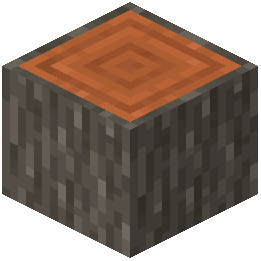 Acacia Log
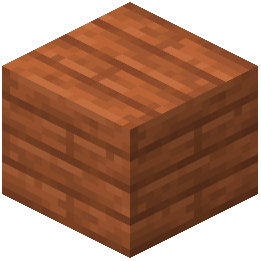 Acacia Planks
 Activator Rail
 Allium
 Amethyst Cluster
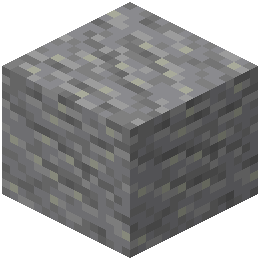 Andesite
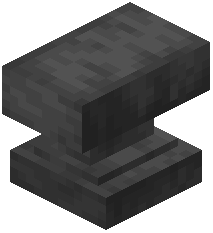 Anvil
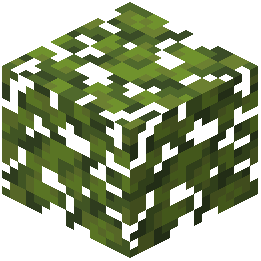 Azalea Leaves
 Azure Bluet
 Beacon
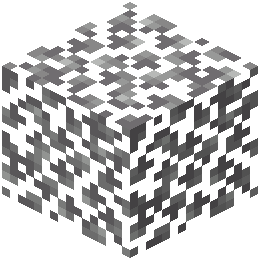 Birch Leaves
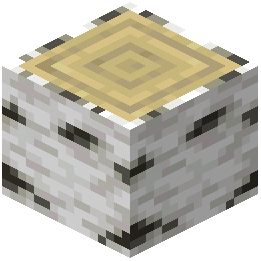 Birch Log
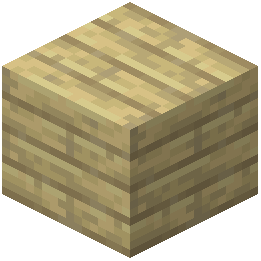 Birch Planks
 Black Candle
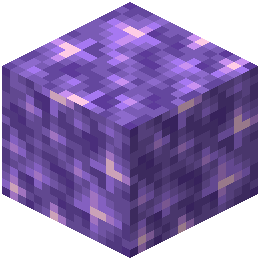 Block of Amethyst
 Blue Candle
 Blue Ice
 Blue Orchid
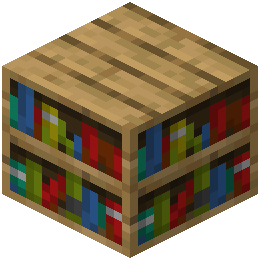 Bookshelf
 Brewing Stand
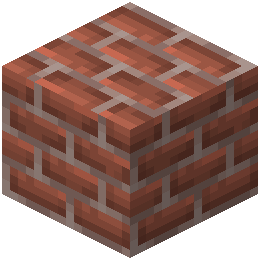 Bricks
 Brown Candle
 Candle
 Carved Pumpkin
Frequently asked questions
Why are my menus still light gray after enabling the pack?
Open your Options menu, go to Resource Packs, and make sure Vayu Pack Immersion is moved to the right-hand Selected column. Place it at the very top of the active list so other resource packs do not override its dark interface textures.
Where did my item frames go when I placed them on the wall?
The pack intentionally makes  item frame borders invisible so displayed items appear to sit directly against your walls. You can still see the outline box when looking directly at the block space, and you can place or remove items from it normally.
How do I find an empty item frame if the border is invisible?
Move your crosshair over the wall block where you placed the frame until a black selection hitbox appears. You can also press F3 + B to toggle entity hitboxes on, which highlights the exact position of every empty item frame in the room.
item frame in the room.How do I open the potion recipe guide in the brewing stand?
You do not need to press any extra keys; the recipe chart is built directly into the dark interface texture of the Brewing Stand. Simply right-click any Brewing Stand to view the ingredient flow chart alongside the standard brewing slots.
Brewing Stand. Simply right-click any Brewing Stand to view the ingredient flow chart alongside the standard brewing slots.See all 16 Vayu Pack Immersion questions ›
Related mods
Other wikis you may find useful.