

What this pack changes
Every texture group the pack replaces, counted from the pack itself.
| Area | Textures replaced |
|---|---|
| Mobs & entities | 32 |
| Blocks | 18 |
50 texture files in total
Extra features
Custom block/item models
Guides
Step-by-step, in-game.
How to Hide Base Coordinates Before Taking Screenshots or Recording VideoHow to Manage Block and Villager Texture VariantsHow to Mine Ores Safely Without Exposing Natural Vein PatternsHow to Protect Bedrock-Level Builds from Coordinate Tracking
Blocks
B
 Bedrock
C
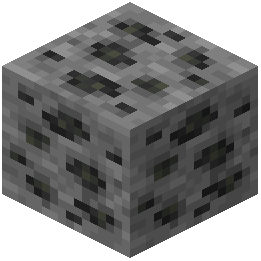 Coal Ore
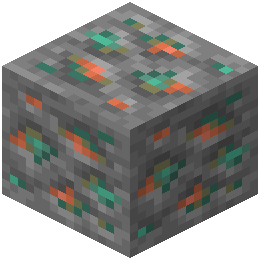 Copper Ore
D
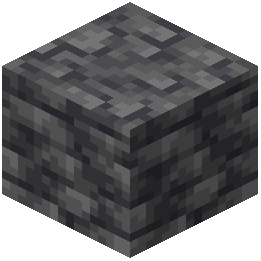 Deepslate
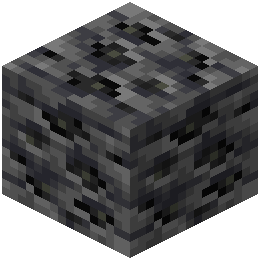 Deepslate Coal Ore
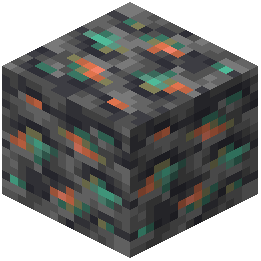 Deepslate Copper Ore
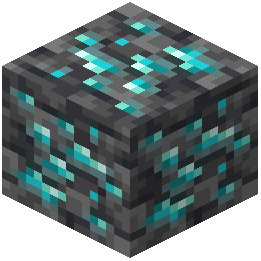 Deepslate Diamond Ore
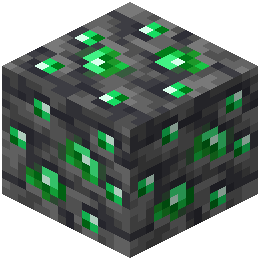 Deepslate Emerald Ore
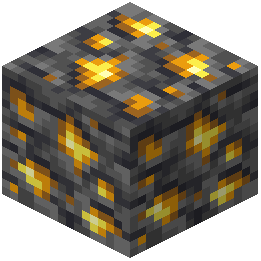 Deepslate Gold Ore
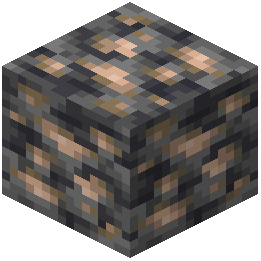 Deepslate Iron Ore
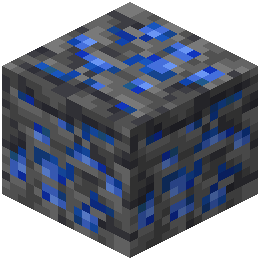 Deepslate Lapis Lazuli Ore
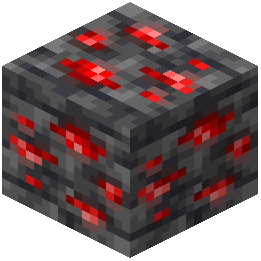 Deepslate Redstone Ore
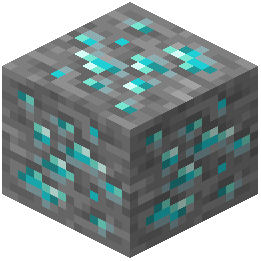 Diamond Ore
E
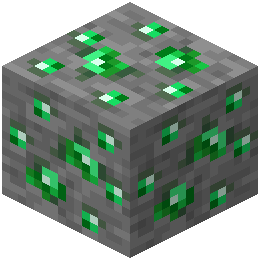 Emerald Ore
G
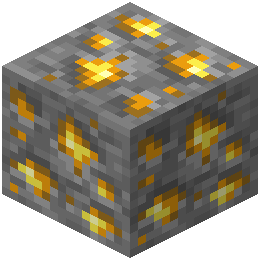 Gold Ore
I
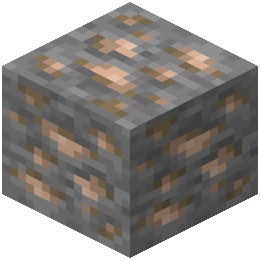 Iron Ore
L
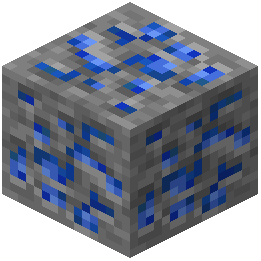 Lapis Lazuli Ore
R
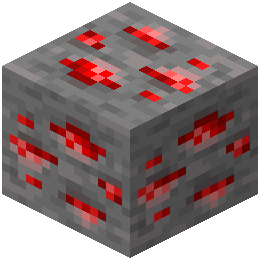 Redstone Ore
Frequently asked questions
Where did all the ores go after I turned the pack on?
The ores are still in the world, but their textures have been replaced with plain stone and deepslate patterns. This keeps natural vein formations hidden from anyone watching your videos or looking at your screenshots.
How do I find and mine ores if they look just like normal stone?
Because the pack completely blends ores into surrounding stone and deepslate, you should disable it in your resource pack menu when going on regular mining trips. Only activate the pack when you are ready to record video or take screenshots around your secret base.
Why does the Bedrock at the bottom of my world look like cave stone?
Bedrock generates in predictable patterns that rival players can use to calculate your exact world coordinates. The pack disguises bedrock with uniform cave stone textures so you can safely show builds near the bottom of the world without leaking your location.
Can I use this on a multiplayer server if the server doesn't have it installed?
Yes, this is a client-side resource pack that only changes how blocks and entities look on your own screen. It works on any multiplayer server without needing server-side installation.
Can other players still see the Bedrock and ores in my base if they visit it?
Yes, the textures are only hidden for you and anyone viewing your screenshots or recordings. If another player physically finds your base in the game, they will see the normal textures unless they also have the pack enabled.
Does disguising Bedrock mean I can accidentally break it in survival?
No, the pack only alters visual block textures and leaves regular survival gameplay and block mechanics completely untouched. Disguised bedrock remains unbreakable, and disguised ores still take the normal amount of time and the right pickaxe to mine.
Why did my villagers change appearance when I enabled the pack?
Alongside hiding ores and bedrock, the pack includes alternate texture variants for certain blocks and entities like villagers. This is a normal visual feature of the pack and does not change how your villagers trade or behave.
Will turning this pack on mess up my world generation or delete my ores?
No, the pack does not alter world generation or remove any blocks from your save file. All of your ores and bedrock remain in their exact positions and will look normal again whenever you turn the pack off.
Why are my ores and Bedrock still showing their normal textures after I enabled the pack?
Another resource pack in your active list is likely overriding these textures. Move the No More LEAK Resource Pack to the very top of your active resource packs list in the game settings so its textures take priority.
When should I turn this pack on to keep my base safe?
Enable the pack in your settings right before you start a livestream, record a video, or take screenshots of your underground builds. Once you are done capturing media, you can switch it off to see ores normally again.
Related mods
Other wikis you may find useful.