

What this pack changes
Every texture group the pack replaces, counted from the pack itself.
| Area | Textures replaced |
|---|---|
| Blocks | 77 |
| Mobs & entities | 28 |
| Biome colours | 2 |
| Items | 1 |
Pack format 15–200 (Minecraft 1.20–1.21.9)108 texture files in total
Extra features
Custom entity models (OptiFine/CEM)
Custom block/item models
Guides
Step-by-step, in-game.
How to Decorate Builds with Autumn Foliage and Restyled FloraHow to Enable Custom Mob Models and Glowing Undead TexturesHow to Find Spooky Mob Variants and Glowing UndeadHow to Spot Hidden Block Faces and Customize Your Pack Load Order
Items
 Pitcher Plant
Blocks
A
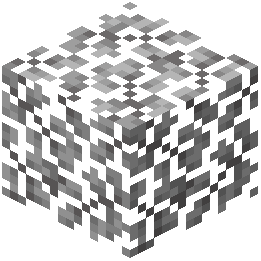 Acacia Leaves
 Acacia Sapling
 Allium
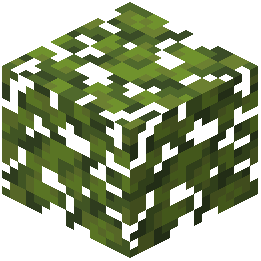 Azalea Leaves
 Azure Bluet
B
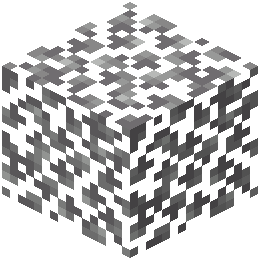 Birch Leaves
 Birch Sapling
 Bush
C
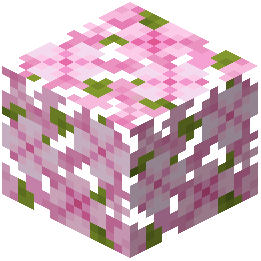 Cherry Leaves
 Cherry Sapling
 Cornflower
D
 Dandelion
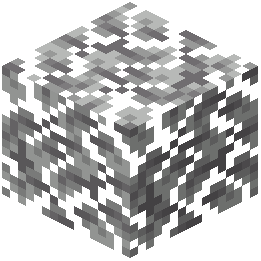 Dark Oak Leaves
 Dark Oak Sapling
F
 Fern
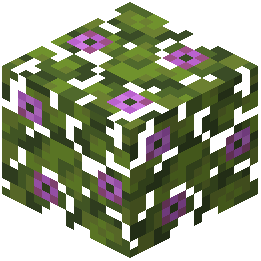 Flowering Azalea Leaves
J
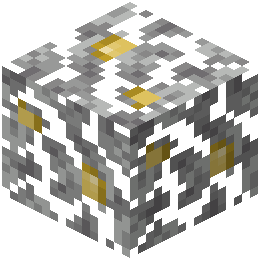 Jungle Leaves
 Jungle Sapling
L
 Lily of the Valley
M
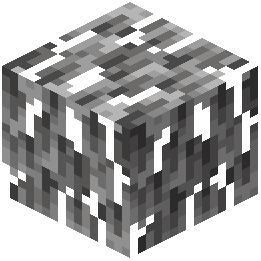 Mangrove Leaves
O
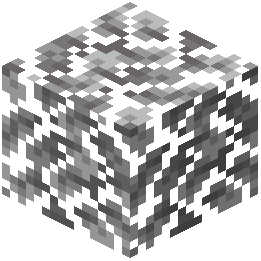 Oak Leaves
 Oak Sapling
 Orange Tulip
 Oxeye Daisy
P
 Pink Tulip
 Poppy
R
 Red Tulip
S
 Short Grass
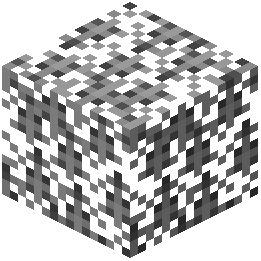 Spruce Leaves
 Spruce Sapling
T
 Torchflower
W
 White Tulip
Frequently asked questions
Why are the villagers, cats, and wolves still using their normal vanilla models?
The custom holiday mob models and textures require Entity Model Features (EMF) and Entity Texture Features (ETF) to work. Make sure both of those mods are running alongside the pack and that custom entity models are enabled in your video settings.
How do I make the undead mobs glow in the dark?
The glowing highlights on undead monsters rely on emissive textures handled by the ETF mod. Open your ETF settings in the options menu and verify that emissive textures are turned on so undead creatures glow in dark areas.
Which passive mobs get spooky makeovers?
The pack replaces the standard models and textures for villagers, wolves, and cats with festive holiday variants. You can find these updated mobs naturally in villages, forests, or among your already tamed pets.
Why are my tree leaves still green instead of autumn colors?
Autumn foliage relies on custom seasonal colormaps, which can be overridden if another resource pack is loaded above this one. Move the Halloween Specials pack to the top of your active resource pack list and ensure custom colormaps are enabled in your graphics settings.
See all 12 Halloween Specials questions ›
Related mods
Other wikis you may find useful.