
Bedwars Pack Ultra Resource Pack Wiki

Bedwars Pack Ultra Resource Pack Wiki & Guide
wiki.9minecraft.net/bedwars-pack-ultra-resource-pack/
The community wiki and guide for Bedwars Pack Ultra Resource Pack — guides, recipes, items and mechanics.
What this pack changes
Every texture group the pack replaces, counted from the pack itself.
| Area | Textures replaced |
|---|---|
| Blocks | 189 |
| Particles | 112 |
| Mobs & entities | 34 |
| GUI & menus | 27 |
| Items | 27 |
| Misc | 4 |
| Sky & weather | 2 |
| Status effects | 2 |
Pack format 75–96 (Minecraft 1.21.9)397 texture files in total
Extra features
Reworked GUI
Guides
Step-by-step, in-game.
How to Activate and Layer BedWars Pack Ultra for Competitive MatchesHow to Pair Vanilla Video Settings with BedWars Pack Ultra for Clutter-Free ArenasHow to Read Team Wool Colors and Defenses Quickly Across the ArenaHow to Use Clean Sword and Gear Textures to Improve Close Combat Visibility
Items
A
 Arrow
D
 Diamond Axe
 Diamond Pickaxe
 Diamond Sword
E
 Ender Pearl
F
 Fire Charge
G
 Golden Apple
 Golden Axe
 Golden Pickaxe
 Golden Sword
I
 Iron Axe
 Iron Pickaxe
 Iron Sword
P
 Potion
S
 Shears
 Stone Axe
 Stone Pickaxe
 Stone Sword
W
 Water Bucket
 Wooden Axe
 Wooden Pickaxe
 Wooden Sword
Blocks
A
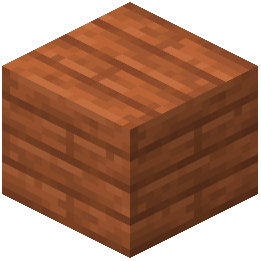 Acacia Planks
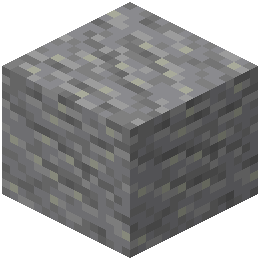 Andesite
B
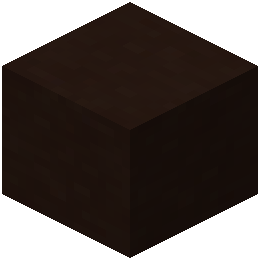 Black Terracotta
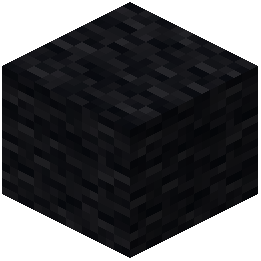 Black Wool
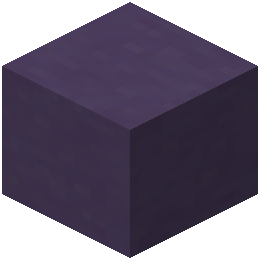 Blue Terracotta
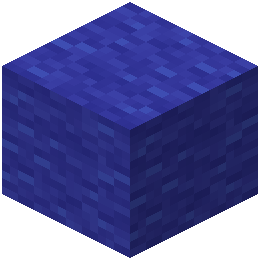 Blue Wool
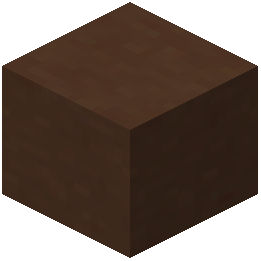 Brown Terracotta
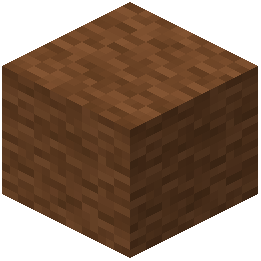 Brown Wool
C
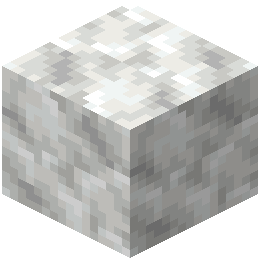 Calcite
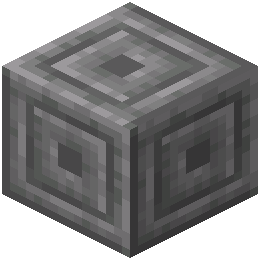 Chiseled Stone Bricks
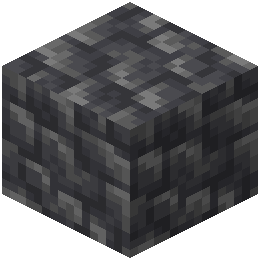 Cobbled Deepslate
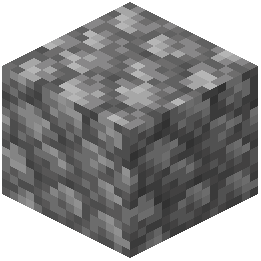 Cobblestone
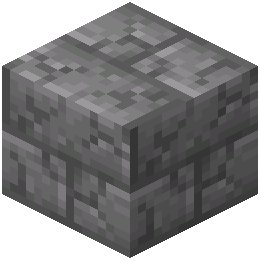 Cracked Stone Bricks
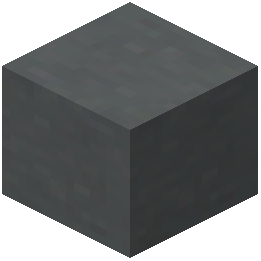 Cyan Terracotta
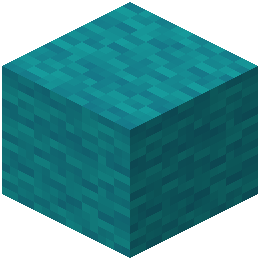 Cyan Wool
D
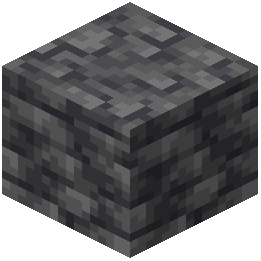 Deepslate
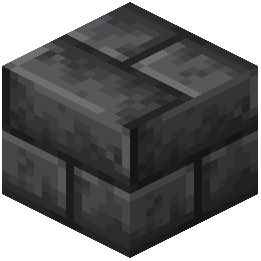 Deepslate Bricks
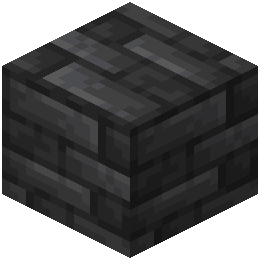 Deepslate Tiles
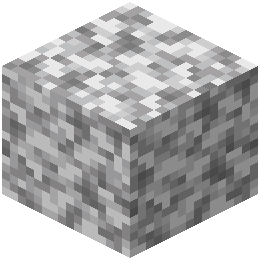 Diorite
E
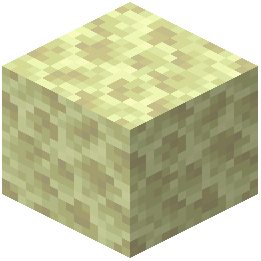 End Stone
G
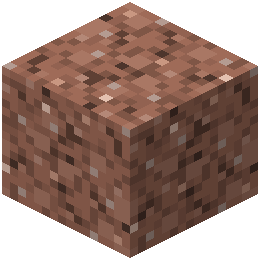 Granite
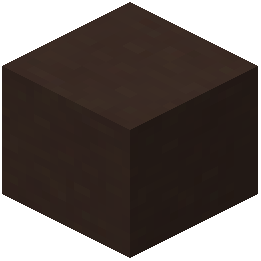 Gray Terracotta
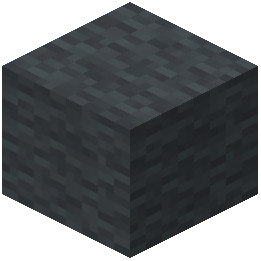 Gray Wool
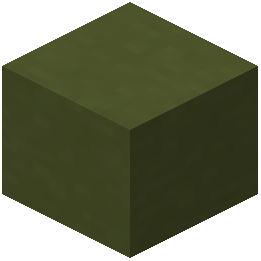 Green Terracotta
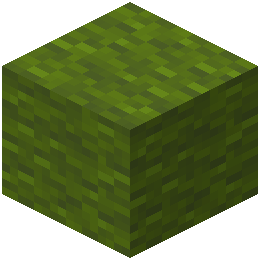 Green Wool
L
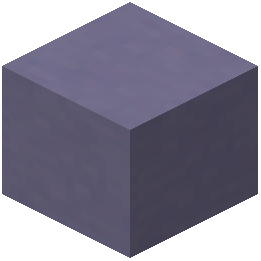 Light Blue Terracotta
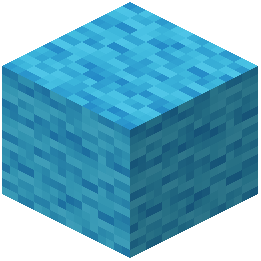 Light Blue Wool
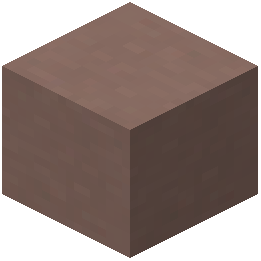 Light Gray Terracotta
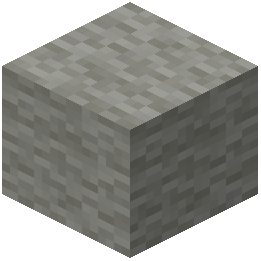 Light Gray Wool
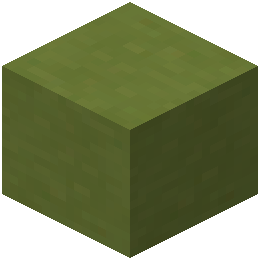 Lime Terracotta
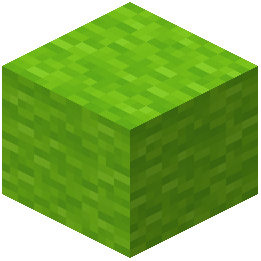 Lime Wool
M
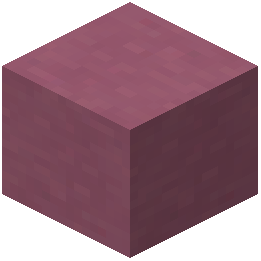 Magenta Terracotta
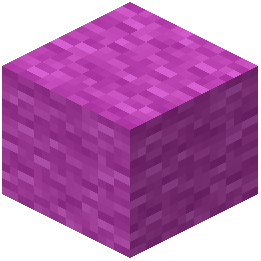 Magenta Wool
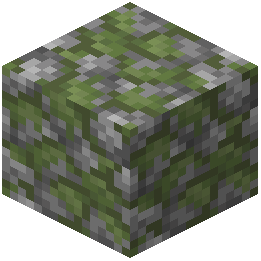 Mossy Cobblestone
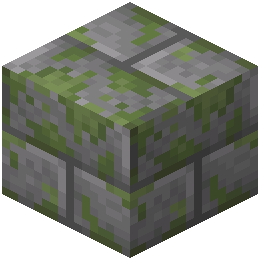 Mossy Stone Bricks
O
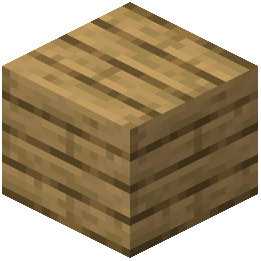 Oak Planks
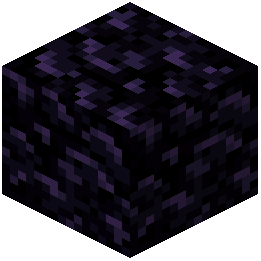 Obsidian
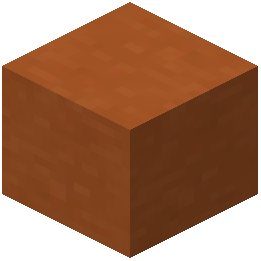 Orange Terracotta
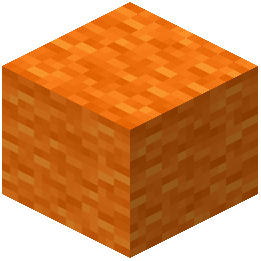 Orange Wool
P
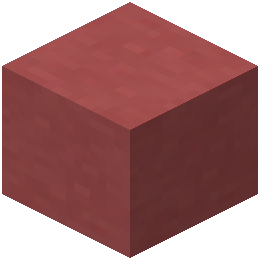 Pink Terracotta
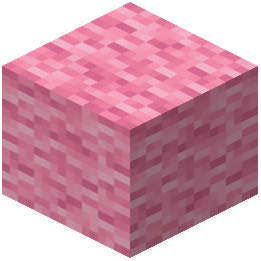 Pink Wool
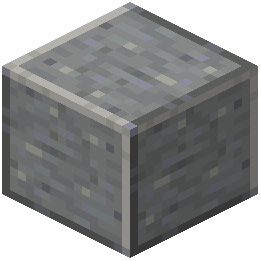 Polished Andesite
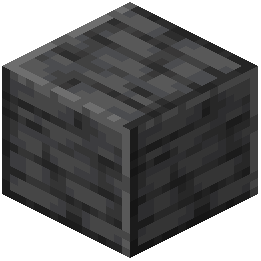 Polished Deepslate
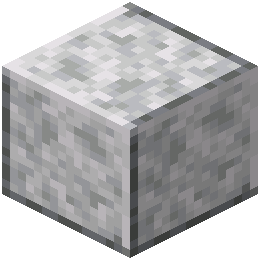 Polished Diorite
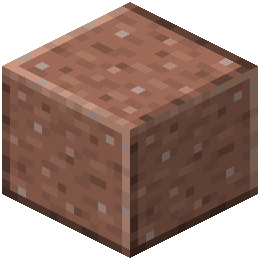 Polished Granite
 Polished Tuff
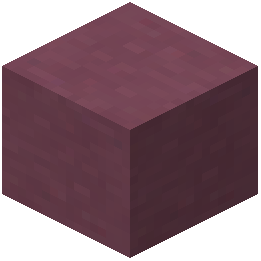 Purple Terracotta
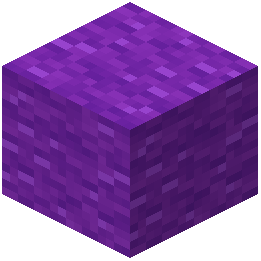 Purple Wool
R
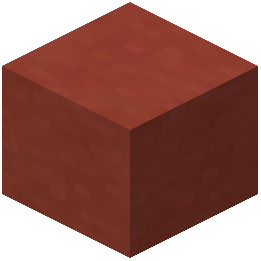 Red Terracotta
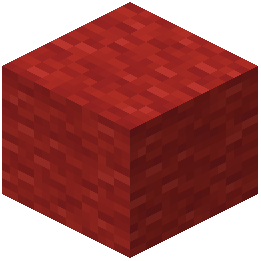 Red Wool
S
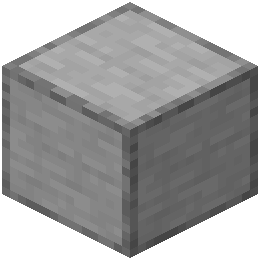 Smooth Stone
 Stone
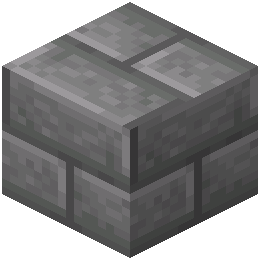 Stone Bricks
T
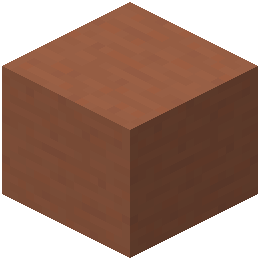 Terracotta
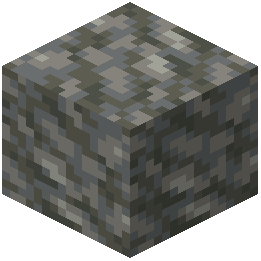 Tuff
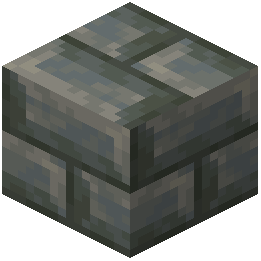 Tuff Bricks
W
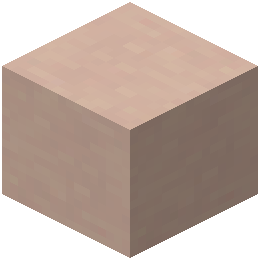 White Terracotta
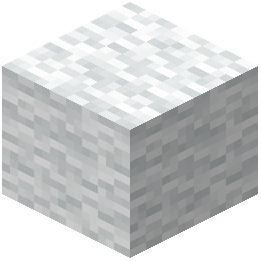 White Wool
Y
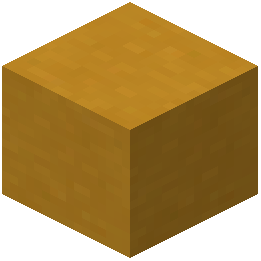 Yellow Terracotta
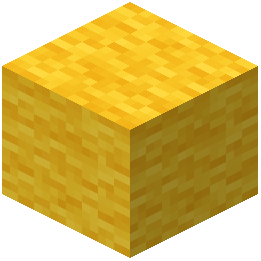 Yellow Wool
Frequently asked questions
Why are my wool blocks and swords still showing default textures after turning the pack on?
Open your Resource Packs menu and make sure BedWars Pack Ultra is moved to the very top of the active column on the right side. If another resource pack is sitting above it, that pack's textures will override the updated wool and combat gear.
Does this resource pack change textures for normal survival blocks outside of Bedwars?
The pack focuses specifically on essential arena blocks, wool colors, weapons, and everyday match items used in competitive Bedwars. Blocks and items that are not commonly part of Bedwars matches will retain their standard appearance.
How do the updated sword textures help in close combat?
The swords are redesigned to take up less visual space on your screen while you are swinging or holding them. This keeps your center view unobstructed so you can track opponent movements during tight melee fights.
Can I use BedWars Pack Ultra on multiplayer servers without getting banned?
Yes, because it is a client-side resource pack that only changes local block and item visuals without altering game mechanics or hitboxes. It works on any multiplayer Bedwars server regardless of what packs other players are using.
How do I use this pack with other PvP overlay packs?
You can layer multiple resource packs by placing them all in the active column of your Resource Packs menu. Put BedWars Pack Ultra above general survival packs so its wool, sword, and arena block textures take priority.
Why do the team wool colors look different from normal Minecraft wool?
The pack intentionally redesigns all wool blocks to give each team color a clean, distinct pattern with high contrast. This makes it easier to identify which team owns a bridge or bed defense from across the arena.
Will this resource pack lower my FPS during big Bedwars fights?
No, the pack uses crisp, simplified visuals designed to remove visual clutter rather than adding heavy graphical effects. It runs smoothly alongside standard competitive video settings.
What video settings work best to keep the wool and arena blocks looking sharp at a distance?
If the clean wool textures look blurry when viewing distant islands, try adjusting or turning off your Mipmap Levels in the vanilla Video Settings menu. Disabling heavy fog or vignette effects also helps keep the high-contrast team colors clear across the void.
Why did the server override my BedWars Pack Ultra textures when I joined a lobby?
Some servers automatically apply a custom server resource pack that sits at the highest priority level. Edit the server entry in your multiplayer list and set Server Resource Packs to Disabled if the game mode does not strictly require it.
How can I tell what materials an enemy bed defense is made of with this pack?
Essential arena blocks and wool are given distinct, simplified borders and textures that reduce visual noise when stacked together. You can quickly spot the difference between outer wool layers and inner defense blocks before you bridge over.
Related mods
Other wikis you may find useful.