

What this pack changes
Every texture group the pack replaces, counted from the pack itself.
| Area | Textures replaced |
|---|---|
| GUI & menus | 420 |
| Blocks | 59 |
| Icons | 32 |
| Items | 31 |
| Particles | 29 |
| Font | 9 |
| Mobs & entities | 6 |
| Misc | 2 |
| Sky & weather | 1 |
| Biome colours | 1 |
Pack format 46–88 (Minecraft 1.21.5–1.21.9)6 per-version overlays616 texture files in total
Extra features
Custom shaders
Custom font
Custom sounds
Sound overrides
Custom block/item models
Reworked GUI
Custom particles
Guides
Step-by-step, in-game.
Activating the Pack and Ordering Resource PacksApplying Bedrock Edition Language TranslationsPairing Bedrock Flavor with Sodium, Iris, and UI ModsViewing Bedrock Particles and Hearing Updated Audio
Items
 Empty Map
 Fern
 Large Fern
 Lily Pad
 Map
 Short Grass
 Tall Grass
 Vines
Blocks
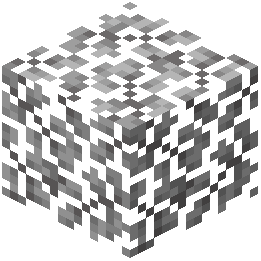 Acacia Leaves
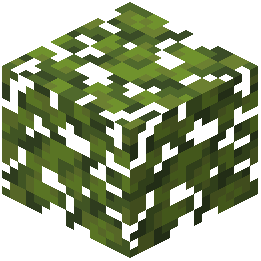 Azalea Leaves
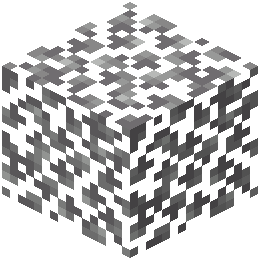 Birch Leaves
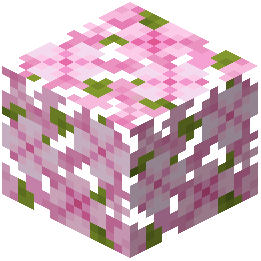 Cherry Leaves
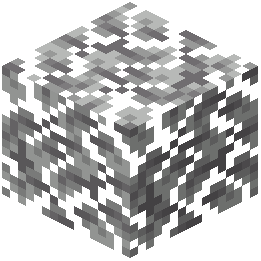 Dark Oak Leaves
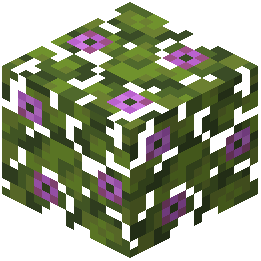 Flowering Azalea Leaves
 Iron Bars
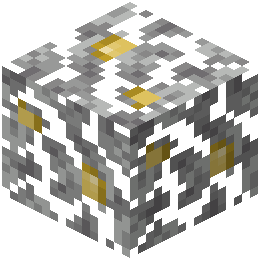 Jungle Leaves
 Kelp
 Kelp Plant
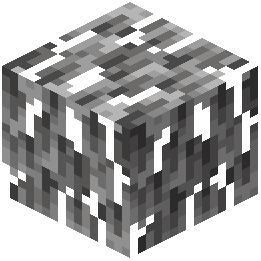 Mangrove Leaves
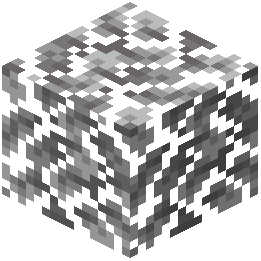 Oak Leaves
 Pale Oak Leaves
 Redstone Torch
 Seagrass
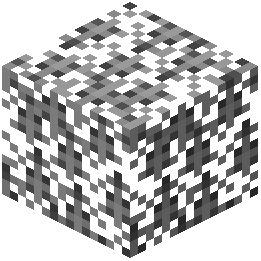 Spruce Leaves
Frequently asked questions
How do I turn on the Bedrock Flavor pack in my game?
Open the Options menu, go to Resource Packs, and move Bedrock Flavor from the Available column to the Selected column. Place it near the top of your active list so other resource packs do not overwrite its textures, sounds, or lighting.
Why are item names still using Java Edition wording?
Activating the resource pack loads the Bedrock translations, or you may need to check your Language settings under Options to ensure the correct language variant is selected. Also make sure no other resource pack placed above Bedrock Flavor is overriding its language files.
Does this pack break block lighting when using Sodium?
No, Bedrock Flavor works alongside Sodium without causing graphical or lighting glitches. You can keep Sodium enabled for performance while still getting the adjusted Bedrock block lighting.
Why don't my chests, beds, and fences look any different in my inventory?
The changes to inventory icons for items like chests, beds, fences, and stone walls are subtle adjustments meant to match Bedrock Edition's rendering angle and shading. If you see no difference at all, check your resource pack load order to ensure another GUI or icon pack isn't sitting above Bedrock Flavor.
How do I see the custom Bedrock particles like the conduit effect?
Make sure your Particles setting in Video Settings is set to All rather than Decreased or Minimal. Once enabled, blocks like campfires and active conduits will automatically display their Bedrock-style particle counterparts.
Does Bedrock Flavor change how mod menus look?
Yes, it alters the visual menus of Iris, Mod Menu, and Resourcify so they blend in with the rest of the pack. It also matches the interface style of Bedrockify and Emotecraft if you have those installed.
Do I need to put this pack on a multiplayer server for it to work?
No, because Bedrock Flavor is a resource pack that only changes client-side visuals, audio, and translations. You can use it on any server right from your own client without the server needing it installed.
Can I use shaders with Iris while running this resource pack?
Yes, Bedrock Flavor is compatible with Iris and even updates the look of the Iris configuration menus. Keep in mind that an active shader pack will apply its own lighting and water effects over the resource pack's default block lighting adjustments.
Why am I not hearing the updated Bedrock sound effects?
Check your Music & Sounds options to verify that the relevant audio sliders are turned up, and confirm that Bedrock Flavor is placed above any sound-altering resource packs. If sounds still fail to load after activating the pack, press F3 + T in-game to force a full reload of your audio and textures.
Should I load Bedrock Flavor above or below Bedrockify?
Bedrock Flavor is designed to match Bedrockify's interface style, so they work together seamlessly. Place Bedrock Flavor high in your Selected resource packs list so its block textures, item icons, and menu visuals take priority over default assets.
Related mods
Other wikis you may find useful.