

 DownloadTom's Simple Storage Mod
Get the files on 9Minecraft
Contents (5)
Build the network
Place a  Storage Terminal where you want to browse your items. Place
 Inventory Cable so it touches the Storage Terminal, then run the cable to each container you want on the network. Every chest, barrel, or other inventory must touch an Inventory Cable or an
 Inventory Connector. Use
 Inventory Cable Connector and
 Inventory Cable Connector (Framed) to join cable runs at corners and junctions, and
 Inventory Trim to cover cable you do not want visible.
 Framed Inventory Cable lets you
 disguise the run inside a build.
Attach the containers
An Inventory Connector is the block that actually binds a container to the network. Put an Inventory Connector against the chest, then connect it to the cable run. If a container sits away from the main line, use an  Inventory Interface or
 Inventory Proxy to reach it. The
 Inventory Configurator is the tool for adjusting how a connection behaves once placed. Open the Storage Terminal and every linked container's contents appear in one list; you can search, sort, and pull stacks straight into your inventory.
Move items automatically
Add a 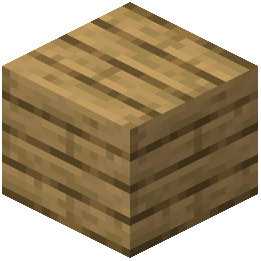 Basic Inventory Hopper where you want items to flow into the network, and an Open Crate for dropping items in. Use
 Item Filter,
 Tag Item Filter, or
 Polymorphic Item Filter on a connection to restrict which items pass. A
 Level Emitter reads how much of something the network holds and emits a signal at a set threshold, which you can wire to control machines.


