

 DownloadSophisticated Storage
Get the files on 9Minecraft
What Limited Barrels Are
Limited  Barrels are variants of the standard barrel that cap how many items they can hold. They come in tiers matching the normal barrel tiers (Basic, Copper, Iron, Gold, Diamond, Netherite) and in four capacity levels labeled 1 through 4. Limited Barrel 1 holds the fewest items;
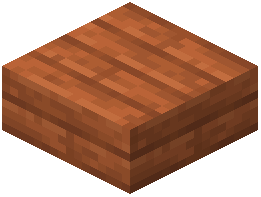 Limited Barrel 4 holds the most within the limited range. They are useful when you want a container to accept only a set amount of a resource.
When to Use Them
- Farm output buffers: Cap a barrel so a farm stops filling it once a threshold is reached, preventing overflow.
- Trading stock: Keep exactly the amount you need for villager trades.
- Redstone-friendly storage: Because the fill level is bounded, comparators reading the barrel behave predictably.
- Aesthetic sorting walls: Use different limited tiers to visually indicate priority or stock level.
Setting Them Up
1. Craft the Limited Barrel tier and capacity level you need.
2. Place it and open the GUI — it looks and behaves like a normal barrel but with a lower maximum.
3. Install upgrades as usual (Filter, Void, Hopper, etc.) to control what enters.
4. Use a  Hopper Upgrade or
 Storage I/O to feed it from your farm or
 crafting setup.
Limited Barrels accept the same upgrade modules as regular barrels, so you can combine capacity limits with filtering and automation for precise control.


