

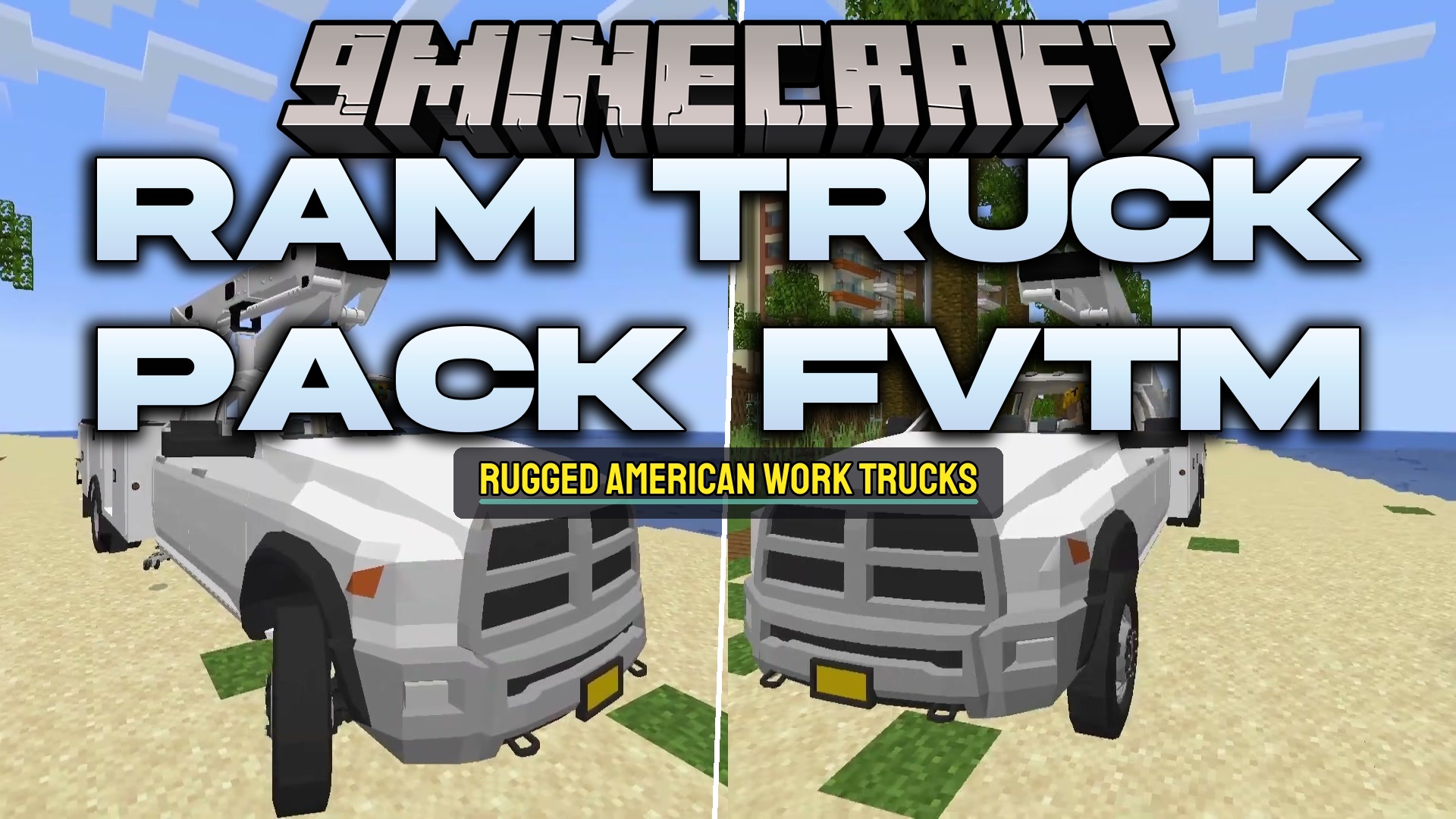
 DownloadRam Truck Pack FVTM Mod
Get the files on 9Minecraft
Guides
Step-by-step, in-game.
How to Access and Use Truck StorageStorage Locations Your truck contains multiple storage areas. The truck bed provides the main cargo area for hauling…How to Attach and Detach TrailersConnecting a Trailer Trailers can be towed behind any truck equipped with a trailer hitch. Approach the rear of your…How to Control Truck Lights and VisibilityLight Types Available Your truck cabin has multiple lighting options. Headlights illuminate the road ahead during…How to Use Bucket Truck Boom ControlsEntering the Bucket Climb into a bucket truck just like you would any vehicle seat. Once seated in the basket, you'll…
Frequently asked questions
How do I spawn a truck?
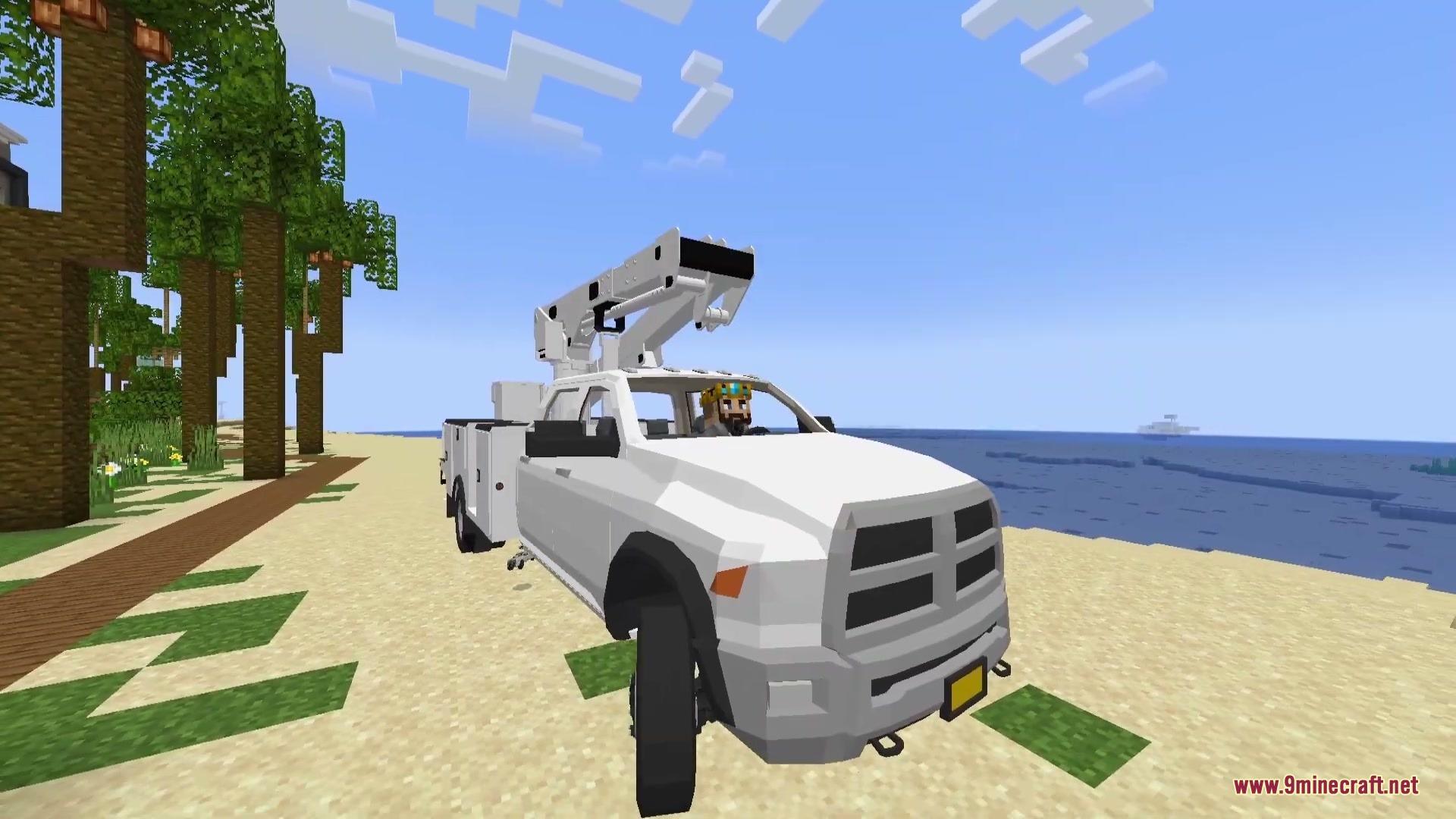
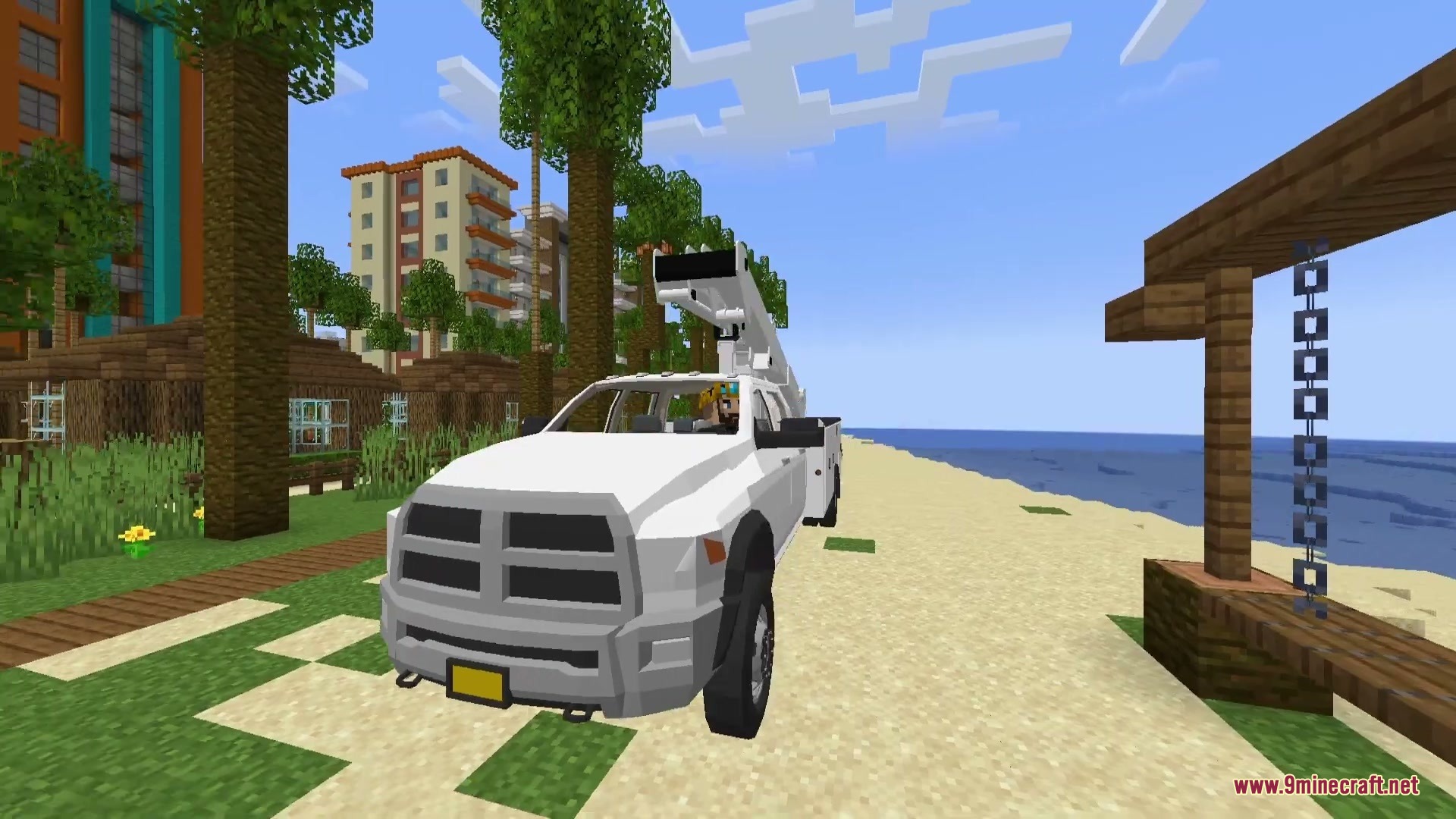
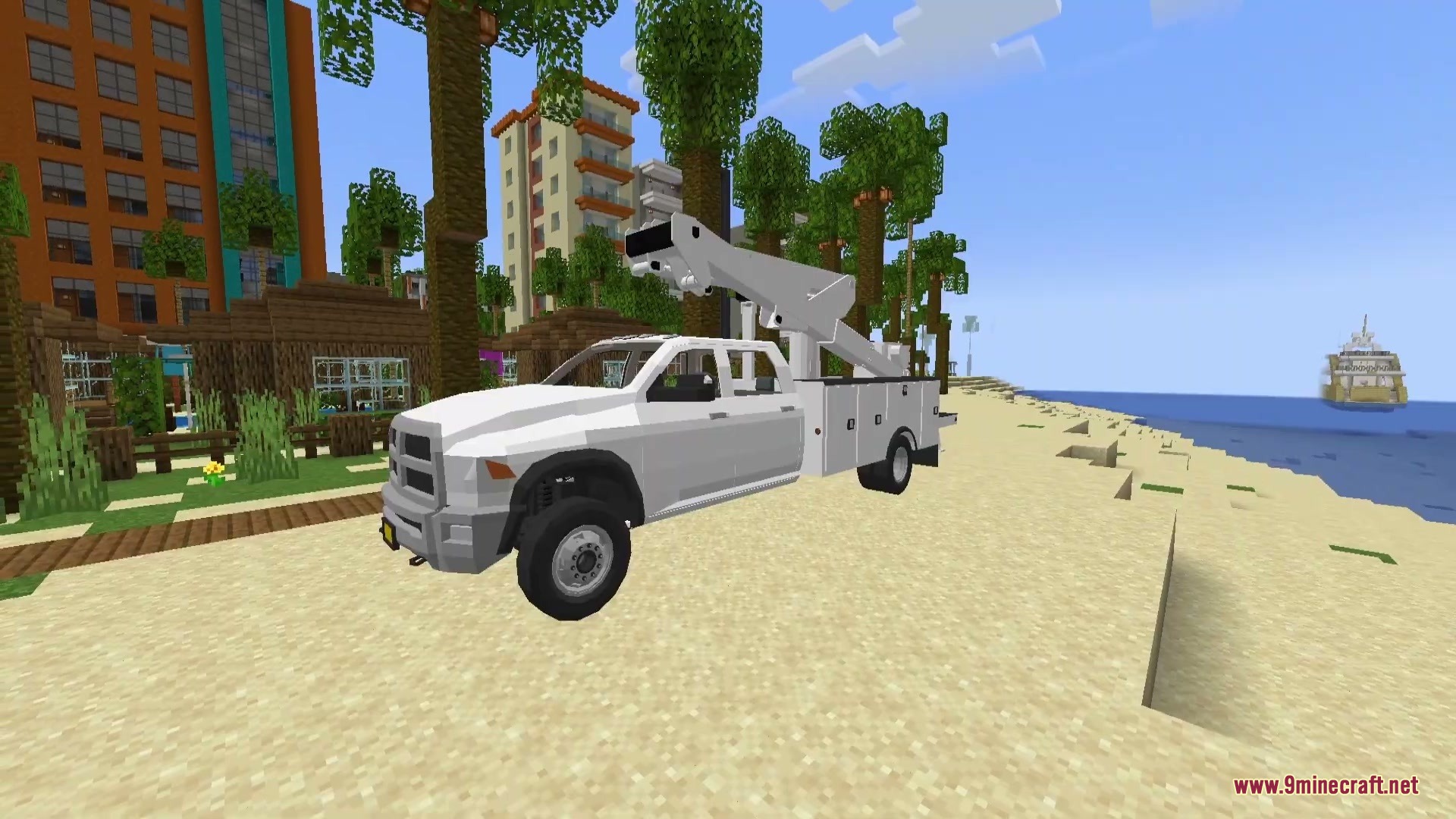
Use the FVTM mod's vehicle spawner or crafting menu to select a Ram truck model, then place it in the world like any other vehicle from the mod. Once spawned, right-click or use your configured key to enter the driver's seat.
Can I tow trailers with these trucks?
Yes, trucks equipped with trailer hitches can tow compatible trailers from FVTM. Back up to the trailer hitch, and the connection should lock automatically when aligned properly.
How do I use the bucket truck boom?
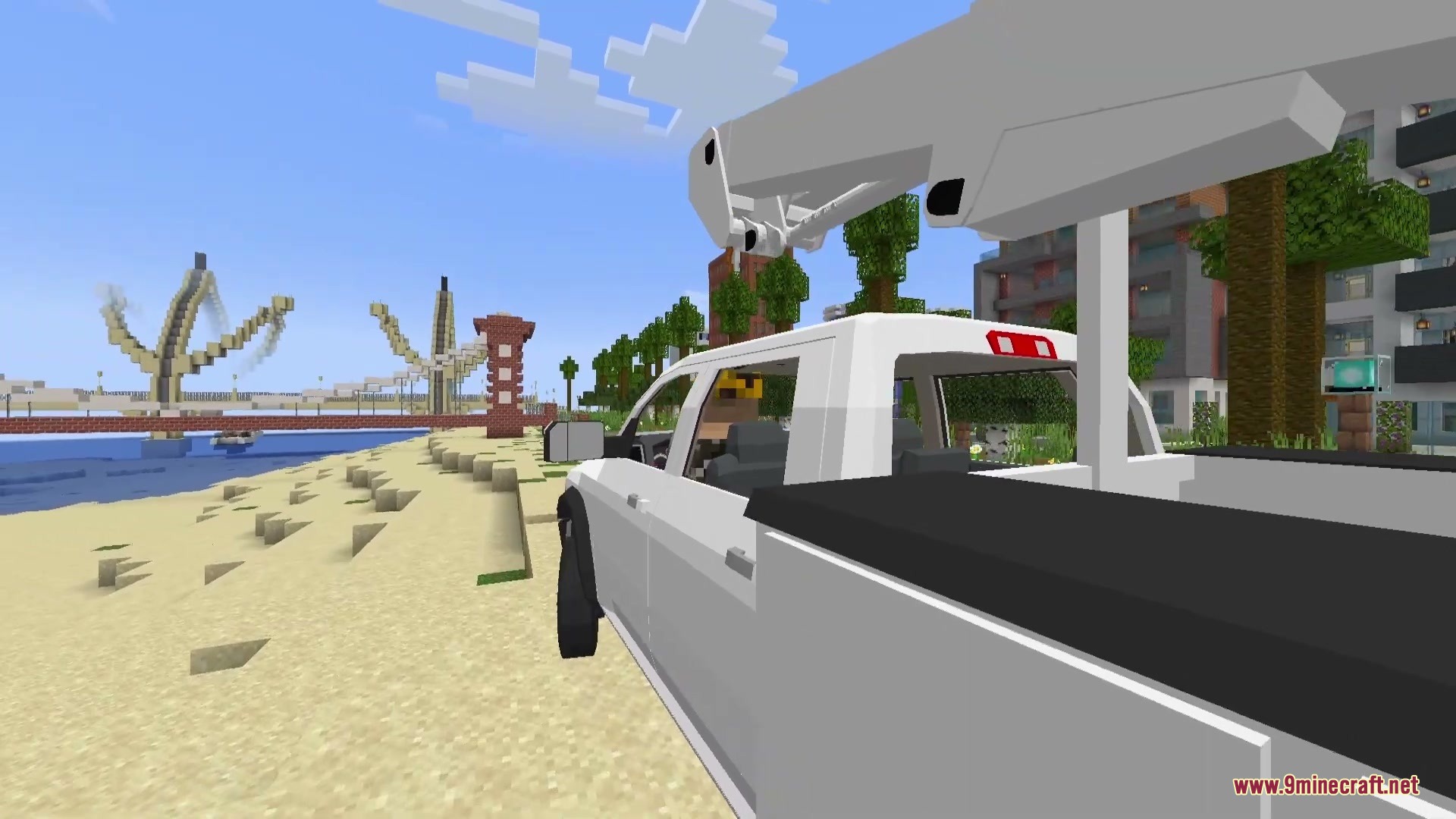
Climb into the bucket basket as a passenger, then use W to raise the lower boom and S to lower it, while A rotates left and D rotates right. The boom can extend up to 23 blocks high to reach elevated areas.
Where do I store items in a truck?
Most trucks have a truck bed for cargo, plus a glove compartment and center console accessible from the cabin. Click on these storage areas while inside the vehicle to open their inventories.
See all 10 Ram Truck Pack FVTM questions ›
Gallery
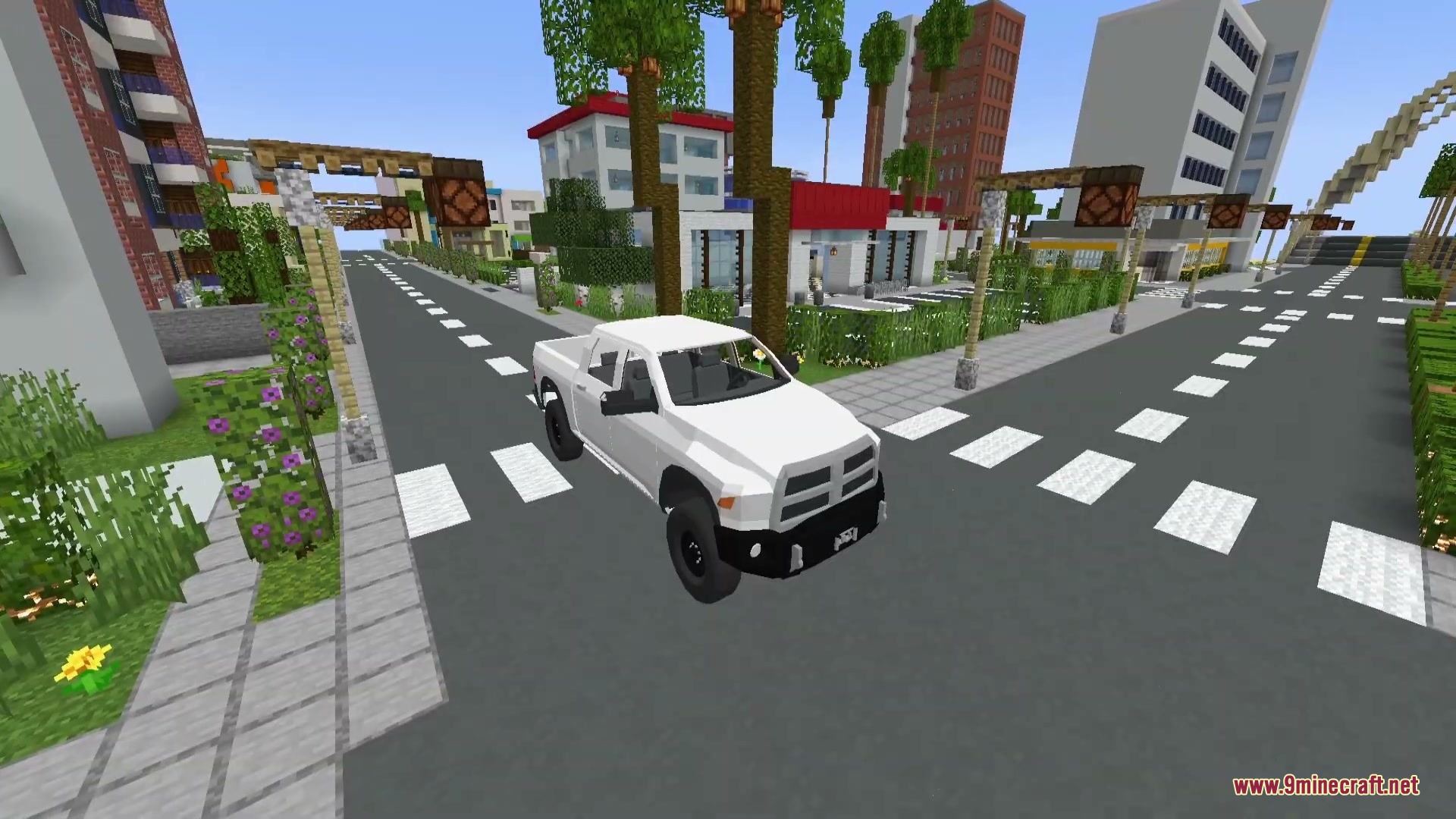
9 images from the Ram Truck Pack Fvtm Mod page.
You May Also Like
Wikis that share the most with this one
More mod wikis on the site
The most downloaded mods that have a wiki here
A few wikis from each of the other kinds