

 DownloadImage2Map Mod
Get the files on 9Minecraft
Guides
Step-by-step, in-game.
How to Choose Between Dither and No Dither for Your Map ImageWhat dithering does Maps can only show a limited palette of colors. Dithering mixes pixels of available colors in a…How to Make Large Multi-Map Wall Art with Image2MapUnderstanding map size A single in-game map is 128×128 pixels. To display a bigger picture you split it across…How to Preview an Image Before Committing It to a MapWhy preview first Rendering a large image can produce many maps, and you may not like how dithering or scaling looks.…How to Turn a Custom Image into a Map with Image2MapGetting the image ready Before you touch the game, make sure your image is reachable by URL. Image2Map downloads the…
Frequently asked questions
How do I start using Image2Map after installing it?
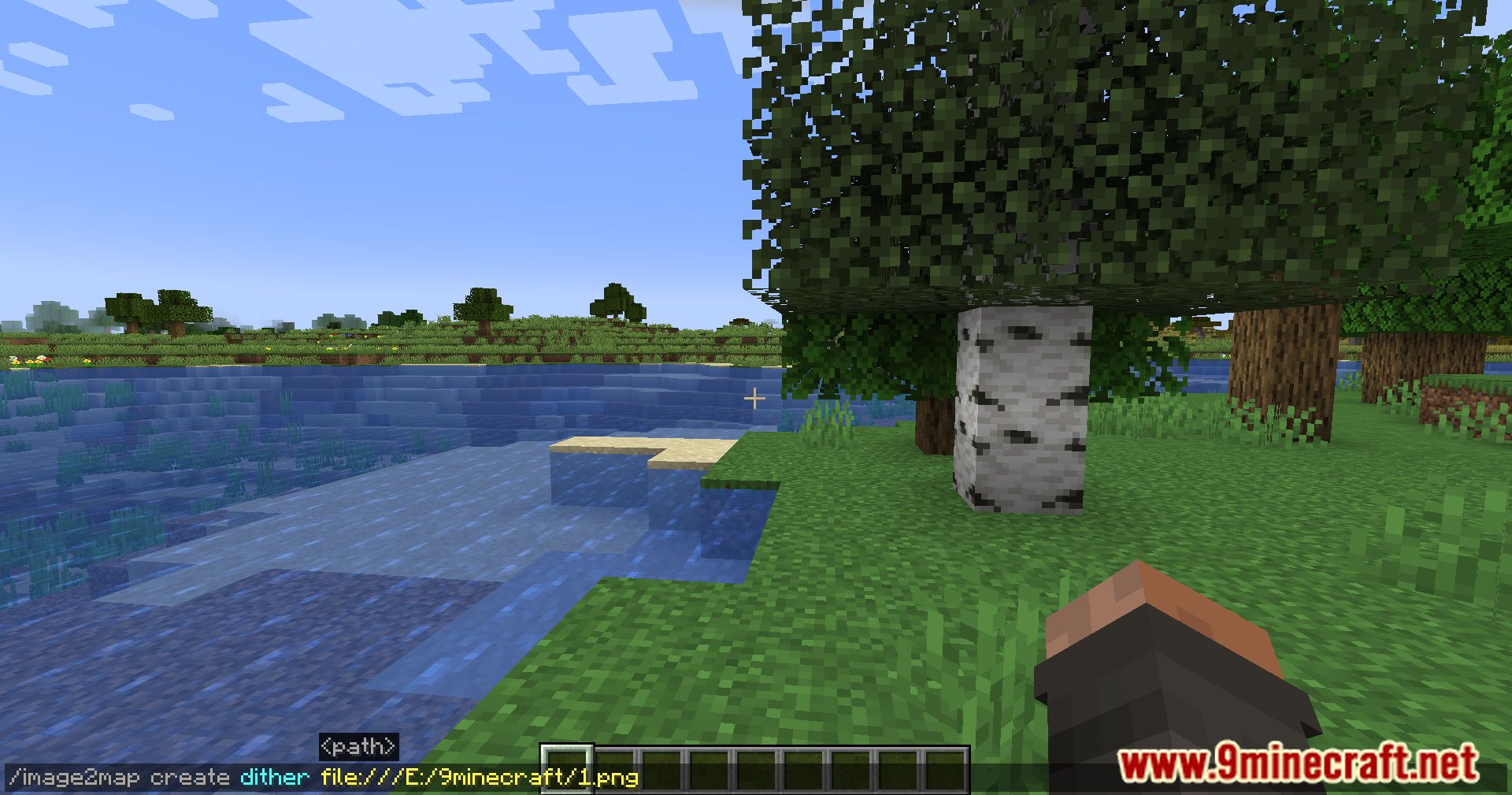
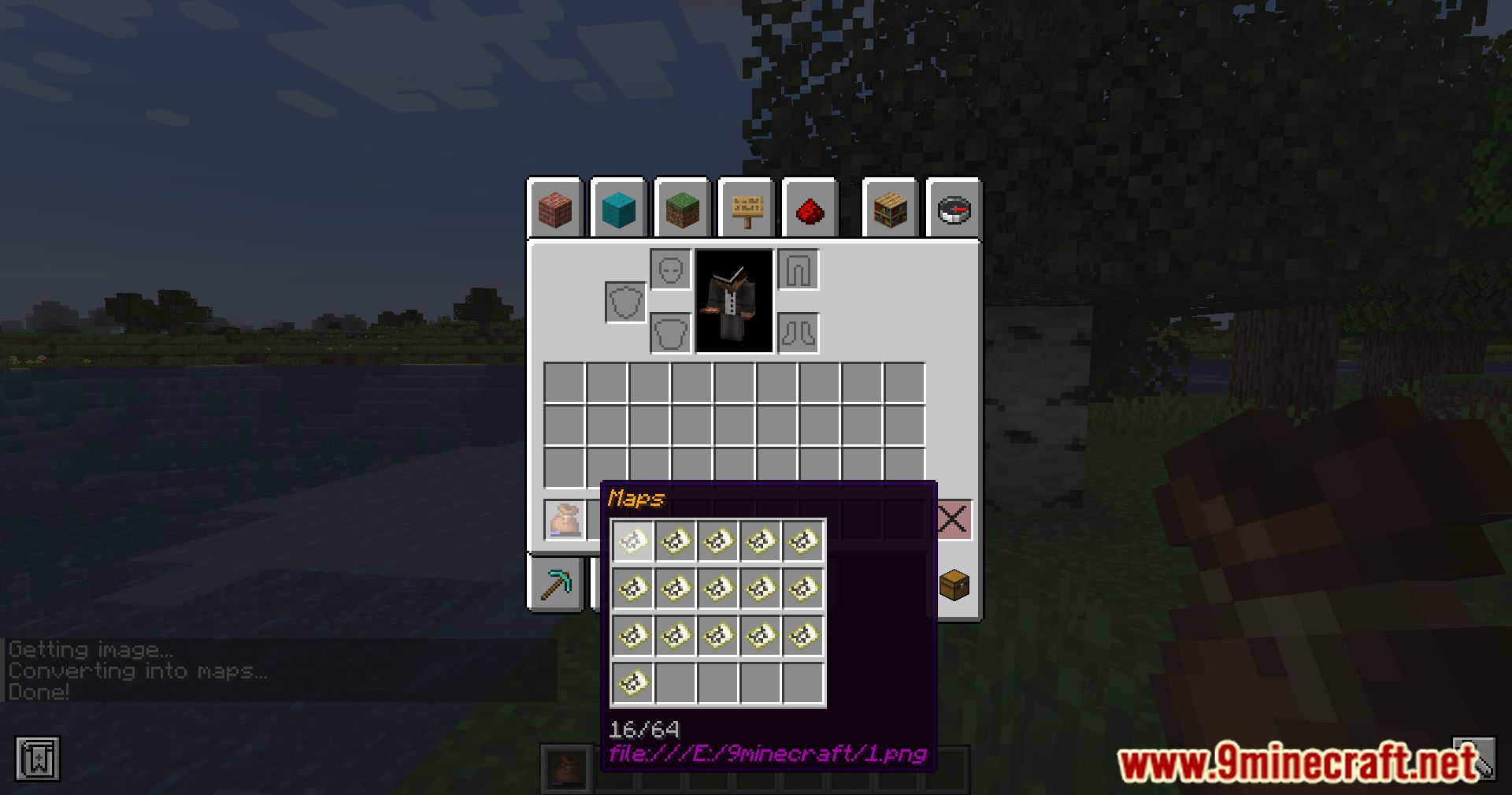
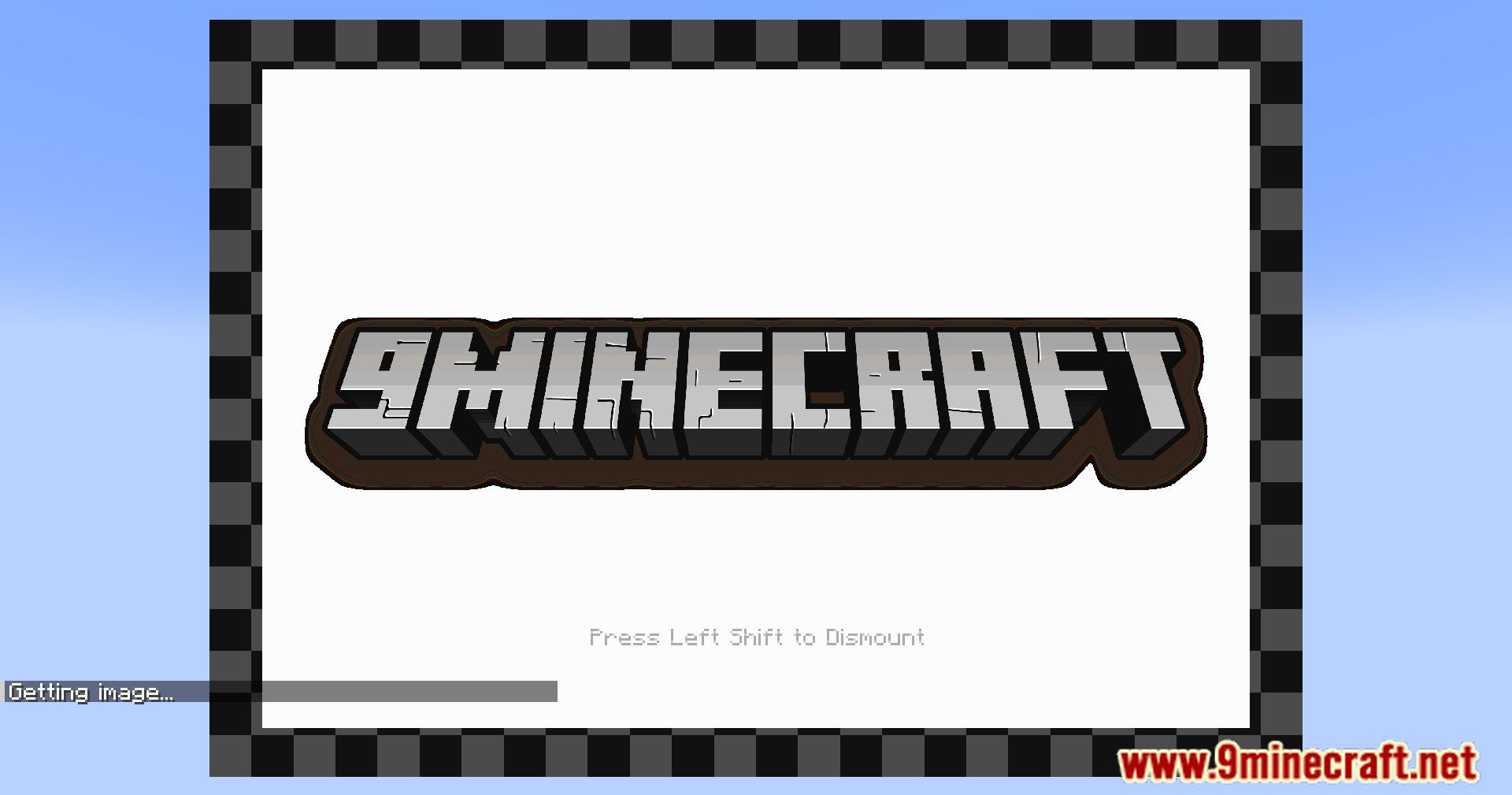
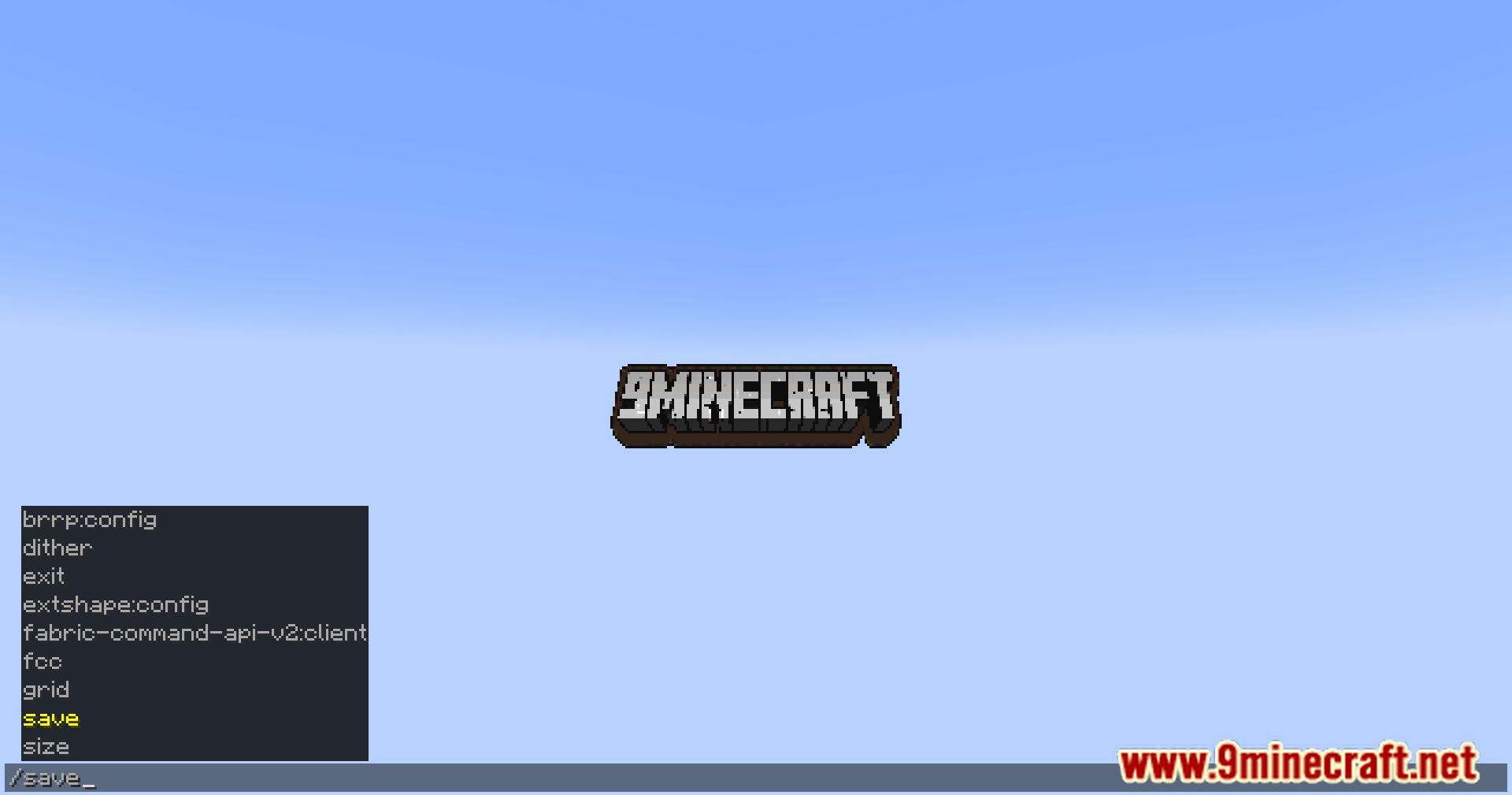
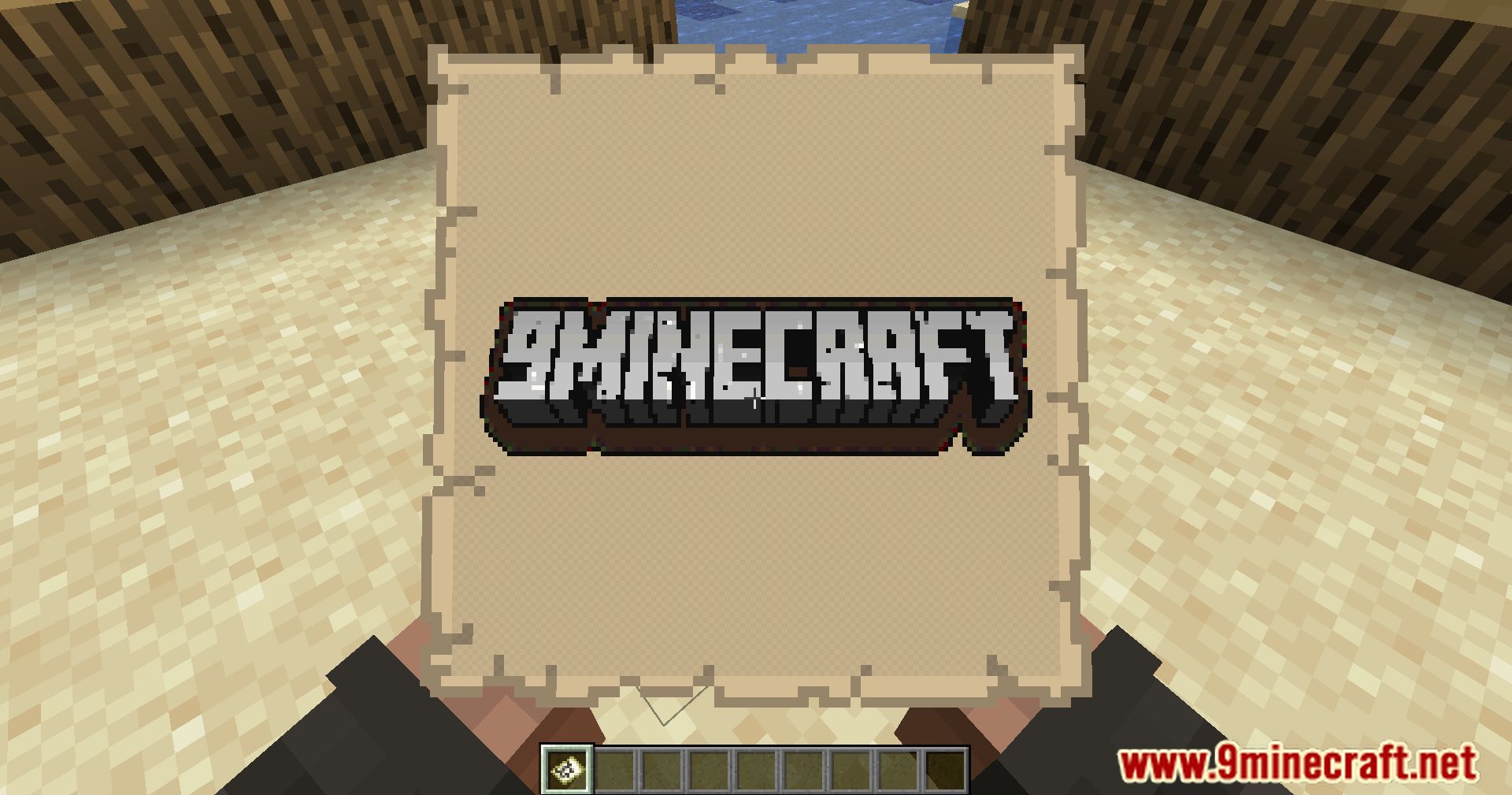
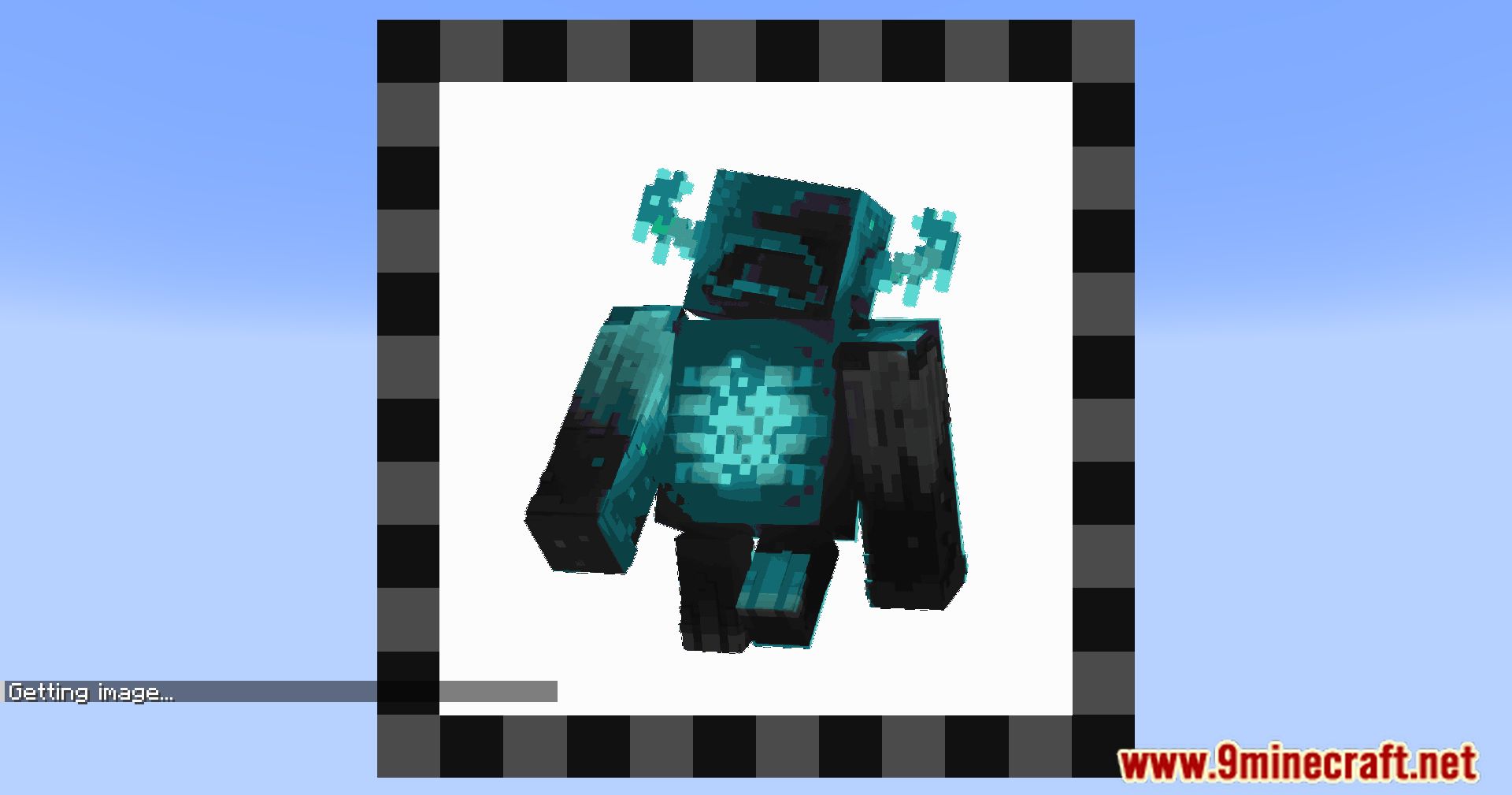
Run /image2map preview to see how your image will look before committing anything. Once you're happy with the result, use /image2map create to turn it into an actual map item.
What image formats and sources can I use with Image2Map?
You provide the image as a URL, so any image the game can fetch from that link works. Direct image links (ending in a file extension) are the most reliable; image-hosting pages that wrap the image in HTML usually won't work.
Why does my image look wrong or fail to load?
The most common causes are a broken or indirect URL, an image that's too large to fetch, or a server that  blocks the request. Try a direct link to a smaller image first, then scale up once it works.
How big can a single map be, and how do I make larger images?
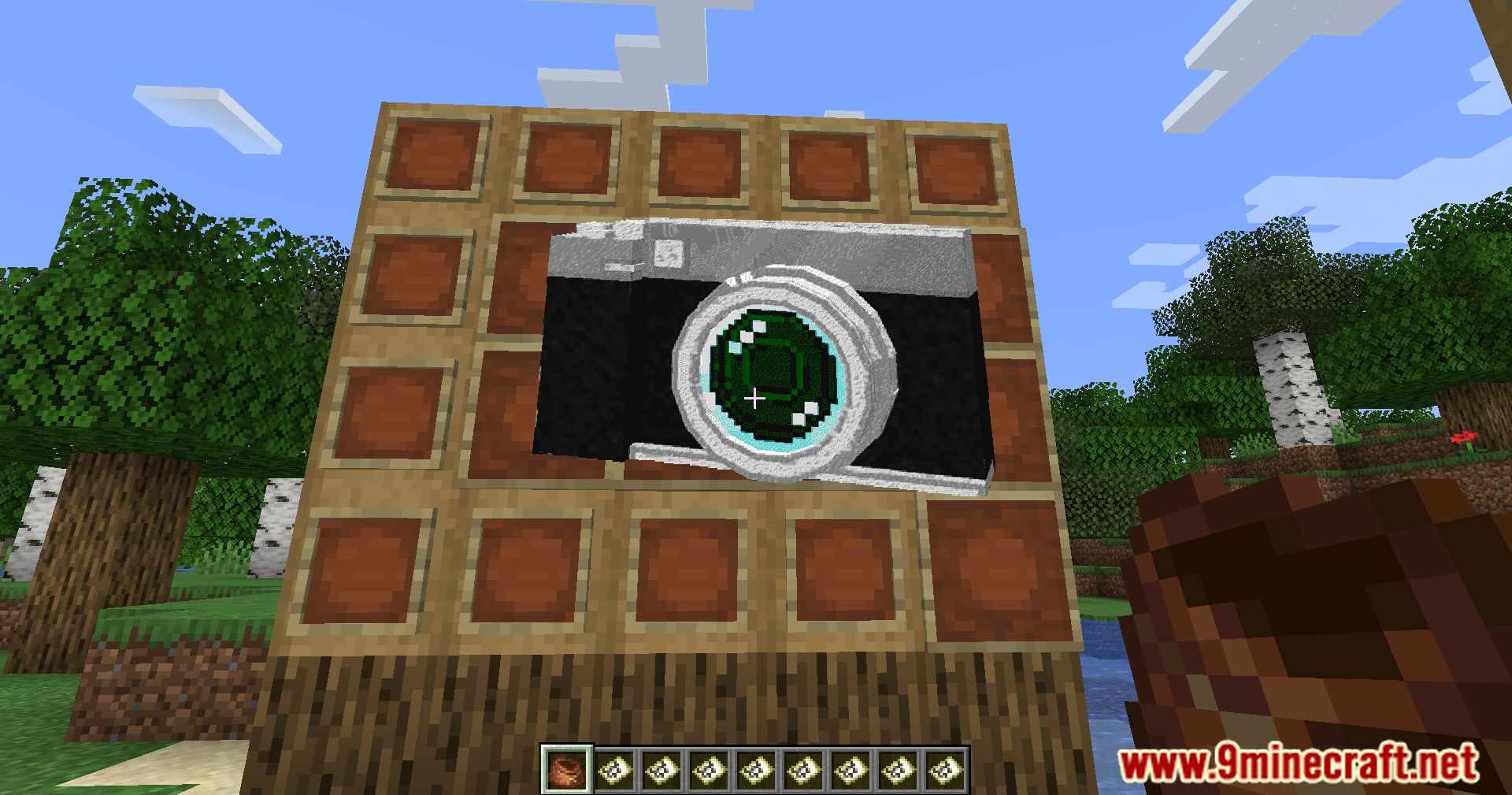
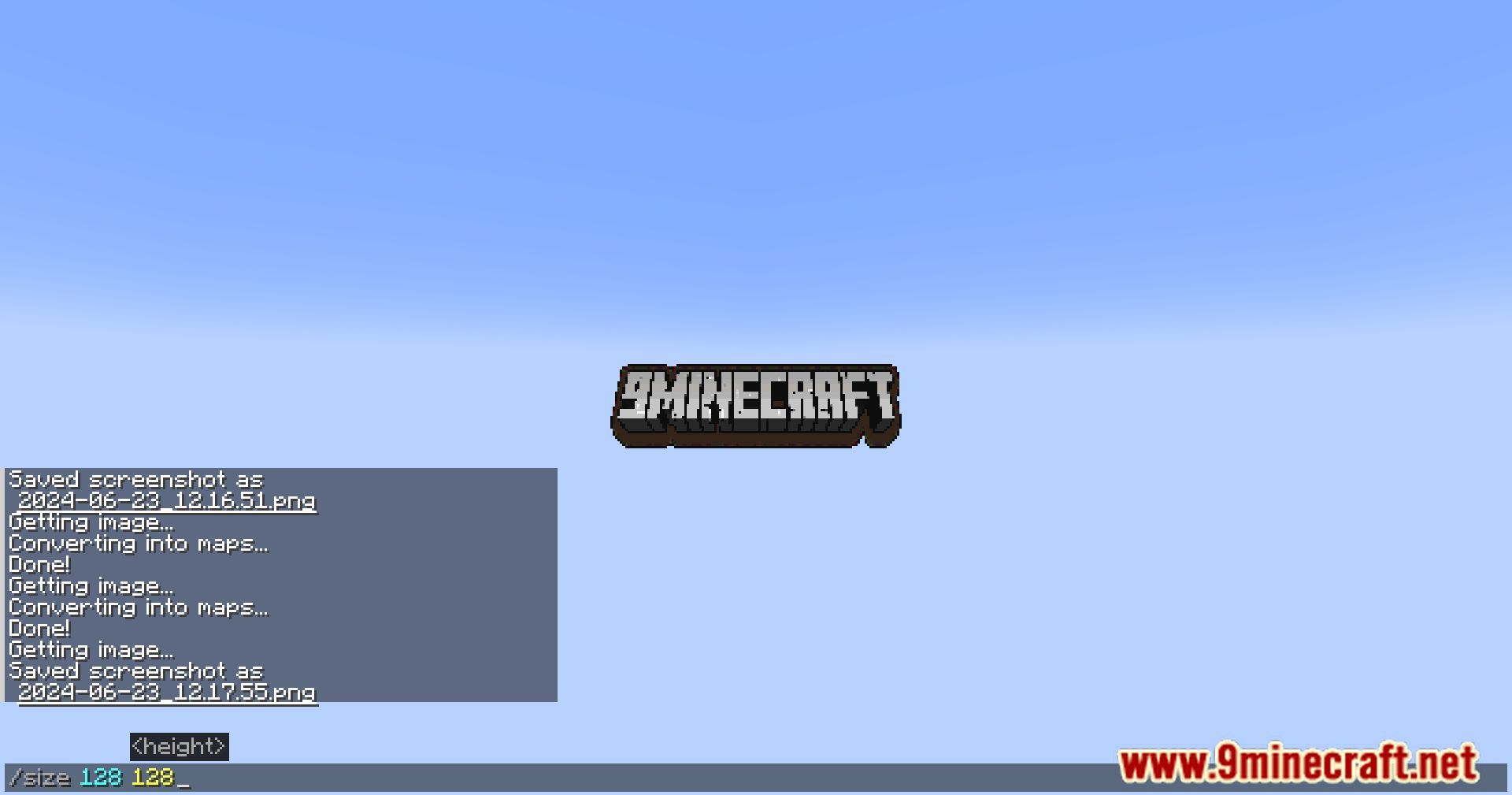
One map holds a single 128x128 pixel tile, so anything bigger gets split across multiple maps. Use /image2map create to specify the full pixel dimensions, and the mod will divide it into the right number of map tiles.
See all 10 Image2Map questions ›
Gallery
12 images from the Image2Map Mod page.
You May Also Like
Wikis on the same theme: craft
More mod wikis on the site
The most downloaded mods that have a wiki here
A few wikis from each of the other kinds