

 DownloadForgeshot Mod
Get the files on 9Minecraft
Guides
Step-by-step, in-game.
Frequently asked questions
What does the Forgeshot Mod do?
It lets you take high-resolution screenshots of your Minecraft world. It's aimed at creators, builders, and anyone who wants detailed captures.
Which key takes an ultra-high-resolution screenshot?
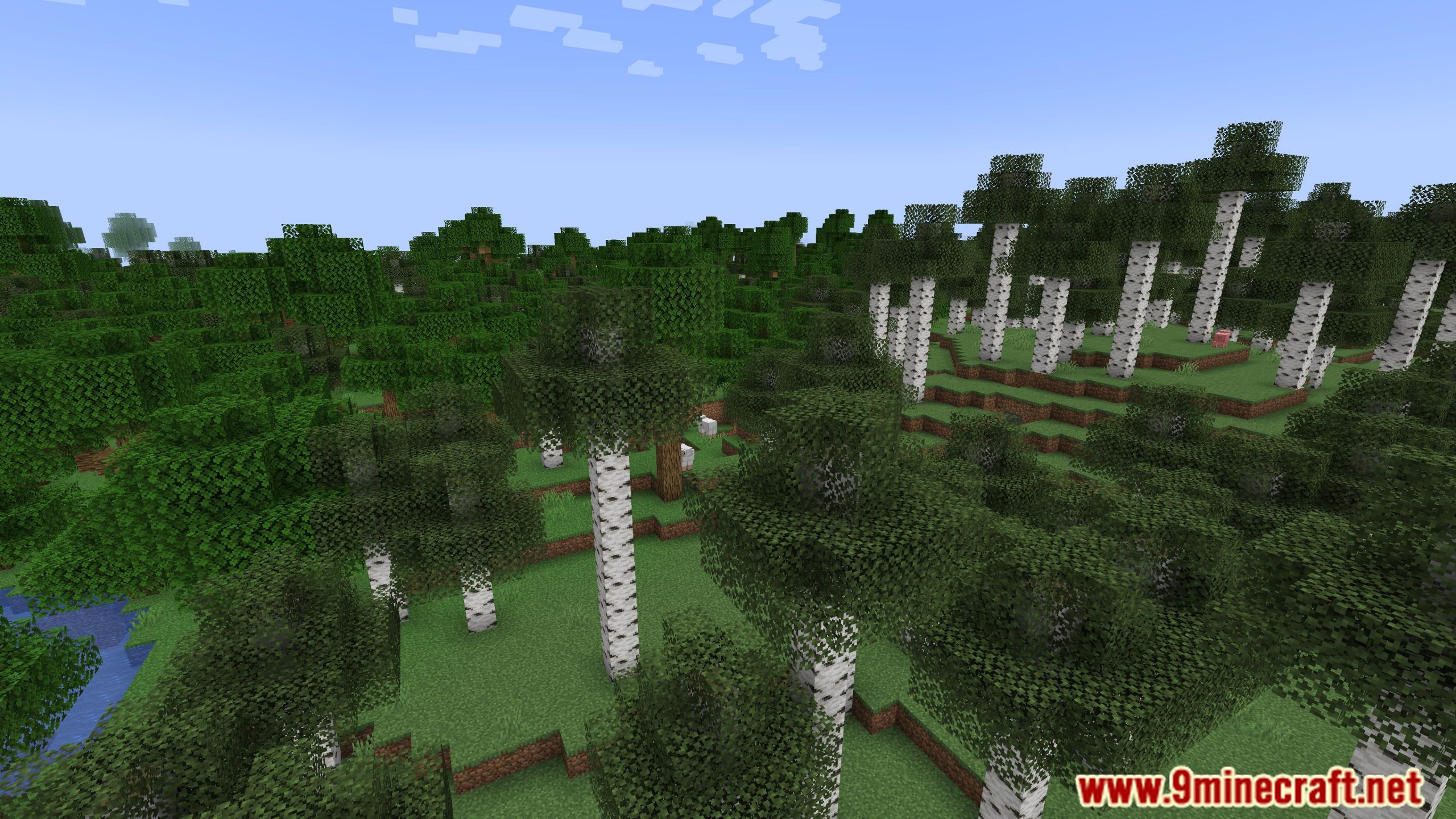
Press F4 to take an ultra-high-resolution screenshot. Resolutions can go up to 16K or more.
How do I open the Forgeshot settings menu?
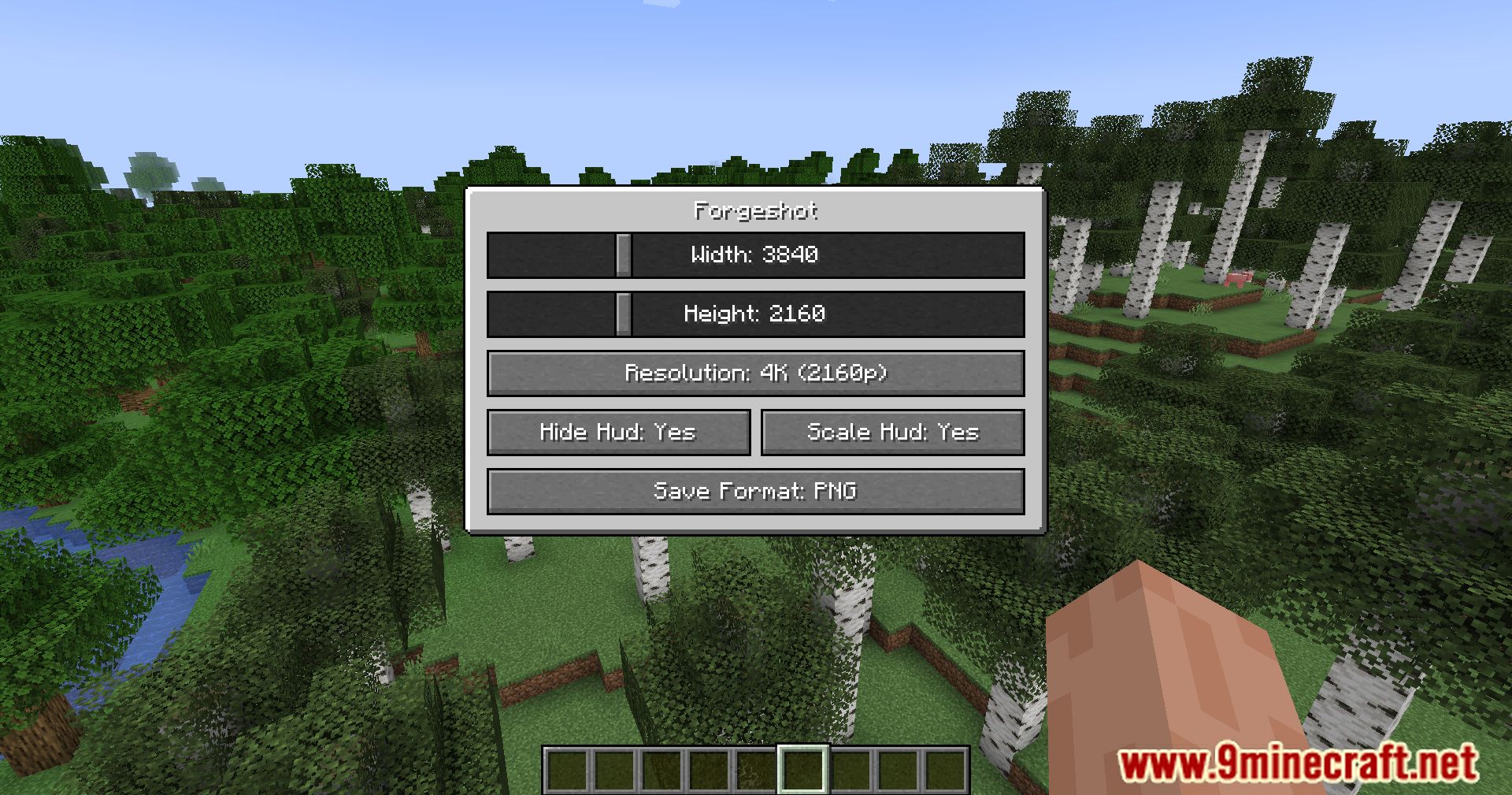
Press F6 to open the settings menu. There you can tweak resolution, format, and other options.
Can I change the Forgeshot keybinds?
Yes, all keybinds are fully configurable. You can adjust them to suit your workflow.
See all 6 Forgeshot questions ›
Gallery
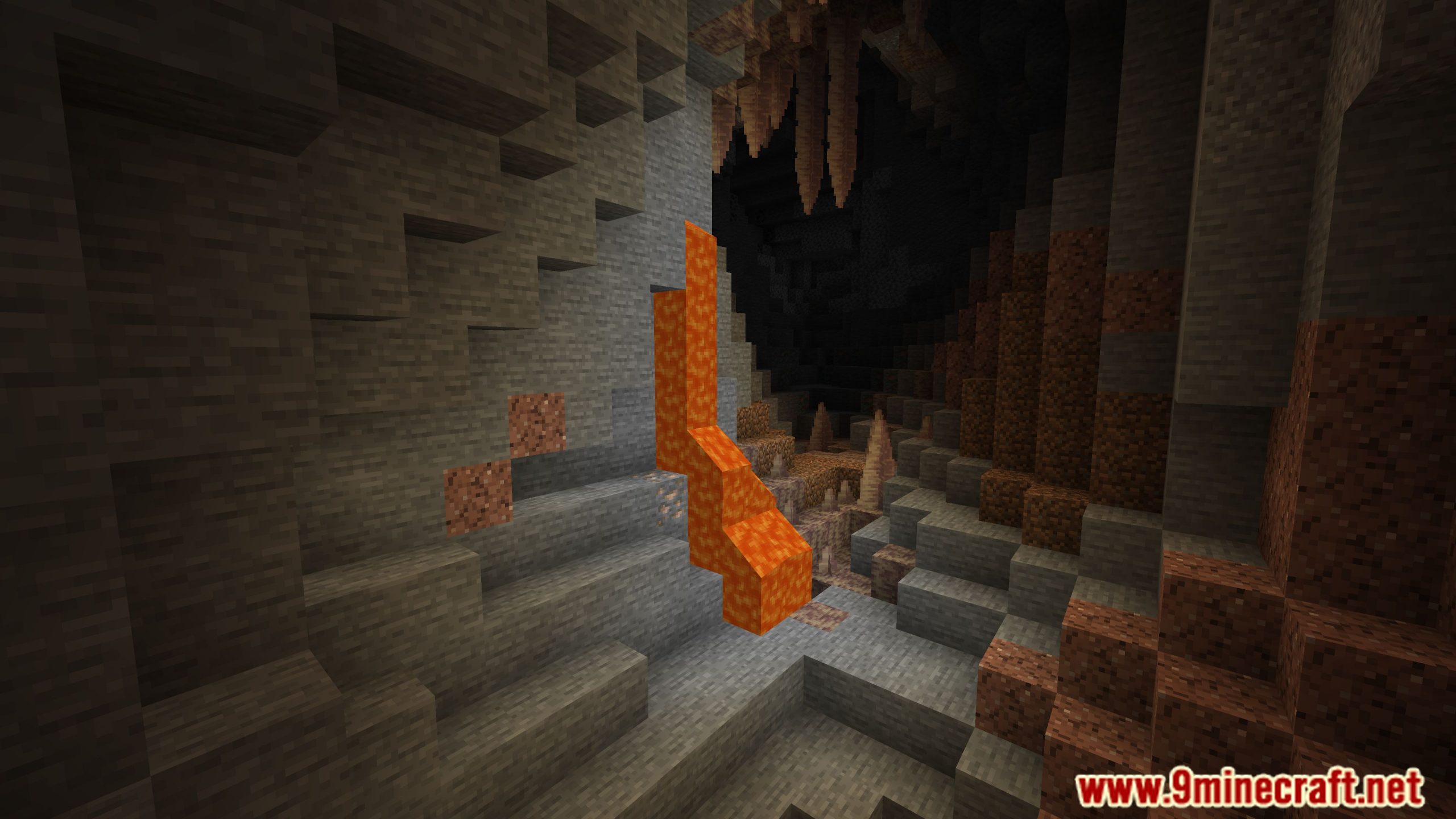
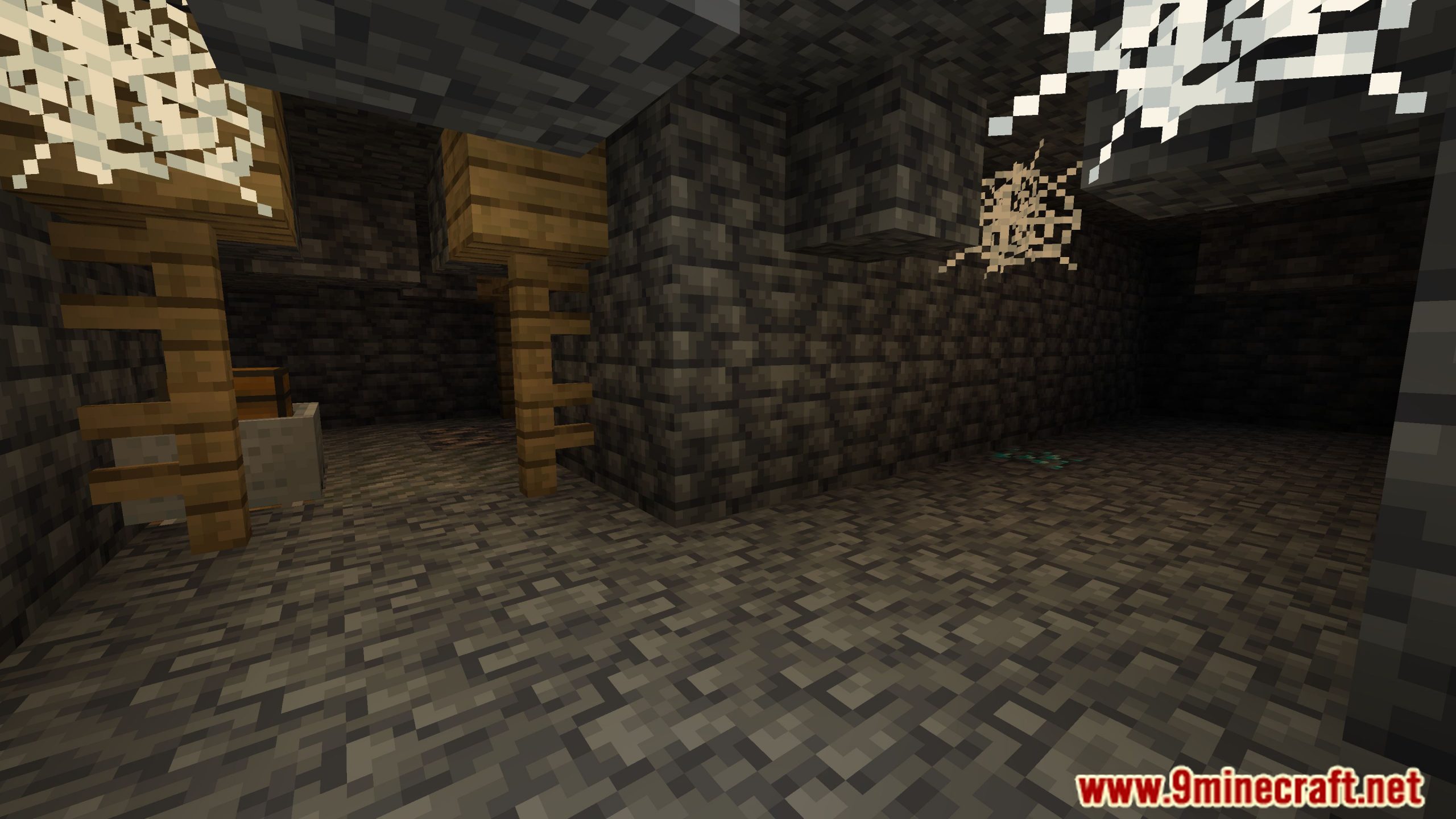
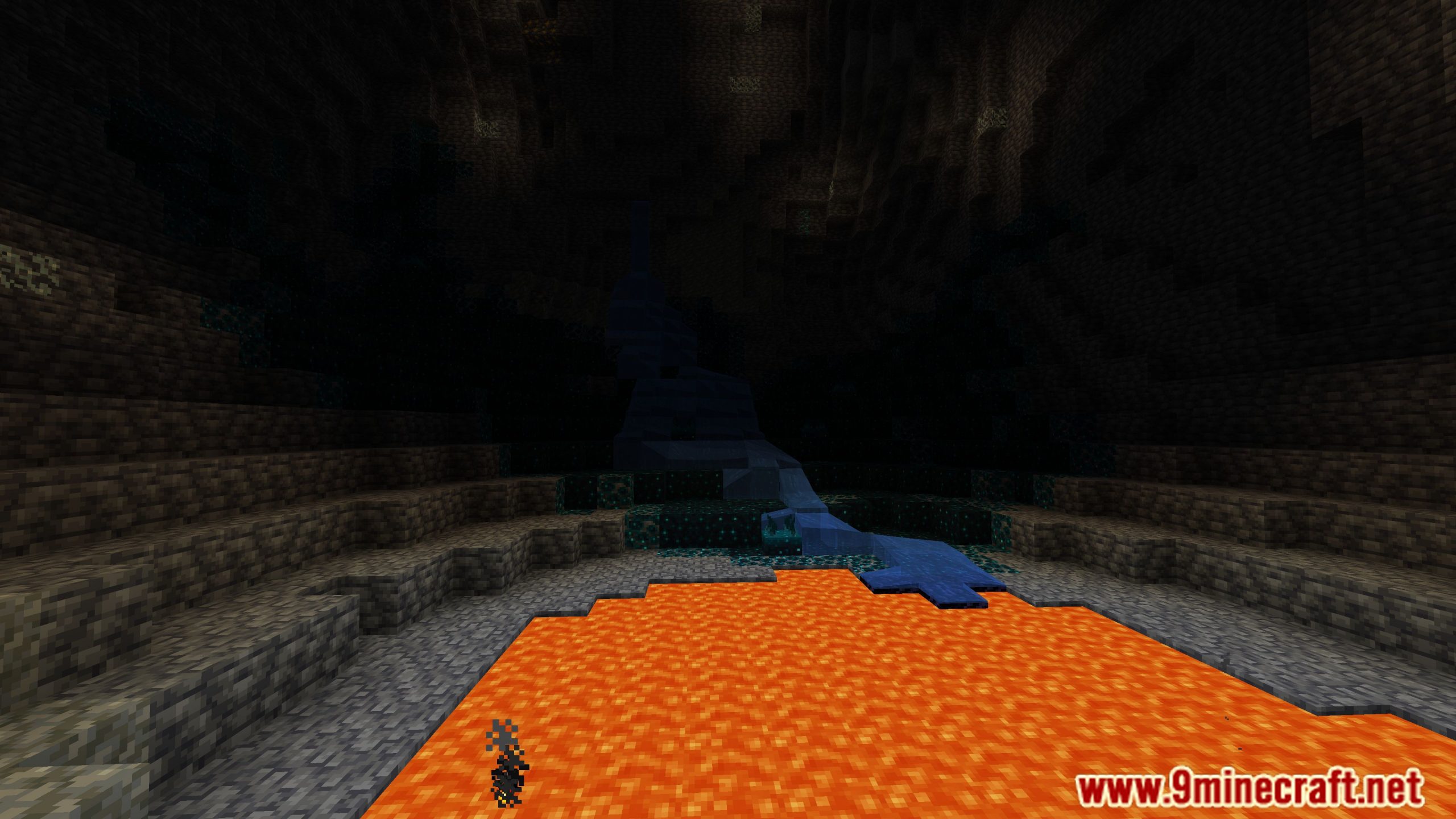
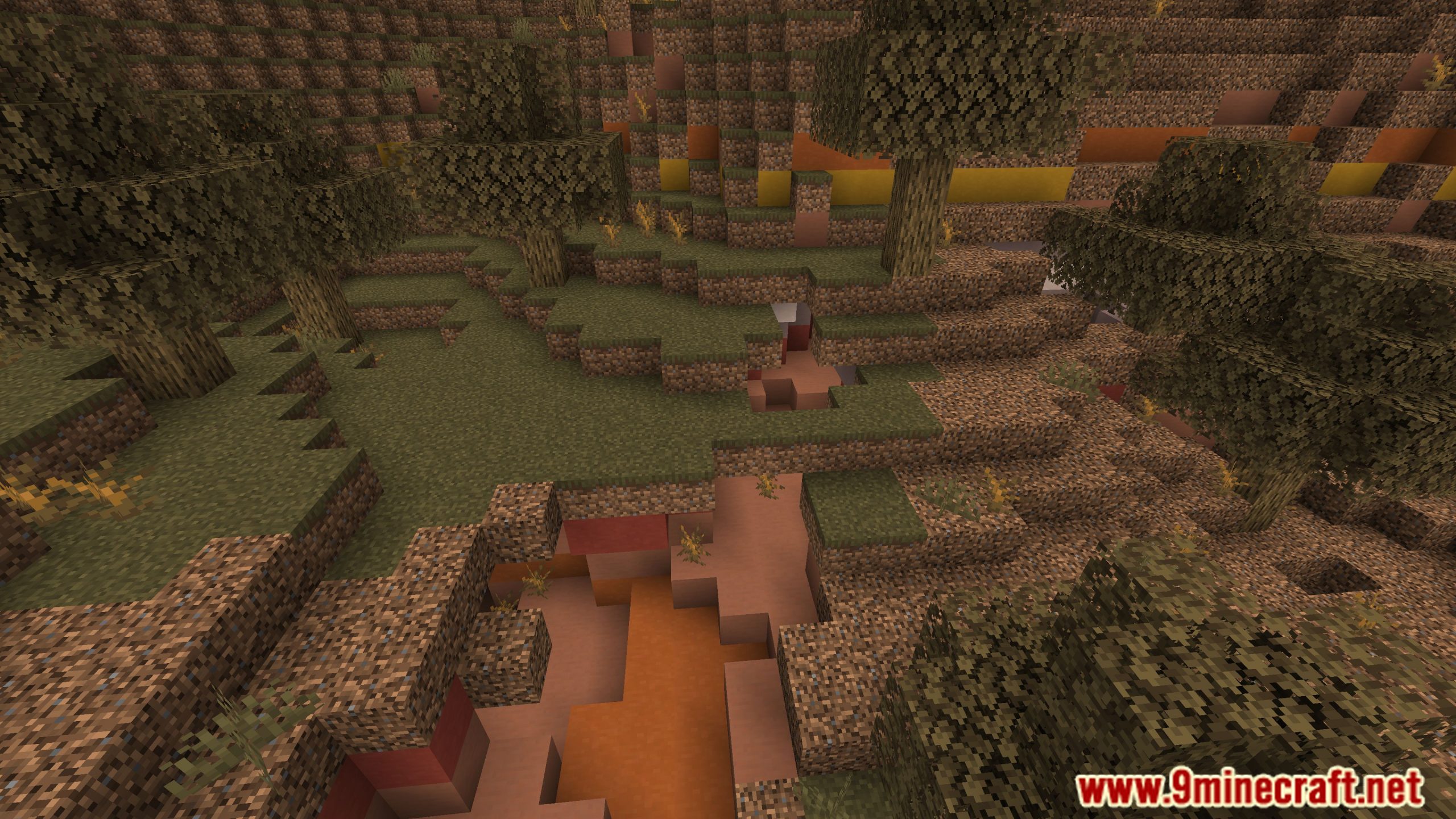
11 images from the Forgeshot Mod page.
You May Also Like
Wikis that share the most with this one
 ForgedFabric API Mod
More mod wikis on the site
 Forge Forge Frontier Mod
The most downloaded mods that have a wiki here
A few wikis from each of the other kinds