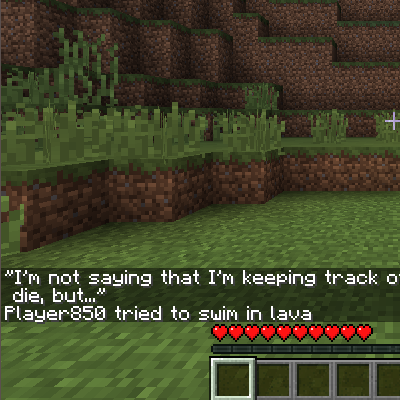
DownloadDeath Counter Mod
Get the files on 9Minecraft
Display the Leaderboard in Chat
Any player can view the server's death leaderboard at any time using:
`
!dc
`
This command displays a ranked list of all players on the server, sorted by death count from highest to lowest. The leaderboard appears in your chat window and shows each player's name and total deaths.
What the Leaderboard Shows
The leaderboard includes:
- Player rank (1st, 2nd, 3rd, etc.)
- Player name
- Total death count for that player
You can run this command as often as you like. There is no cooldown, so you can check the leaderboard multiple times per session to track changes in rankings.
More guides for this mod
Check Your Personal Death Count and RankingDisplay the Leaderboard to Other Players (Server Operators Only)Reset Death Counts (Server Operators Only)