DownloadDeath Counter Mod
Get the files on 9Minecraft
View Your Stats on Death
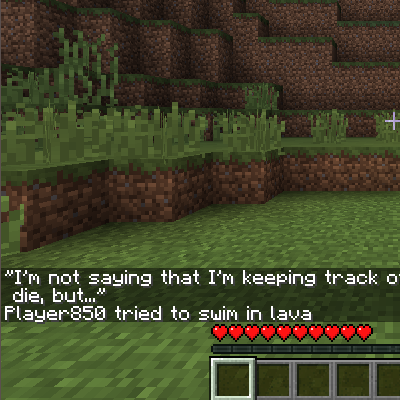
The easiest way to see your death count is to die. When you respawn, the death screen will display:
- Your total number of deaths since the mod was installed
- Your current rank on the server (for example, "Rank 3 of 12 players")
This information appears automatically and requires no commands.
Check Your Stats While Alive
If you want to see your death count without dying, use the player command:
`
!dc
`
This displays the server-wide leaderboard in chat, where you can find your name and rank. Your personal death count is shown next to your name on this list.
Understanding Your Rank
Your rank is determined by total deaths—the player with the most deaths is ranked first. If multiple players have the same death count, the mod will order them consistently throughout a session.
More guides for this mod
Display the Leaderboard to Other Players (Server Operators Only)Reset Death Counts (Server Operators Only)View the Server Leaderboard as a Player