

Configuration Types
The API supports three distinct types of configurations, each serving a specific purpose in the mod's lifecycle:
| Config Type | Description | Storage Location |
|---|---|---|
| COMMON | Loaded on both client and server. These settings are not synced and can differ between the two. | config/modid-common.toml |
| CLIENT | Only loaded on the physical client. Used for visual settings, keybinds, or UI preferences. | config/modid-client.toml |
| SERVER | Loaded on the server and synced to the client upon joining. These settings are world-specific. | world/serverconfig/modid-server.toml |
Unlike Common and Client configs, Server configs are stored within the specific world folder. This allows different save files or server instances to have unique gameplay rules (e.g., a "Hardcore" world vs. a "Creative" world) using the same mod installation.
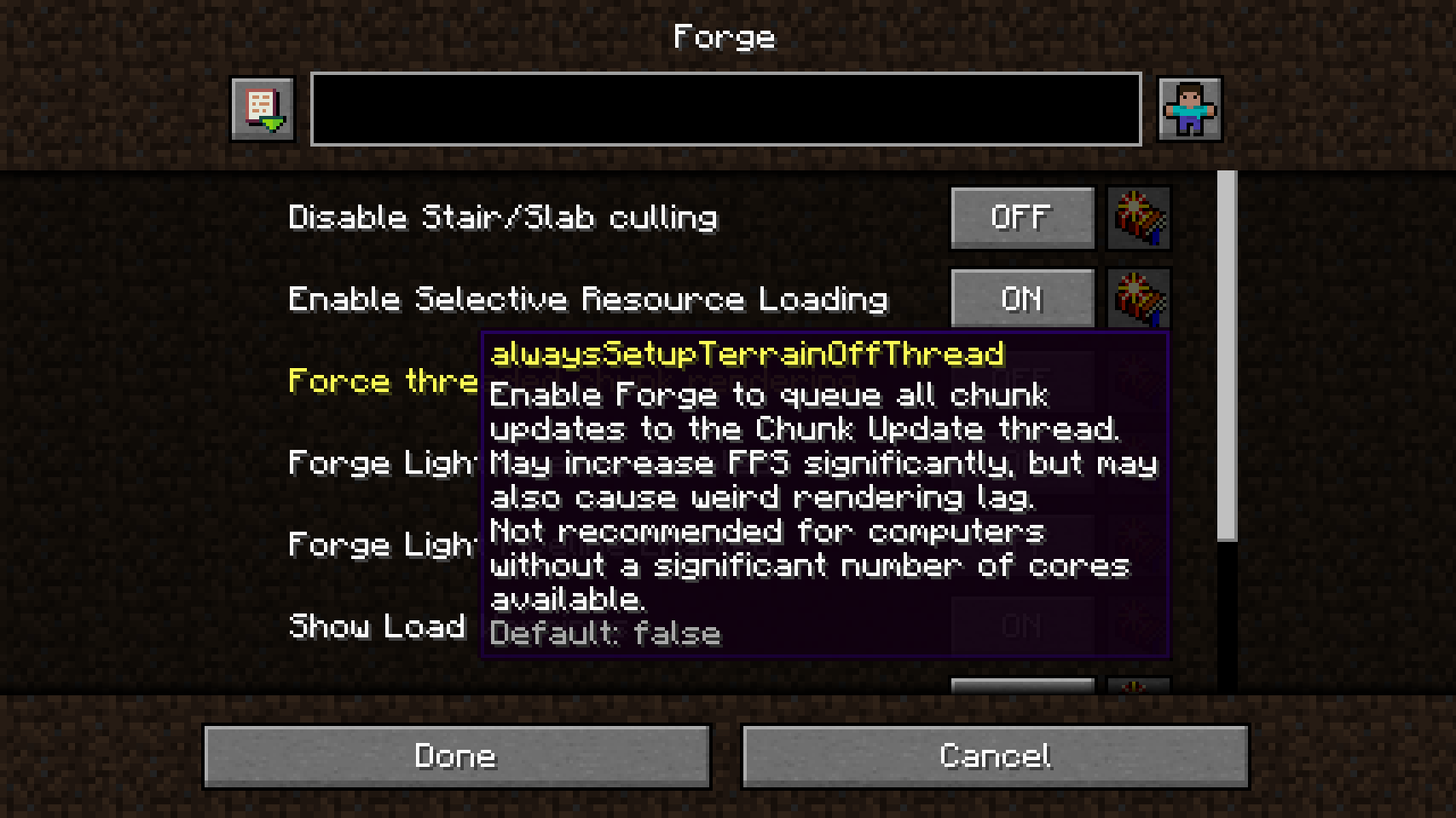
In-Game Configuration
While the core library focuses on the backend API, in-game configuration screens are supported through integration with third-party tools and built-in features depending on the Minecraft version.
Minecraft and Older
In version 1.20.1, in-game configuration screens are not included in the base Port mod. To access a graphical user interface (GUI) for editing configs, the following setup is required: * Forge Config Screens: A separate mod that provides the actual UI elements. * Mod Menu (Fabric): Required to provide the "Configs" button in the mod list.
Minecraft and Newer
For versions 1.21+, the Forge Config API Port includes built-in config screens powered by the native NeoForge screen system. This removes the need for additional UI mods, though Mod Menu is still recommended on Fabric for easy access.


