Configuration
The mod's behavior can be customized via the emojicord-client.toml file located in the config folder.
| Option | Type | Default | Description |
|---|---|---|---|
renderEmoji |
Boolean | true |
Enables or disables the rendering of emoji textures. |
suggestEmoji |
Boolean | true |
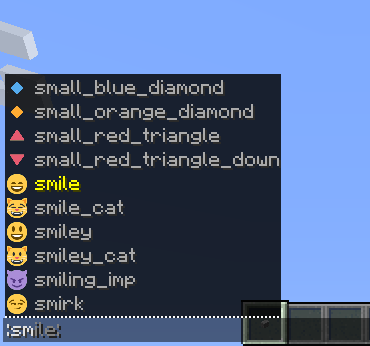
Enables the auto-complete suggestion list in chat. |
emojiPicker |
Boolean | true |
Toggles the visibility of the emoji picker button in the chat GUI. |
convertUnicode |
Boolean | true |
Automatically converts standard Unicode emojis into textures. |
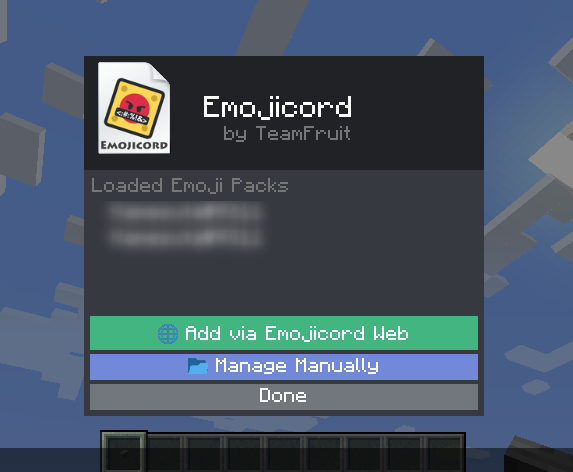
There are no specific in-game commands for the mod, as all functionality is integrated into the standard chat and configuration menus.