

Contents (4)
Recognizing the Panel as a Peripheral
When you have both Dashpanels and ComputerCraft installed, your 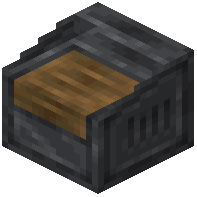 Control Panel automatically acts as a ComputerCraft peripheral. Place a Computer or Turtle adjacent to the panel, and it will detect the panel without any additional setup.
Accessing Panel Data
In your ComputerCraft Lua scripts, call the panel as a peripheral using standard ComputerCraft functions. You can read the state of modules (whether levers are on or off, button presses,  knob positions) and write signals to control redstone outputs remotely.
Writing Control Scripts
Use ComputerCraft's peripheral API to interact with the panel. Query module states in loops to automate machine sequences, create conditional logic based on multiple inputs, or log data from your redstone systems over time.
Practical Applications
This integration is powerful for automating complex farms, managing multi-stage smelters, or creating alarm systems that respond to sensor input. Your panel becomes both a manual control interface and an automated system hub.