
Troubleshoot Redstone Signal Issues
Checking Cable Connections
If a module isn't controlling your machine, verify that the 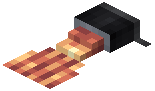 Stripped Cable is properly linked to that module. Use the
  Cable Stripper tool to right-click the Stripped Cable and confirm it's connected to the correct module on your panel.
Verifying Redstone Output
Place redstone dust or a redstone lamp next to your 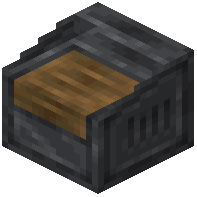 Control Panel to visually confirm it's emitting a signal when you interact with modules. If nothing lights up, the panel may not be properly placed or the module may not be activated.
Testing Module Interaction
Interact directly with each module on the panel (press buttons, flip levers, turn knobs) to ensure they respond. If a module doesn't react, try removing and re-adding it to the panel using Shift + Right-click.
Cable Distance and Placement
Control Cables transmit signals over any distance, but they must form a continuous path. Check that cables aren't broken or interrupted by other blocks. Stripped Cables must be placed on the cable line itself to function as connection points.