
Connect Multiple Panels with Control Cables
Placing Control Cables
Craft Control Cables and place them in a line from one 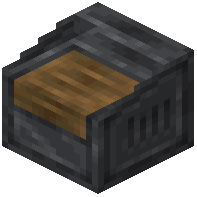 Control Panel to another. These cables transmit redstone signals between distant panels, letting you manage multiple machines from different locations without running long redstone lines.
Converting Cables to Stripped Cables
Once your cable network is in place, equip the  Cable Stripper tool. Right-click a normal
 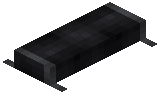 Control Cable with the tool to convert it into a
 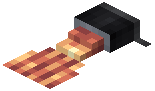 Stripped Cable. Stripped Cables are the connection points where modules send or receive signals.
Linking Modules to Stripped Cables
Right-click a Stripped Cable with the Cable Stripper tool to open a menu. Select which module on your panel (or connected panels) this cable should link to. You can change the connection at any time by right-clicking the Stripped Cable again.
Removing Cables
If you need to relocate or remove a cable, Shift + Right-click it with the Cable Stripper tool to pick it back up and recycle it elsewhere.