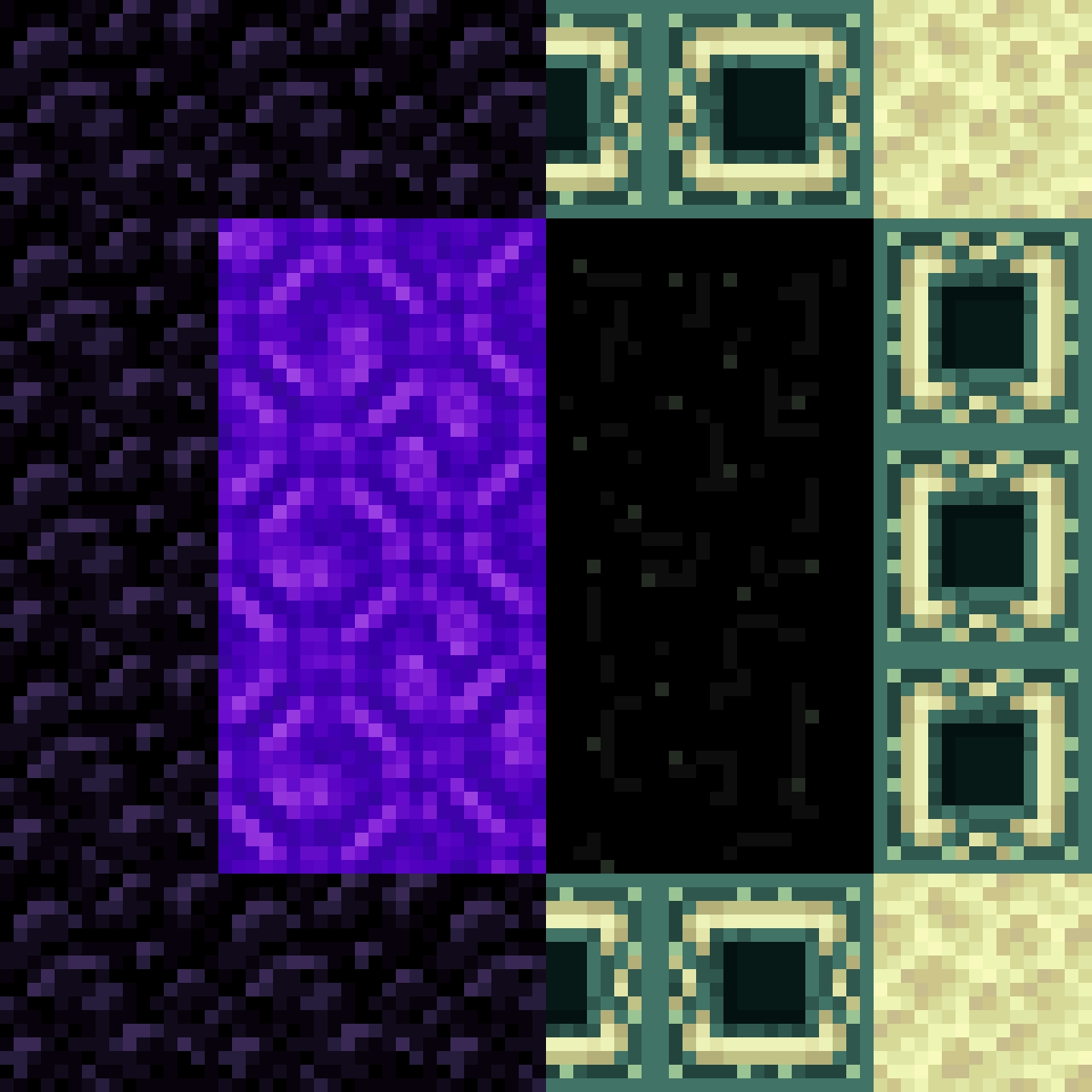
Design Ideas
Crying obsidian has a distinct purple, tear-like texture that contrasts with the dark, plain look of regular obsidian. You can use it to create visual interest without changing how the portal works. Try placing crying obsidian at the four corners of the frame, or use it for the entire top lintel while keeping the sides and bottom as regular obsidian. Another option is a checkerboard pattern, alternating obsidian and crying obsidian around the frame.
Building the Accent Frame
Start by laying out the bottom row of the frame. If you want a corner accent, place crying obsidian at the left and right ends. Build up the sides, switching to regular obsidian for the middle blocks if desired. Finish with the top row, mirroring the bottom. Remember that the interior must remain two blocks wide and three blocks tall. Once the frame is complete, light it as usual.
Lighting and Atmosphere
Crying obsidian emits a faint purple glow, which can make your portal area feel more atmospheric, especially at night or in dimly lit rooms. You can enhance the effect by placing additional crying obsidian blocks around the portal as decoration, such as in pillars or flooring. Since the mod does not add new blocks, you are free to use crying obsidian creatively anywhere you like. The portal itself will still take you to the Nether as expected.