

Assembling a Basic Ground Vehicle
Custom vehicles start with placement. Choose a flat area and place vehicle part blocks in a configuration—typically a Frame as the base, an Engine for power, Wheels for mobility, and a Seat or Controller in the center.
Once your parts are arranged, equip your  Wrench and right-click the Controller block. The vehicle will assemble instantly, and all parts lock into a single drivable unit.
Fueling and Testing
Before you can drive, your vehicle needs fuel. Right-click the assembled vehicle with coal, charcoal, or blaze powder to add fuel. An on-screen readout will display when you inspect the vehicle with H.
Pair an 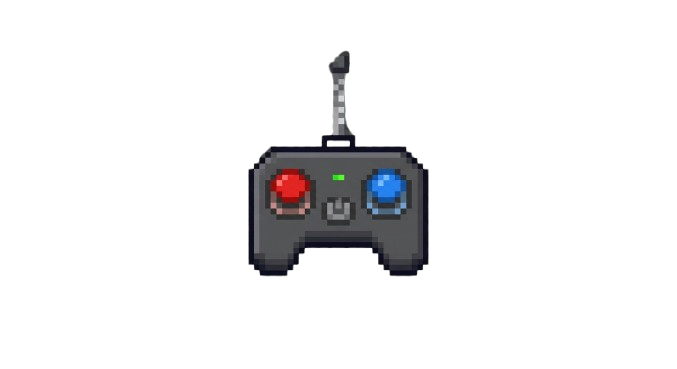 RC Remote by holding it and right-clicking the vehicle. Use W, A, S, and D to move. Press V to toggle between first-person vehicle view and normal player perspective. Test turning and acceleration in an open space to understand how your weight distribution and part choices affect handling.
If something feels wrong, wrench the vehicle again to disassemble it completely—all parts return to your inventory for redesign.