
Design and Paint Custom Vehicle Skins
Opening the Paint Interface
Once your vehicle is assembled and fueled, equip a 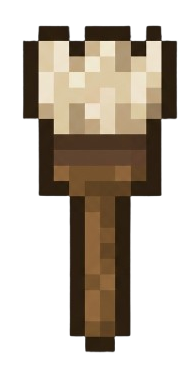 Paintbrush and right-click the vehicle. This opens the custom painting interface, where you can edit the vehicle's appearance pixel by pixel in survival mode.
The interface displays a grid representing the vehicle's surface. Select your desired color and click individual pixels to paint. You can layer colors, create patterns, and design detailed liveries without needing external texture packs.
Tips for Custom Designs
Start with a base color, then add accent stripes, racing numbers, or faction symbols. Remember that vehicles are blocky, so designs work best with bold shapes and clear color contrast.
Your paint job persists when you disassemble and reassemble the vehicle, so experiment freely. If you want a fresh start, simply paint over your previous design. Take time to plan complex patterns—there's no undo, only overpainting.