

Building the  Frame Platform
Frames are special blocks that can be moved as a group. Place a grid of Frames where you want your moving platform, then attach your machines ( Block Breaker,
 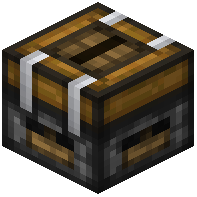 Deployer, etc.) directly onto the frames. Only blocks connected to the frame structure will move with it, so build the whole rig out of frames plus the machines you want carried.
Driving the Motion
Attach a  Frame Motor to the frame structure. The motor is what actually pushes or pulls the connected frames in a direction. Give it a redstone signal to extend and another state to retract, depending on how you configure it. A
 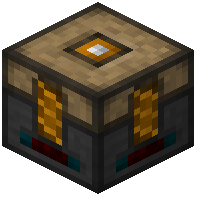 Frame Actuator lets you control individual frame segments — useful for splitting a large rig into sections that move independently.
Practical Tips
Keep the moving assembly small; large frame rigs are slow and can lag. Use Pneumatic Tubes with flexible routing or move chests along with the rig so items stay with the machines. Test the motion range before wiring up automation — a frame motor only moves its structure a limited distance per activation, so you may need to pulse it repeatedly to travel a long row. Use the  Electric Screwdriver to fine-tune which faces connect.