
How to Automate Crafting with the Auto Crafter and Recipe Plan
Loading a Recipe
Place an 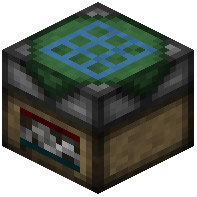 Auto Crafter and open its interface. You define what it makes using a
  Recipe Plan: craft the plan, then encode the recipe into it (the plan stores the grid layout). Insert the encoded plan into the Auto Crafter so it knows the pattern. Without a valid plan the crafter won't run.
Feeding Ingredients
The Auto Crafter pulls ingredients from adjacent inventories or from Pneumatic Tubes connected to it. Set up chests or a tube network feeding the correct items into the crafter's input slots. It will only craft when every ingredient for the recipe is present, so make sure your supply lines keep all slots stocked — one missing item halts production.
Extracting Output
Finished items appear in the output slot. Use a 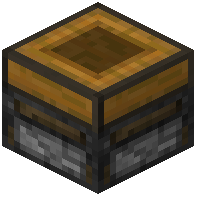 Transposer or a
  Pneumatic Tube to pull them out into a chest or onward to the next machine. If you're chaining crafters, route each one's output into the next crafter's input to build multi-step recipes automatically. Power the crafter with a
  Battery or wired power, and use the
  Electric Screwdriver to rotate or configure connected blocks so tubes face the right way.