
How to Charge and Use Batteries with the Charging Bench
Filling an  Empty Battery
Craft an Empty Battery and place a 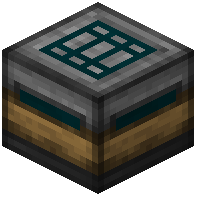 Charging Bench. The bench accepts redstone-based power (from generators or other Project Red power sources) and stores it internally. Put the Empty Battery into the bench's charging slot; it will fill over time and become a charged
  Battery. Watch the bench's internal buffer — if it runs dry, charging pauses until power returns.
Discharging into Machines
A charged Battery can be placed into any machine that needs power, such as the 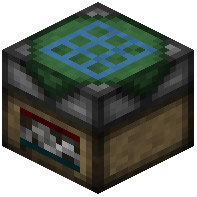 Auto Crafter or
  Block Breaker, to run it without a wired connection. This is handy for portable rigs or for machines you want to move with Frames. When the Battery is drained it becomes an Empty Battery again and can be recharged.
Battery Boxes for Bulk Storage
A 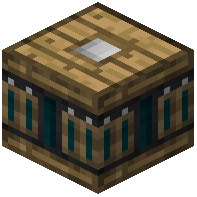 Battery Box holds multiple batteries and acts as a larger power buffer for a network. Wire your generators into the box and run Pneumatic Tubes or power cable out to your machines. This lets you charge several batteries at once and keeps a reserve so short power dips don't stop your automation. Always keep a few spare Empty Batteries on hand to swap in when a machine dies mid-job.