

Contents (3)
Prerequisites
Max Realism Resource Pack supports parallax occlusion mapping (POM) and labPBR to add physical height and depth to block surfaces. Your GPU and shader pack must support these features for them to work.
Enabling the Features
For labPBR support:
LabPBR is a material definition standard. If you're using a compatible shader pack (one that advertises labPBR support), the textures will automatically render with realistic material properties—metal will gleam,  stone will show weathering, and wood will catch light across grain patterns.
For POM (Parallax Occlusion Mapping):
POM requires a shader pack that explicitly supports it. Install a shader known to support POM, then enable it in your shader settings. POM will make rough surfaces like 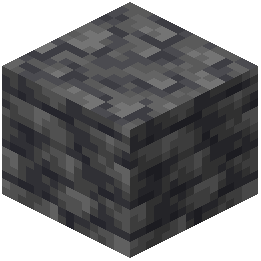 deepslate and bark appear to have actual surface relief rather than flat detail.
Verification
Load a world and examine stone, deepslate, or wood blocks up close. With POM enabled, surfaces should appear to have genuine height variation. With labPBR, materials should respond naturally to light direction—rough surfaces scatter light, smooth surfaces reflect it.
If surfaces still appear flat, check that your shader pack documentation confirms POM and labPBR compatibility.