

Contents (5)
Leverage Cavern Wall Textures
Max Realism transforms underground spaces with photorealistic rock faces. When building underground bases, use 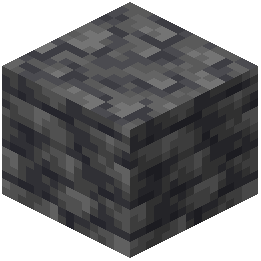 deepslate and
  stone as primary materials to showcase the pack's detailed rock surfaces and mineral veins.
Design with Texture Variation
Mix different stone types—stone, deepslate, tuff, and calcite—to create visual interest. Each block type has distinct texture detail that makes layered walls appear geologically authentic. Ore blocks now display realistic mineral embedding, so leave some ores visible as decorative elements.
Lighting for Atmosphere
Underground spaces benefit from strategic lighting. Place torches, lanterns, or light blocks to cast shadows across rough stone surfaces. The realistic textures will show depth and relief as light catches grain patterns and rock layers.
Natural Formations
When carving out cave systems, preserve natural stone formations where possible. The photorealistic rock textures make unmodified cave walls visually striking. Combine natural cavern walls with carefully textured building blocks to blend your base into the environment.
Water and Terrain
Underground water features gain realism through textured ground materials. Use 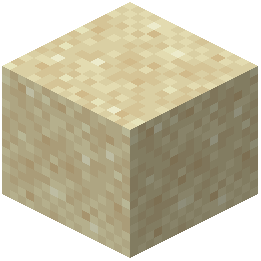 sand,
sand, 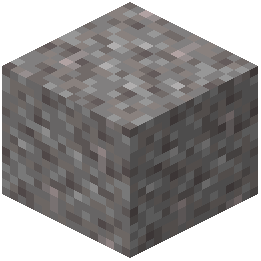 gravel, and
 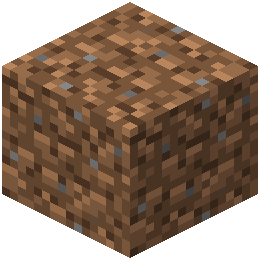 dirt blocks around water features—their detailed surfaces now show natural sediment and erosion patterns.