

Contents (11)
Java What changed in 26.3-snapshot-7
Everything below is measured by comparing the game files of 26.3-snapshot-6 with 26.3-snapshot-7 — not copied from patch notes.
48 new blocks and items. Hover a slot for the name; click to open its page.
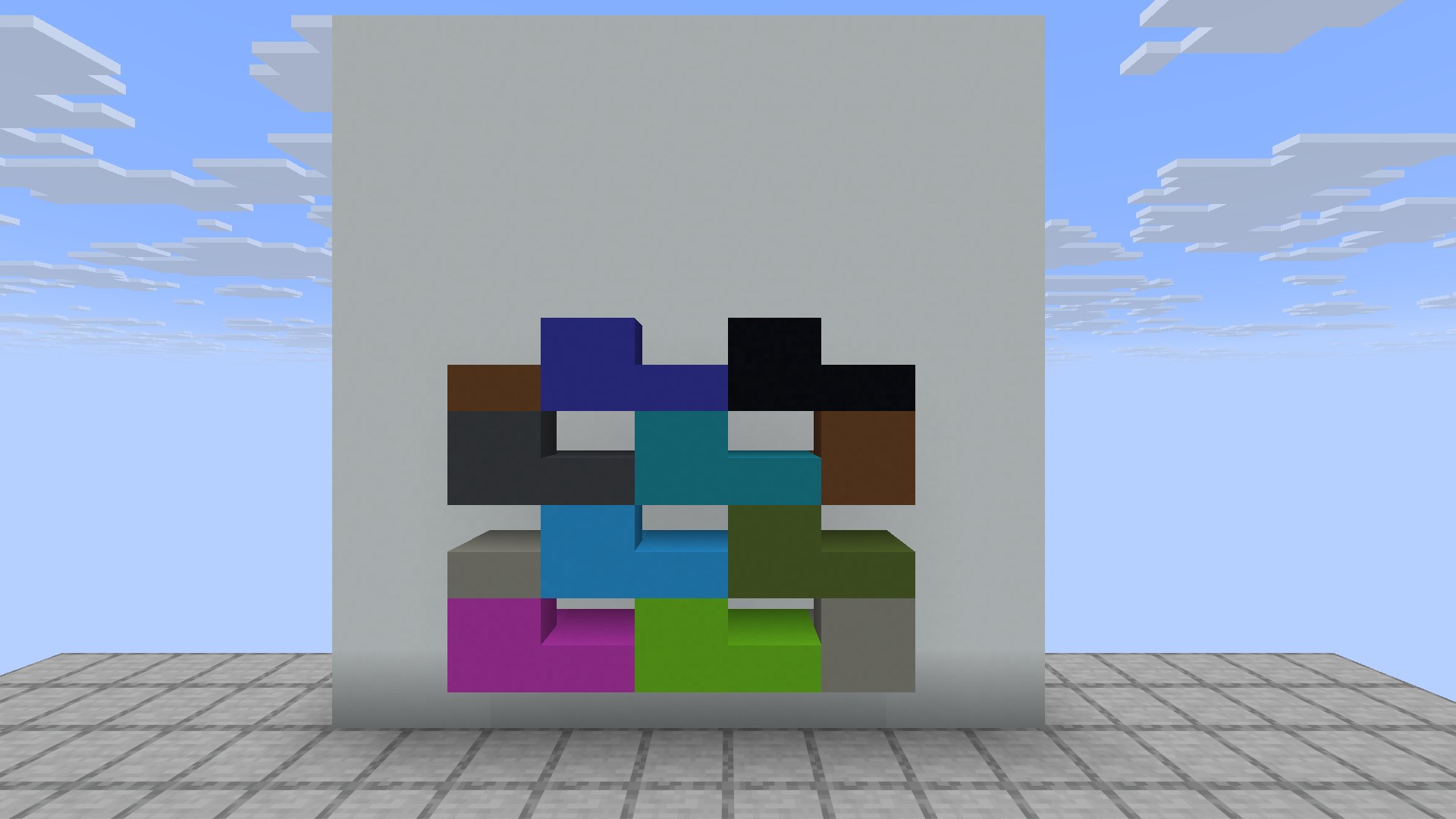
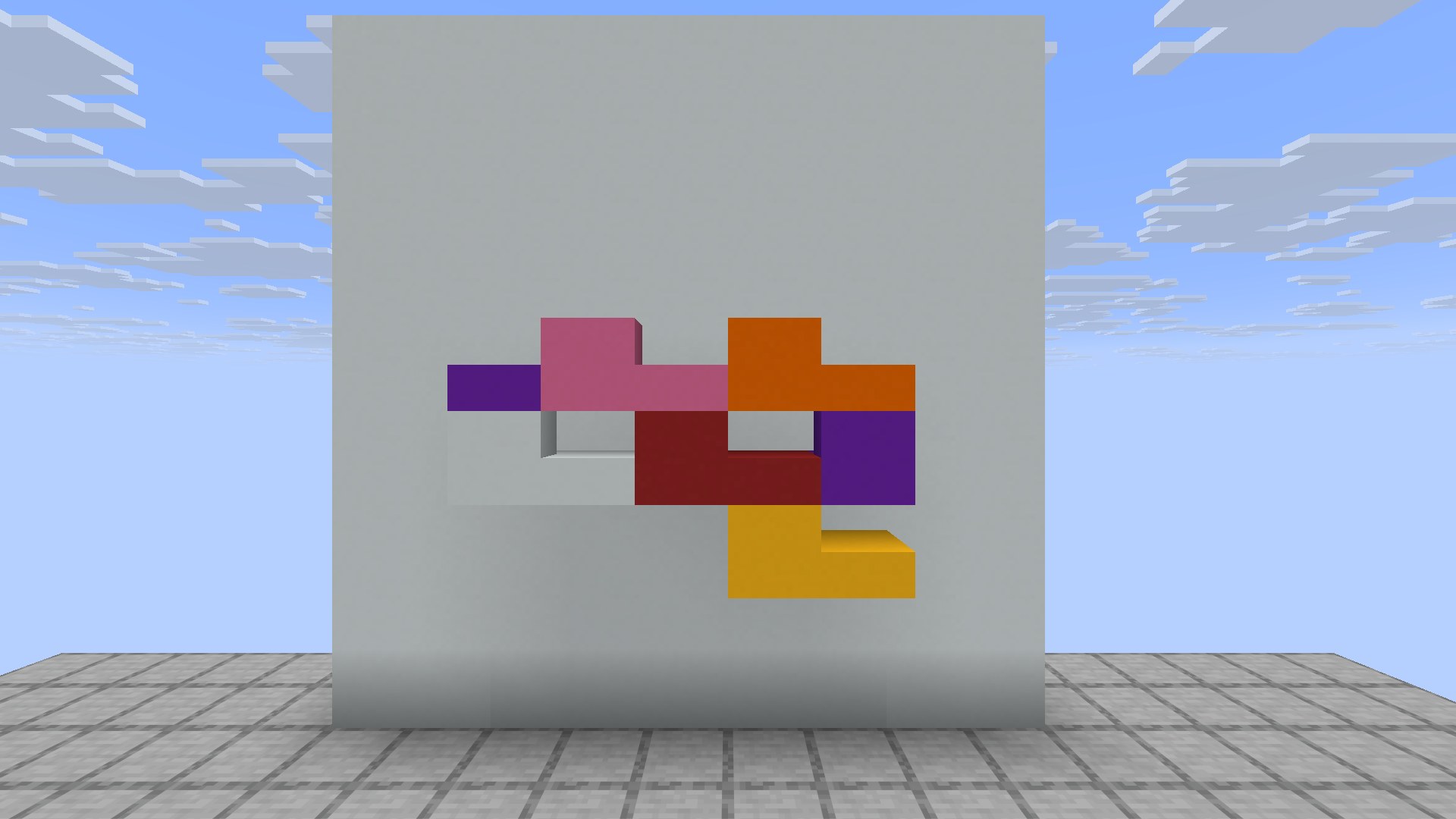
Seen in game 2
Taken on a clean superflat world running Minecraft 26.3-snapshot-7, with every new block placed on one board. Click to enlarge.
Blocks +32
 Black Concrete Slab
 Black Concrete Stairs
 Blue Concrete Slab
 Blue Concrete Stairs
 Brown Concrete Slab
 Brown Concrete Stairs
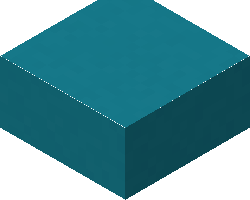 Cyan Concrete Slab
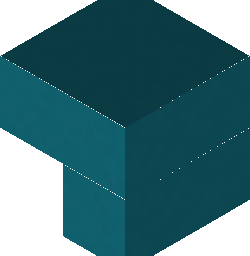 Cyan Concrete Stairs
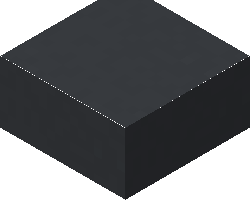 Gray Concrete Slab
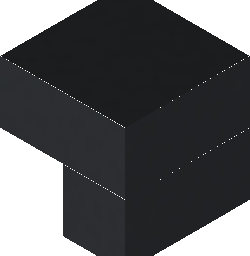 Gray Concrete Stairs
 Green Concrete Slab
 Green Concrete Stairs
 Light Blue Concrete Slab
 Light Blue Concrete Stairs
 Light Gray Concrete Slab
 Light Gray Concrete Stairs
 Lime Concrete Slab
 Lime Concrete Stairs
 Magenta Concrete Slab
 Magenta Concrete Stairs
 Orange Concrete Slab
 Orange Concrete Stairs
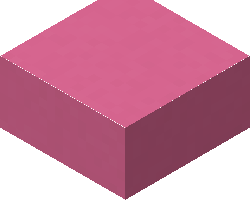 Pink Concrete Slab
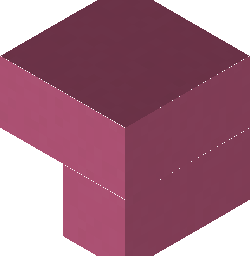 Pink Concrete Stairs
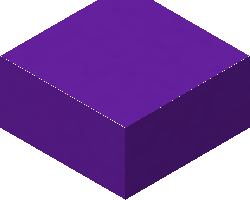 Purple Concrete Slab
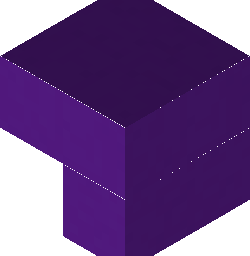 Purple Concrete Stairs
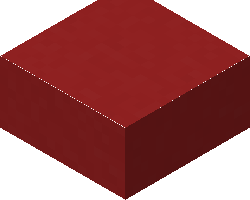 Red Concrete Slab
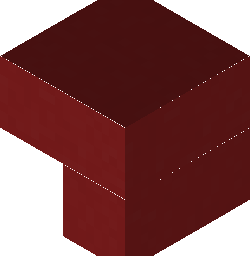 Red Concrete Stairs
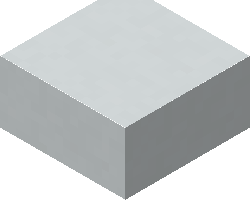 White Concrete Slab
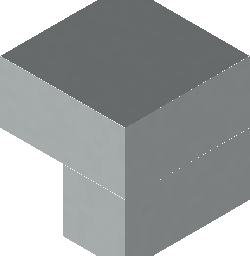 White Concrete Stairs
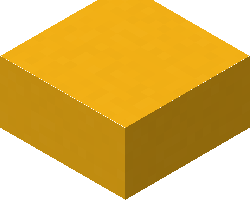 Yellow Concrete Slab
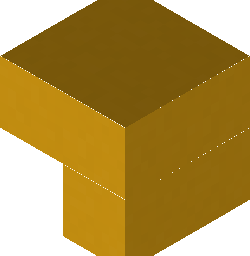 Yellow Concrete Stairs
Items +48
 Black Concrete Slab
 Black Concrete Stairs
 Blue Concrete Slab
 Blue Concrete Stairs
 Brown Concrete Slab
 Brown Concrete Stairs
 Buried Treasure Map
 Cyan Concrete Slab
 Cyan Concrete Stairs
 Desert Pyramid Map
 Desert Village Map
 Gray Concrete Slab
 Gray Concrete Stairs
 Green Concrete Slab
 Green Concrete StairsJungle Explorer Map
 Light Blue Concrete Slab
 Light Blue Concrete Stairs
 Light Gray Concrete Slab
 Light Gray Concrete Stairs
 Lime Concrete Slab
 Lime Concrete Stairs
 Magenta Concrete Slab
 Magenta Concrete StairsMineshaft MapOcean Explorer Map
 Orange Concrete Slab
 Orange Concrete Stairs
 Pink Concrete Slab
 Pink Concrete Stairs
 Plains Village Map
 Purple Concrete Slab
 Purple Concrete Stairs
 Red Concrete Slab
 Red Concrete Stairs
 Savanna Village Map
 Snowy Village MapSwamp Explorer Map
 Taiga Village MapTrial Explorer Map
 Warm Ocean Ruins Map
 White Concrete Slab
 White Concrete StairsWoodland Explorer Map
 Yellow Concrete Slab
 Yellow Concrete Stairs
New in-game text 91
| Key | Text |
|---|---|
argument.swing_animation.invalid | Unknown swing animation type: %s |
block.minecraft.black_concrete_slab | Black Concrete Slab |
block.minecraft.black_concrete_stairs | Black Concrete Stairs |
block.minecraft.blue_concrete_slab | Blue Concrete Slab |
block.minecraft.blue_concrete_stairs | Blue Concrete Stairs |
block.minecraft.brown_concrete_slab | Brown Concrete Slab |
block.minecraft.brown_concrete_stairs | Brown Concrete Stairs |
block.minecraft.cyan_concrete_slab | Cyan Concrete Slab |
block.minecraft.cyan_concrete_stairs | Cyan Concrete Stairs |
block.minecraft.gray_concrete_slab | Gray Concrete Slab |
block.minecraft.gray_concrete_stairs | Gray Concrete Stairs |
block.minecraft.green_concrete_slab | Green Concrete Slab |
block.minecraft.green_concrete_stairs | Green Concrete Stairs |
block.minecraft.light_blue_concrete_slab | Light Blue Concrete Slab |
block.minecraft.light_blue_concrete_stairs | Light Blue Concrete Stairs |
block.minecraft.light_gray_concrete_slab | Light Gray Concrete Slab |
block.minecraft.light_gray_concrete_stairs | Light Gray Concrete Stairs |
block.minecraft.lime_concrete_slab | Lime Concrete Slab |
block.minecraft.lime_concrete_stairs | Lime Concrete Stairs |
block.minecraft.magenta_concrete_slab | Magenta Concrete Slab |
block.minecraft.magenta_concrete_stairs | Magenta Concrete Stairs |
block.minecraft.orange_concrete_slab | Orange Concrete Slab |
block.minecraft.orange_concrete_stairs | Orange Concrete Stairs |
block.minecraft.pink_concrete_slab | Pink Concrete Slab |
block.minecraft.pink_concrete_stairs | Pink Concrete Stairs |
block.minecraft.purple_concrete_slab | Purple Concrete Slab |
block.minecraft.purple_concrete_stairs | Purple Concrete Stairs |
block.minecraft.red_concrete_slab | Red Concrete Slab |
block.minecraft.red_concrete_stairs | Red Concrete Stairs |
block.minecraft.white_concrete_slab | White Concrete Slab |
block.minecraft.white_concrete_stairs | White Concrete Stairs |
block.minecraft.yellow_concrete_slab | Yellow Concrete Slab |
block.minecraft.yellow_concrete_stairs | Yellow Concrete Stairs |
filled_map.bamboo_jungle_abandoned_camp | Bamboo Jungle Abandoned Camp Map |
filled_map.birch_forest_abandoned_camp | Birch Forest Abandoned Camp Map |
filled_map.cherry_grove_abandoned_camp | Cherry Grove Abandoned Camp Map |
filled_map.dappled_forest_abandoned_camp | Dappled Forest Abandoned Camp Map |
filled_map.flower_forest_abandoned_camp | Flower Forest Abandoned Camp Map |
filled_map.jungle_temple | Jungle Temple Map |
filled_map.pale_garden_abandoned_camp | Pale Garden Abandoned Camp Map |
filled_map.swamp_abandoned_camp | Swamp Abandoned Camp Map |
filled_map.windswept_forest_abandoned_camp | Windswept Forest Abandoned Camp Map |
item.minecraft.abandoned_campsite_map | Abandoned Campsite Map |
item.minecraft.ancient_city_map | Ancient City Map |
item.minecraft.buried_treasure_map | Buried Treasure Map |
item.minecraft.desert_pyramid_map | Desert Pyramid Map |
item.minecraft.desert_village_map | Desert Village Map |
item.minecraft.jungle_explorer_map | Jungle Pyramid Explorer Map |
item.minecraft.mineshaft_map | Mineshaft Map |
item.minecraft.ocean_explorer_map | Ocean Monument Explorer Map |
item.minecraft.plains_village_map | Plains Village Map |
item.minecraft.savanna_village_map | Savanna Village Map |
item.minecraft.snowy_village_map | Snowy Village Map |
item.minecraft.swamp_explorer_map | Swamp Hut Explorer Map |
item.minecraft.taiga_village_map | Taiga Village Map |
item.minecraft.trial_explorer_map | Trial Chambers Explorer Map |
item.minecraft.warm_ocean_ruins_map | Warm Ocean Ruins Map |
item.minecraft.woodland_explorer_map | Woodland Mansion Explorer Map |
key.keyboard.again | Again |
key.keyboard.application | Menu |
key.keyboard.copy | Copy |
key.keyboard.cut | Cut |
key.keyboard.find | Find |
key.keyboard.help | Help |
key.keyboard.keypad.comma | Keypad , |
key.keyboard.keypad.left.parenthesis | Keypad ( |
key.keyboard.keypad.period | Keypad . |
key.keyboard.keypad.plus.minus | Keypad ± |
key.keyboard.keypad.right.parenthesis | Keypad ) |
key.keyboard.left.command | Left Command |
key.keyboard.left.option | Left Option |
key.keyboard.left.windows | Left Win |
key.keyboard.media.play.pause | Play/Pause |
key.keyboard.mute | Mute |
key.keyboard.new | New |
key.keyboard.paste | Paste |
key.keyboard.right.command | Right Command |
key.keyboard.right.option | Right Option |
key.keyboard.right.windows | Right Win |
key.keyboard.save | Save |
How to make the new things 32
Hover a slot to see what goes in it.
| Result | Made in | Recipe |
|---|---|---|
| Black Concrete Slab | Crafting |  6 |
| Black Concrete Stairs | Crafting | 4 |
| Blue Concrete Slab | Crafting |  6 |
| Blue Concrete Stairs | Crafting | 4 |
| Brown Concrete Slab | Crafting |  6 |
| Brown Concrete Stairs | Crafting | 4 |
| Cyan Concrete Slab | Crafting |  6 |
| Cyan Concrete Stairs | Crafting | 4 |
| Gray Concrete Slab | Crafting |  6 |
| Gray Concrete Stairs | Crafting | 4 |
| Green Concrete Slab | Crafting |  6 |
| Green Concrete Stairs | Crafting | 4 |
| Light Blue Concrete Slab | Crafting |  6 |
| Light Blue Concrete Stairs | Crafting | 4 |
| Light Gray Concrete Slab | Crafting |  6 |
| Light Gray Concrete Stairs | Crafting | 4 |
| Lime Concrete Slab | Crafting |  6 |
| Lime Concrete Stairs | Crafting | 4 |
| Magenta Concrete Slab | Crafting |  6 |
| Magenta Concrete Stairs | Crafting | 4 |
| Orange Concrete Slab | Crafting |  6 |
| Orange Concrete Stairs | Crafting | 4 |
| Pink Concrete Slab | Crafting |  6 |
| Pink Concrete Stairs | Crafting | 4 |
| Purple Concrete Slab | Crafting |  6 |
| Purple Concrete Stairs | Crafting | 4 |
| Red Concrete Slab | Crafting |  6 |
| Red Concrete Stairs | Crafting | 4 |
| White Concrete Slab | Crafting |  6 |
| White Concrete Stairs | Crafting | 4 |
| Yellow Concrete Slab | Crafting |  6 |
| Yellow Concrete Stairs | Crafting | 4 |
Showing the first 80 of 91 new strings.
Reworded text 4
Wording Mojang changed in this version.
| Key | Before | After |
|---|---|---|
key.keyboard.left.win | Left Win | Left Meta |
key.keyboard.right.win | Right Win | Right Meta |
options.improvedTransparency.tooltip | An experimental approach that uses an order-independent transparency algorithm to avoid graphical issues normally present when looking through multiple layers of translucent objects. This will impact performance. | An experimental approach that uses screen shaders for drawing weather, clouds, and particles behind translucent blocks and water. This will impact GPU performance. |
options.quitShortcuts.tooltip | Whether keyboard shortcuts can close the game. When off, Alt + F4 on Windows and Linux, and Cmd + Q and Cmd + W on macOS, will no longer quit the game. | Whether keyboard shortcuts can close the game. When off, Alt + F4 on Windows and Linux, and Cmd + Q on macOS, will no longer quit the game. |
Fixes 36
Read from Mojang’s own release notes for Minecraft 26.3 Snapshot 7, published 2026-08-04. Every entry keeps its original bug ID.
36 issues fixed, read from Mojang’s own patch notes. Each entry keeps its original bug ID.
Fixed bugs in 26.3 Snapshot 7 36
MC-121375The Command (⌘) key on macOS is displayed as "Win" in the key binds screenMC-189953The Super key on macOS is displayed as "Win" in the key binds screenMC-218156Shipwrecks and ocean ruins can generate with empty buried treasure mapsMC-276079Sending a swing packet to the client causes it to send one back to the serverMC-302271Sniffers stop sniffing after relogMC-302661Interacting with something while holding spears plays the spear jab animationMC-302687Throwing items out of your inventory while holding spears plays the spear jab animationMC-302705Having a spear in the main hand affects the hand animation speed for items held in the off handMC-304213Zombies, husks and drowned hold out the incorrect arm when holding spearsMC-304920Spears in third person look wrong when the left hand is the main handMC-309644Some textures of geyser plume particles still use inconsistent colorsMC-309671Shelf mushrooms still use the wrong soundsMC-309679Cushions can be used to see through blocksMC-309732The straw_bed_head block model is stored in two directoriesMC-309797Cushions can be placed inside full blocks when the player's head intersects themMC-309875New translations for the tooltip of the "Improved Transparency" option are wrongly backportedMC-309931Placed cushions face inconsistent directionsMC-310057Pressing the "Advancements" key bind while its menu was opened from the pause menu closes both menusMC-310062Armadillos do not follow players holding spider eyesMC-310094The decimal point keypad key is displayed as "key.keyboard.99" in the key binds menuMC-310105The Menu key is displayed as "key.keyboard.101" in the key binds menuMC-310109The keypad plus-or-minus key is still not prefixed with "Keypad"MC-310110The keypad left and right parentheses keys are still not prefixed with "Keypad"MC-310112Using a Nether portal in Spectator mode while spectating an entity teleports the player to the incorrect locationMC-310118Pressing Windows+D to minimize all windows makes the game no longer visually update with the Vulkan rendering backendMC-310337The game log outputs the incorrect minimum format version requiring the pack_format field in pack.mcmetaMC-310358The conditions for depthBiasEnable differ between OpenGL and VulkanMC-310529The World Options menu UI breaks when resizing the game windowMC-310532Trying to lock the difficulty of the world resets the difficultyMC-310536The category headers in the World Options screen are formatted inconsistently with other settings screensMC-310550Command+W on macOS now closes the windowMC-310553The campsite_wooded_badlands_4 and campsite_swamp_2 abandoned camp structures contain overlapping cushionsMC-310556Pressing Alt+F4 closes the game window on kwin_wayland even when the "Quit Shortcuts" option is disabledMC-310590Adding the entity_outline post effect to the player, restarting the game, and entering the same world causes the game to crashMC-310595The Option key on macOS is displayed as "Alt" in the key binds screenMC-310610Several abandoned camp structures contain underwater oxidized copper chests that are not waterlogged
Development cycle
This build was part of the run-up to 26.3. Everything tested here landed in that release.