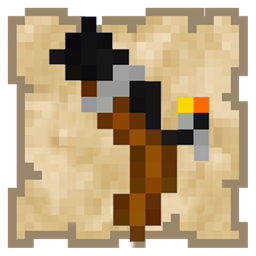
DownloadToo Many Guns Resource Pack
Get the files on 9Minecraft
Contents (4)
Confirm Server Compatibility
Too Many Guns works on most multiplayer servers without modification because it only changes how items *look* and *sound* on your client. The server still sees standard bows and arrows—no renaming required.
Install and Activate
1. Place the resource pack in your resourcepacks folder
2. Launch Minecraft and join your multiplayer server
3. Open the resource pack menu in-game and enable Too Many Guns
4. Restart the connection if needed
What Other Players See
Other players on the server will see you using a normal bow, even though your screen displays a 3D firearm. The resource pack is client-side only, affecting only your personal view.
Potential Restrictions
Some servers with strict anti-cheat or custom rules may have limitations. If you experience issues, check your server's resource pack policy. Most vanilla and modded servers allow this pack without problems.