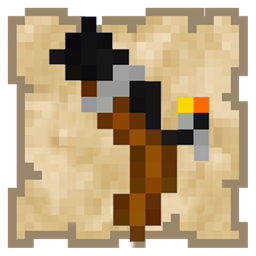
DownloadToo Many Guns Resource Pack
Get the files on 9Minecraft
Contents (5)
Verify Resource Pack is Enabled
Open your resource packs menu in-game. Ensure Too Many Guns is in the active list (right side), not the inactive list. If it's inactive, click it and move it to active.
Check Minecraft Version Compatibility
Confirm your Minecraft version matches the pack's supported versions. Resource packs designed for one version may not display correctly in another. Restart Minecraft after enabling the pack.
Clear Cache and Reload
1. Close Minecraft completely
2. Delete the shaderpacks and resource pack cache folders if they exist
3. Relaunch Minecraft and re-enable the resource pack
4. Test by holding a bow in your inventory
Verify You're Holding a Bow
The gun models only appear when you hold a bow. Standard arrows must be in your inventory for bullets to display. If you're holding a different item, the gun won't show.
Reinstall if Necessary
If issues persist, remove the pack and reinstall it fresh. Corrupted files during download can prevent proper rendering.