

What this pack changes
Every texture group the pack replaces, counted from the pack itself.
| Area | Textures replaced |
|---|---|
| Blocks | 840 |
| Items | 412 |
| GUI & menus | 316 |
| Mobs & entities | 114 |
| Particles | 43 |
| Sky & weather | 12 |
| Misc | 6 |
| Armor trims | 5 |
| Models | 2 |
| Font | 1 |
| Paintings | 1 |
Pack format 84–88 (Minecraft 1.21.9)2 per-version overlays1,753 texture files in total
Extra features
Custom entity models (OptiFine/CEM)
Custom shaders
Custom font
Custom sounds
Sound overrides
Custom block/item models
Reworked GUI
Guides
Step-by-step, in-game.
How to Enable Multiple Zombie Skin VariantsHow to Get the Crown, Clean Leather Armor, and HD ShieldsHow to Use Glass Doors, Soft Wool, and the Animated Skull PaintingUsing the Transparent UI and Environmental Visual Tweaks
Items
117 items · showing 24. Browse all →
 Acacia Door
 Bamboo Door
 Birch Door
 Black Dye
 Blue Dye
 Bottle o' Enchanting
 Brown Dye
 Bucket
 Bucket of Axolotl
 Bucket of Tadpole
 Cake
 Cherry Door
 Copper Door
 Copper Helmet
 Copper Nugget
 Crimson Door
 Dark Oak Door
 Diamond Helmet
 Exposed Copper Door
 Gold Nugget
 Golden Helmet
 Gray Dye
 Green Dye
 Infested Chiseled Stone Bricks
Blocks
136 blocks · showing 24. Browse all →
 Acacia Hanging Sign
 Acacia Sign
 Acacia Trapdoor
 Amethyst Cluster
 Attached Melon Stem
 Attached Pumpkin Stem
 Bamboo Hanging Sign
 Bamboo Sign
 Bamboo Trapdoor
 Bedrock
 Birch Hanging Sign
 Birch Sign
 Birch Trapdoor
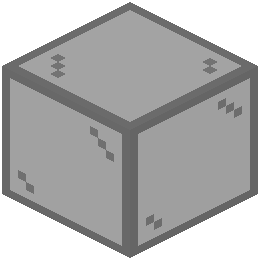 Black Stained Glass
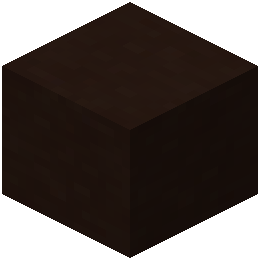 Black Terracotta
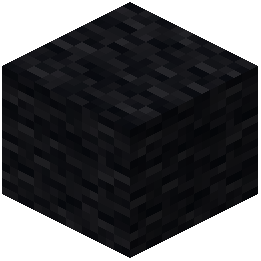 Black Wool
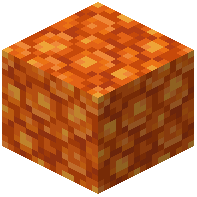 Block of Resin
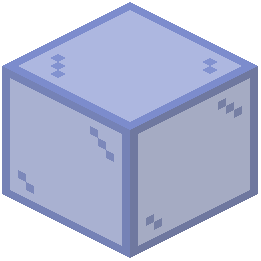 Blue Stained Glass
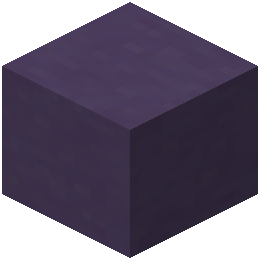 Blue Terracotta
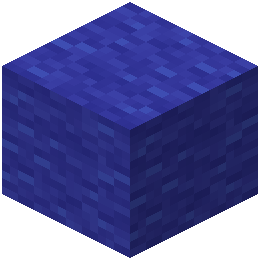 Blue Wool
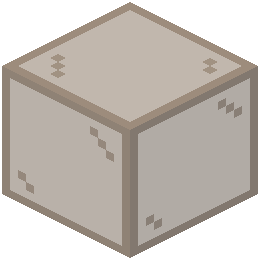 Brown Stained Glass
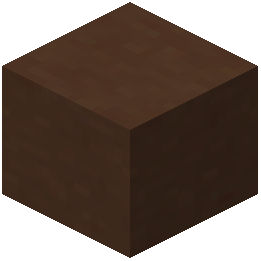 Brown Terracotta
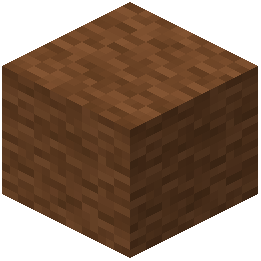 Brown Wool
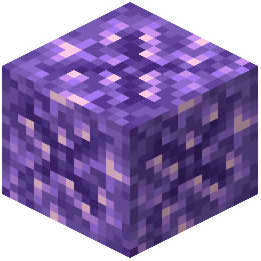 Budding Amethyst
Frequently asked questions
How do I get the wearable crown?
You do not need any special crafting recipes or anvil renames to get the crown. Simply craft or obtain a standard golden helmet, and the resource pack automatically replaces its texture and model with a shiny royal crown.
Why are the multiple zombie skin variants not showing up in my world?
The extra zombie skin variants require an external entity model mod (such as OptiFine or Entity Model Features/Entity Texture Features) to work. Without one of these mods active alongside the resource pack, zombies will only display a single default texture.
How do I remove the brown patches on dyed leather armor?
The brown overlay is removed automatically as soon as you enable the resource pack. Any leather armor pieces you dye in a crafting table or cauldron will display solid, vibrant colors across the entire piece.
How do I get the HD banner designs on my shield?
Combine any patterned banner with a standard shield in a crafting grid just like in vanilla Minecraft. The pack automatically upgrades the resolution of the banner pattern applied to the shield's surface.
Which painting has the spinning animation?
The skull painting features the animated spinning effect. Place paintings on a flat wall of at least four by four blocks until the large skull canvas appears to see the animation in action.
Can I use this resource pack on a multiplayer server?
Yes, because this is a client-side visual pack, it works on any multiplayer server without needing to be installed by the server host. Features like the transparent UI, clear water, and crown helmets will be visible to you even on vanilla servers.
How do I craft the wooden doors with clear glass windows?
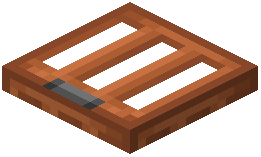
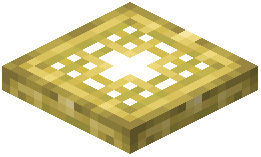
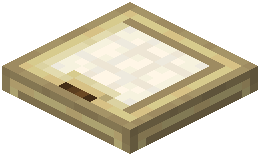
There is no separate crafting recipe for glass doors. The resource pack automatically updates the textures of standard wooden doors and trapdoors to include clear glass window panes.
Does the transparent UI let me see danger while in my inventory?
Yes, the pack makes standard user interface screens like your inventory, chests, and crafting tables see-through. This allows you to keep an eye on your surroundings and spot approaching mobs while managing your items.
Why are my gold nuggets turned sideways in my inventory?
Rotating nuggets horizontally is an intentional visual tweak included in the pack. It only changes the inventory icon orientation and does not affect how nuggets are used in crafting.
What changes does this pack make to building blocks and the environment?
Standard wool blocks are replaced with softer fabric patterns, and select items and blocks are upgraded to 3D models. For the environment, water surfaces are made much clearer and the night sky features twinkling stars.
Related mods
Other wikis you may find useful.