

What this pack changes
Every texture group the pack replaces, counted from the pack itself.
| Area | Textures replaced |
|---|---|
| Blocks | 20 |
| Misc | 1 |
Pack format 97 (Minecraft 1.21.9)21 texture files in total
Guides
Step-by-step, in-game.
How to Combine Dynamic Ores with Full-Overhaul Texture PacksHow to Enable and Prioritize Dynamic Ores Resource PackHow to Fix Missing Ore Borders and Optimize Cave VisibilityHow to Spot Ores Faster During Cave Runs and Speedruns
Blocks
C
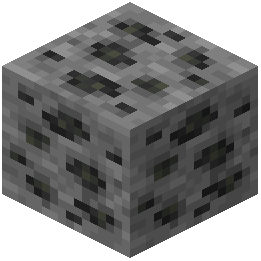 Coal Ore
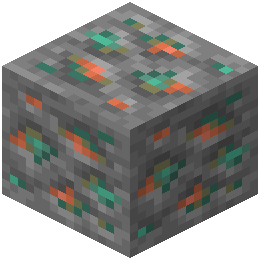 Copper Ore
D
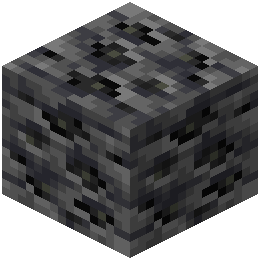 Deepslate Coal Ore
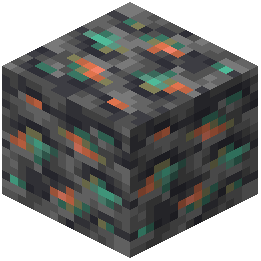 Deepslate Copper Ore
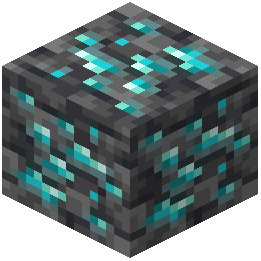 Deepslate Diamond Ore
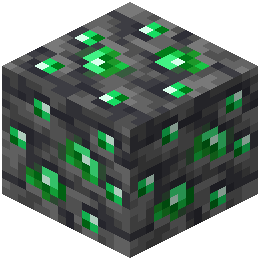 Deepslate Emerald Ore
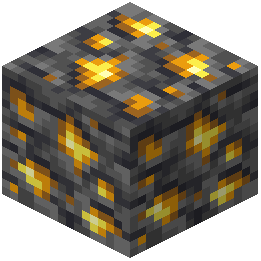 Deepslate Gold Ore
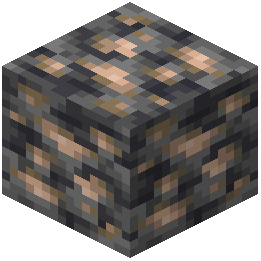 Deepslate Iron Ore
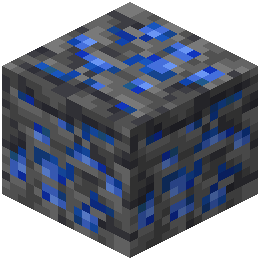 Deepslate Lapis Lazuli Ore
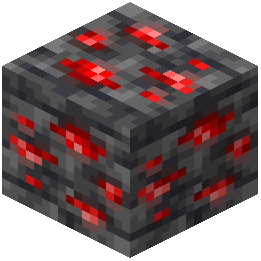 Deepslate Redstone Ore
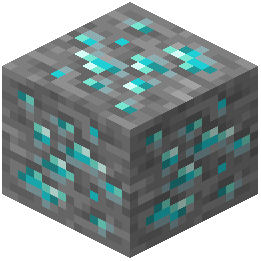 Diamond Ore
E
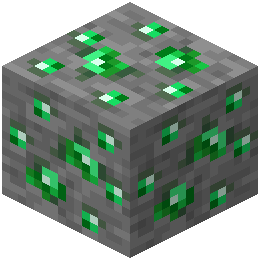 Emerald Ore
G
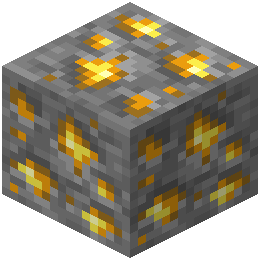 Gold Ore
I
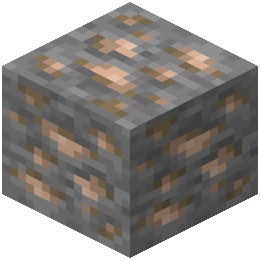 Iron Ore
L
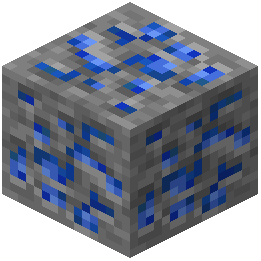 Lapis Lazuli Ore
N
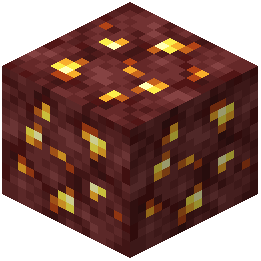 Nether Gold Ore
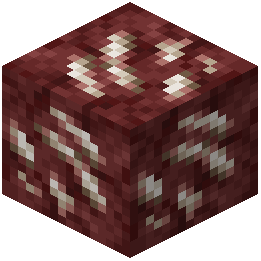 Nether Quartz Ore
R
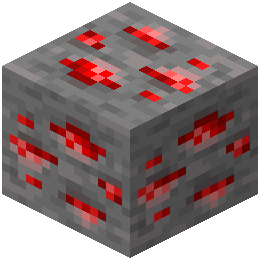 Redstone Ore
Frequently asked questions
Why are the ore borders not showing up in my world?
Open your Resource Packs menu and make sure Dynamic Ores is moved to the Selected column on the right. If you are using other texture packs, use the up arrow to move Dynamic Ores to the very top of the list so another pack does not overwrite its textures.
How do I use Dynamic Ores with another full texture pack?
Activate both packs in your Resource Packs menu, then place Dynamic Ores directly above your main overhaul pack in the load order. Because Dynamic Ores only replaces mineral blocks, the game will use its bordered ores while keeping the rest of the world in your main pack's style.
Does Dynamic Ores make ores glow in the dark?
The pack uses high-visibility borders and cleaner patterns to make minerals stand out against dark cave stone from a distance. If you still have trouble seeing them in unlit tunnels, turn your in-game Brightness slider all the way up in Video Settings.
Will I get banned for using Dynamic Ores in PvP or multiplayer servers?
No, because it is a standard visual resource pack that only adds outlines and distinct patterns to the surface of exposed blocks. Unlike X-ray packs, it does not make solid stone transparent, making it safe for fast-paced PvP matches and speedruns.
Do I need OptiFine or another mod for the ore outlines to work?
The base textures with distinct borders and cleaner patterns work on vanilla Minecraft without any extra mods. You can simply enable it in the standard Resource Packs menu and play immediately.
Which blocks are actually changed by this pack?
It strictly targets common mineral blocks found in caves and ravines, such as diamond, iron, and coal ores. Normal terrain blocks keep their default textures so your game maintains the classic vanilla look.
How does this pack help me tell similar ores apart from far away?
Aside from retaining the vanilla color palette, the pack gives different minerals distinct visual patterns on the block face alongside clear outlines. This allows you to identify specific resources quickly across large ravines without walking up to them.
Does Dynamic Ores cause any FPS drops or lag?
No, it keeps the default vanilla resolution and palette while only modifying the textures of mineral blocks. Your game performance and framerate will remain the same as with default textures.
Does the server owner need to install this for me to use it?
No, resource packs are completely client-side. As long as you have it enabled in your own Resource Packs menu, you will see the custom ore borders on any multiplayer server unless that server forces a locked custom pack.
Why do the ores still look like default Minecraft colors?
The pack is designed to maintain the vanilla block palette so it blends naturally with classic survival builds. Instead of changing the colors completely, it refreshes the blocks with cleaner inner patterns and high-contrast borders around the edges.
Related mods
Other wikis you may find useful.