

What this pack changes
Every texture group the pack replaces, counted from the pack itself.
| Area | Textures replaced |
|---|---|
| GUI & menus | 322 |
| Items | 180 |
| Blocks | 79 |
| Mobs & entities | 48 |
| Armor | 6 |
| Status effects | 6 |
| Models | 4 |
| Misc | 1 |
Pack format 15 (Minecraft 1.20)646 texture files in total
Extra features
Custom entity models (OptiFine/CEM)
Random entity textures
Custom shaders
Custom block/item models
Reworked GUI
Guides
Step-by-step, in-game.
How to Build Clean Walls with Reworked Fences, Gates, and PanesHow to Display Maps, Trophies, and Signs with 3D ModelsHow to Enable and Verify Vanilla Recrafted Model FeaturesHow to Read 3D Redstone Circuits with Vanilla Recrafted ModelHow to Showcase Refreshed Equipment, Buckets, and Storage BlocksHow to Upgrading Builds with Refreshed Doors, Trapdoors, and Planks
Items
109 items · showing 24. Browse all →
 Acacia Sign
 Arrow
 Bamboo Raft with Chest
 Bamboo Sign
 Beetroot Soup
 Birch Boat
 Birch Hanging Sign
 Birch Sign
 Bottle o' Enchanting
 Bow
 Bowl
 Bucket
 Bucket of Axolotl
 Bucket of Cod
 Bucket of Pufferfish
 Bucket of Salmon
 Bucket of Tadpole
 Bucket of Tropical Fish
 Carrot on a Stick
 Chainmail Boots
 Chainmail Chestplate
 Chainmail Helmet
 Chainmail Leggings
 Cherry Sign
Blocks
A
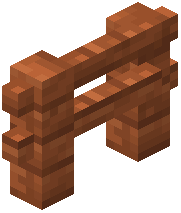 Acacia Fence
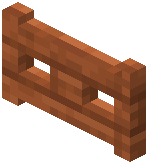 Acacia Fence Gate
B
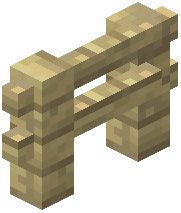 Birch Fence
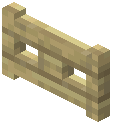 Birch Fence Gate
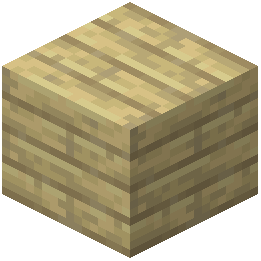 Birch Planks
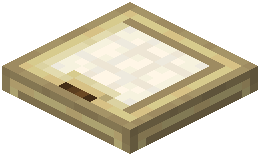 Birch Trapdoor
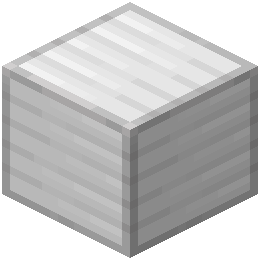 Block of Iron
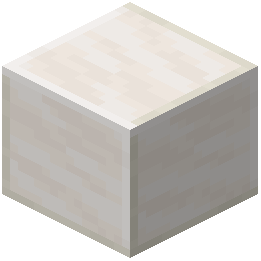 Block of Quartz
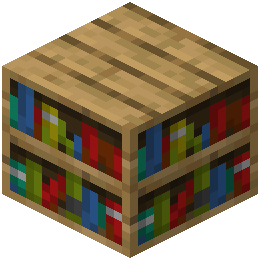 Bookshelf
C
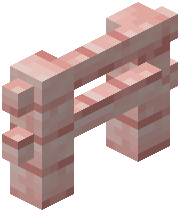 Cherry Fence
 Cherry Fence Gate
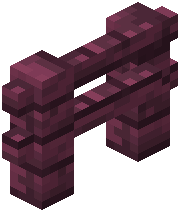 Crimson Fence
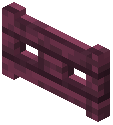 Crimson Fence Gate
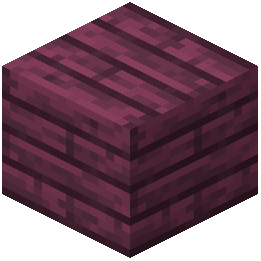 Crimson Planks
D
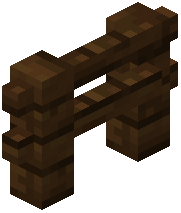 Dark Oak Fence
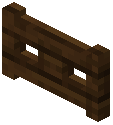 Dark Oak Fence Gate
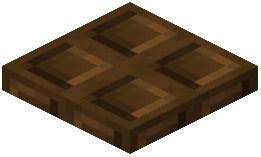 Dark Oak Trapdoor
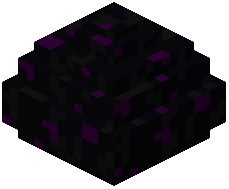 Dragon Egg
G
 Glow Item Frame
I
 Iron Bars
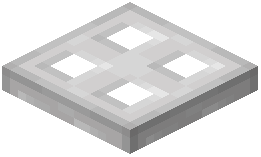 Iron Trapdoor
 Item Frame
J
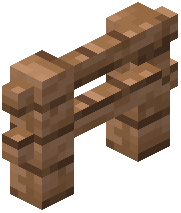 Jungle Fence
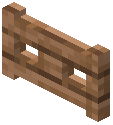 Jungle Fence Gate
M
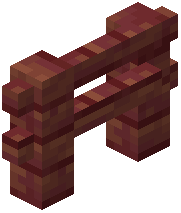 Mangrove Fence
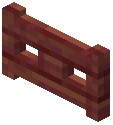 Mangrove Fence Gate
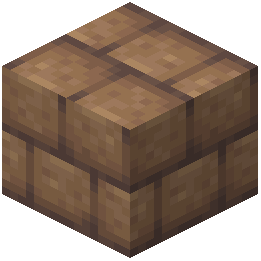 Mud Bricks
O
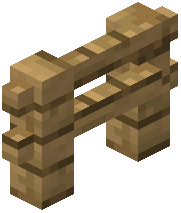 Oak Fence
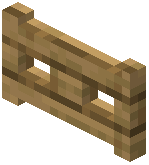 Oak Fence Gate
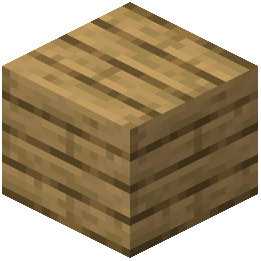 Oak Planks
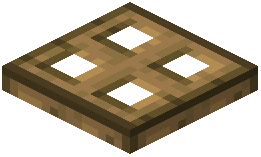 Oak Trapdoor
R
 Redstone Torch
S
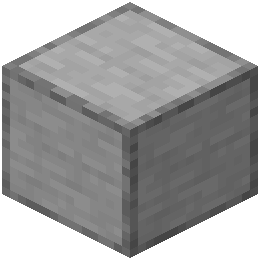 Smooth Stone
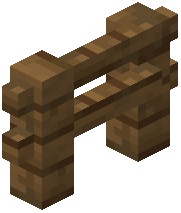 Spruce Fence
 Spruce Fence Gate
W
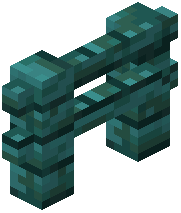 Warped Fence
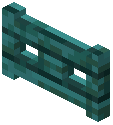 Warped Fence Gate
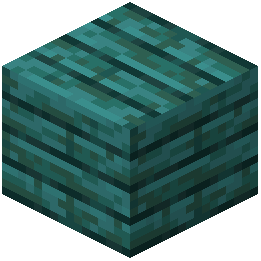 Warped Planks
Frequently asked questions
How do I activate Vanilla Recrafted Model?
Open your Options menu, enter the Resource Packs screen, and move Vanilla Recrafted Model over to the active list on the right. Confirm the change to allow the game to load the custom 3D models and textures.
Why are animated textures not playing on blocks with moving parts?
Animated textures require a game environment that supports texture animations. Check your visual settings or graphics mods to make sure animated textures are enabled so moving effects can display.
How do Redstone Repeaters change with this pack?
Redstone Repeaters feature custom 3D parts and clearer tick positions along the base. The redstone pin models have physical depth and visually shift position when you right-click to adjust delay or lock them with a comparator.
What visual updates apply to Redstone Comparators?
Redstone Comparators display updated 3D pins and detailed surface components instead of flat overlays. The pins show distinct geometric depth whether placed individually or connected to active circuits.
See all 16 Vanilla Recrafted Model questions ›
Related mods
Other wikis you may find useful.