

What this pack changes
Every texture group the pack replaces, counted from the pack itself.
| Area | Textures replaced |
|---|---|
| Blocks | 802 |
| Mobs & entities | 229 |
| Items | 194 |
| Particles | 70 |
| Sky & weather | 5 |
| GUI & menus | 2 |
| Maps | 2 |
| Models | 1 |
Pack format 15 (Minecraft 1.20)1,305 texture files in total
Extra features
Custom entity models (OptiFine/CEM)
Random entity textures
Custom block/item models
Reworked GUI
Custom particles
Guides
Step-by-step, in-game.
Building with 3D Modded Doors and TrapdoorsHow to Enable Connected and Animated TexturesTroubleshooting Missing 3D Shapes and Unconnected BordersUsing Connected and Animated Modded Blocks in Builds
Items
76 items · showing 24. Browse all →
 Acacia Sign
 Amethyst Shard
 Banner Pattern (Piglin)
 Banner Pattern (Flower)
 Banner Pattern (Globe)
 Banner Pattern (Creeper)
 Banner Pattern (Mojang)
 Banner Pattern (Skull)
 Birch Sign
 Blaze Powder
 Blaze Rod
 Bottle o' Enchanting
 Bow
 Bucket of Axolotl
 Bucket of Cod
 Bucket of Pufferfish
 Bucket of Salmon
 Bucket of Tropical Fish
 Crimson Sign
 Dark Oak Sign
 Debug Stick
 Diamond Axe
 Diamond Helmet
 Diamond Horse Armor
Blocks
108 blocks · showing 24. Browse all →
 Acacia Button
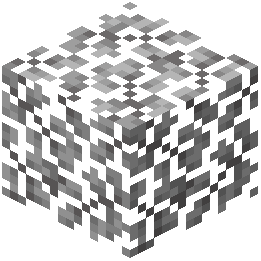 Acacia Leaves
 Acacia Sapling
 Activator Rail
 Allium
 Attached Melon Stem
 Attached Pumpkin Stem
 Azure Bluet
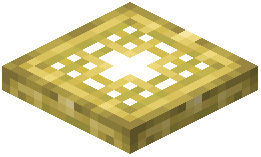 Bamboo Trapdoor
 Birch Button
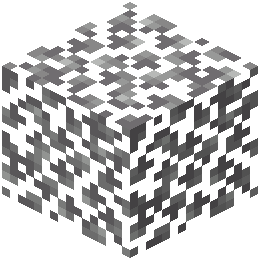 Birch Leaves
 Birch Sapling
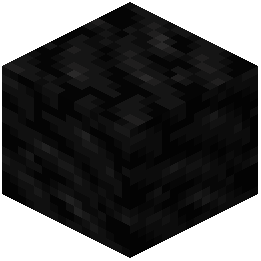 Block of Coal
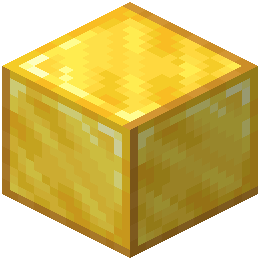 Block of Gold
 Blue Orchid
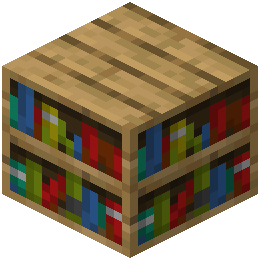 Bookshelf
 Brewing Stand
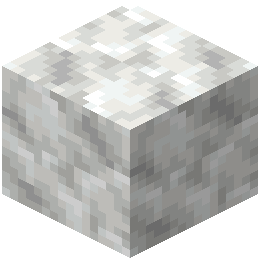 Calcite
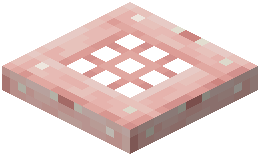 Cherry Trapdoor
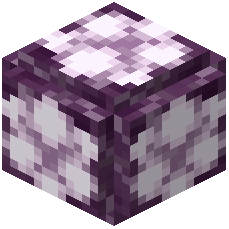 Chorus Flower
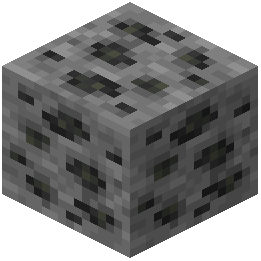 Coal Ore
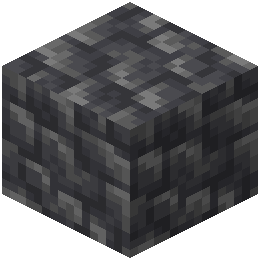 Cobbled Deepslate
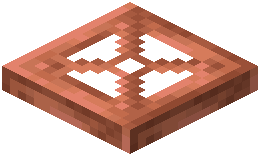 Copper Trapdoor
 Cornflower
Frequently asked questions
Where do I put UltimaCraft Modded Model to make it work in game?
Unlike standard mods that go into the mods folder, this is a resource pack and must be placed inside your resource pack folder. Once it is in the right folder, open your in-game options menu and move the pack to the active column.
Why are my modded blocks not connecting their borders?
Connected textures require a game setup or optimization mod that supports connected textures to be enabled in your video settings. You should also ensure UltimaCraft Modded Model is placed at the top of your active resource pack list so other packs do not override its files.
Which modded wood types get 3D models with this pack?
The pack updates wooden sets such as jacaranda, fir, cherry, hellbark, and magic wood. It adds custom 3D depth to building blocks, doors, and trapdoors crafted from these materials.
How can I quickly test if the 3D models and animations are working?
Craft and place a jacaranda door, cherry trapdoor, or fir trapdoor, then right-click it to see if the 3D frame details shift between open and closed states. To check animations and connected edges, build a small wall using magic wood doors or hellbark trapdoors.
Why are the moving textures on my magic wood and hellbark blocks frozen?
The animated textures rely on your game supporting and enabling texture animations. Check your video settings to make sure terrain and item animations are turned on.
Does UltimaCraft Modded Model add new wood blocks like jacaranda and fir to my world?
No, it only provides 349 custom 3D models and over 4,000 textures for blocks and items that are already added by other mods. You still need the original wood-adding mods installed to find and craft with those materials.
Do I need to put UltimaCraft Modded Model on my server?
Since it only changes visual 3D shapes and textures through the resource pack menu, it only needs to be active on your client. Other players on the server will not need it unless they also want to see the connected textures and 3D doors.
Why do my modded doors disappear or lose their 3D depth when I open them?
The pack includes separate 3D models for both open and closed states, so a missing shape usually means another resource pack is overriding one of the states. Move UltimaCraft Modded Model to the very top of your active resource packs list and reload your packs.
Will these textures clash with standard vanilla blocks in my builds?
No, the over 4,000 custom texture files are designed to match standard game art. This allows modded walls, floors, and doors to blend cleanly alongside vanilla materials.
What can I do if the 349 3D models and animations cause lag?
If large builds with many 3D doors and trapdoors lower your frame rate, you can disable animated textures or connected block features in your video settings. This keeps the 3D shapes on your blocks while reducing the visual load.