

What this pack changes
Every texture group the pack replaces, counted from the pack itself.
| Area | Textures replaced |
|---|---|
| Blocks | 994 |
| Items | 588 |
| Mobs & entities | 486 |
| Particles | 211 |
| Paintings | 31 |
Pack format 18 (Minecraft 1.20.2)2,310 texture files in total
Extra features
Custom entity models (OptiFine/CEM)
Custom block/item models
Guides
Step-by-step, in-game.
How to Activate the Pack and Enable Animated TexturesHow to Build Liminal Hallways Using Altered Vanilla BlocksHow to Decorate with Custom Plants and Tilting Dripleaf ModelsHow to Stage a Dark Mystery Room with Candles and BookshelvesHow to Test and Troubleshoot Custom 3D Block StatesHow to Use and Inspect Dynamic Functional Block Models
Items
366 items · showing 24. Browse all →
 Acacia Boat
 Acacia Boat with Chest
 Acacia Door
 Acacia Hanging Sign
 Acacia Sign
 Amethyst Shard
 Angler Pottery Sherd
 Apple
 Archer Pottery Sherd
 Armor Stand
 Arms Up Pottery Sherd
 Arrow
 Baked Potato
 Bamboo
 Bamboo Door
 Bamboo Hanging Sign
 Bamboo Raft
 Bamboo Raft with Chest
 Bamboo Sign
 Banner Pattern (Flower)
 Banner Pattern (Piglin)
 Banner Pattern (Skull)
 Banner Pattern (Mojang)
 Banner Pattern (Globe)
Blocks
467 blocks · showing 24. Browse all →
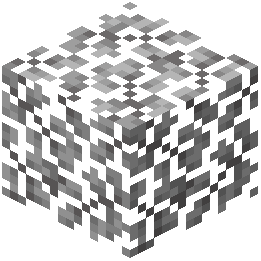 Acacia Leaves
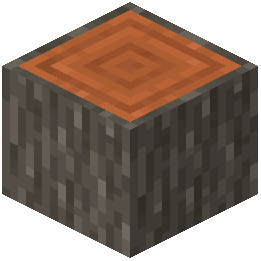 Acacia Log
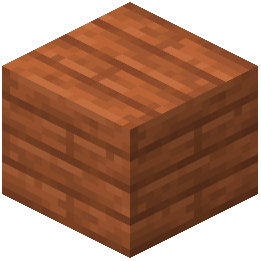 Acacia Planks
 Acacia Sapling
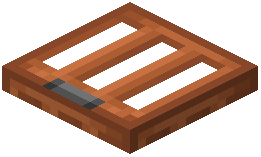 Acacia Trapdoor
 Activator Rail
 Allium
 Amethyst Cluster
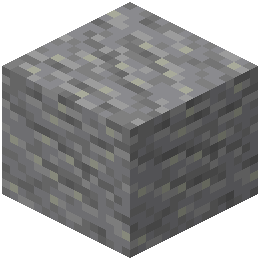 Andesite
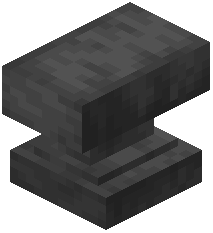 Anvil
 Attached Melon Stem
 Attached Pumpkin Stem
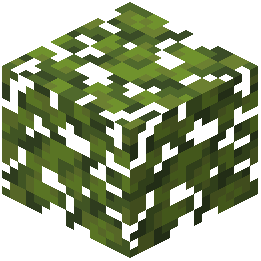 Azalea Leaves
 Azure Bluet
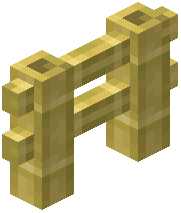 Bamboo Fence
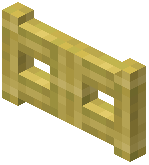 Bamboo Fence Gate
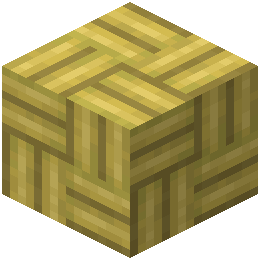 Bamboo Mosaic
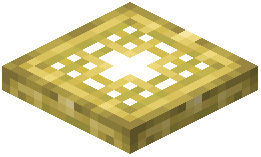 Bamboo Trapdoor
 Beacon
 Bedrock
 Big Dripleaf Stem
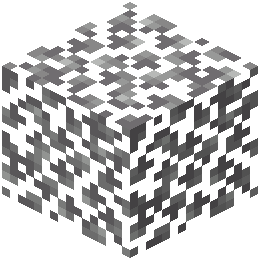 Birch Leaves
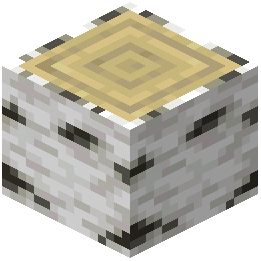 Birch Log
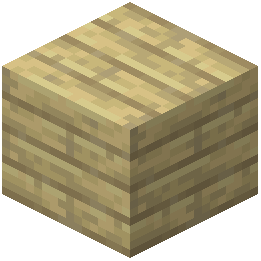 Birch Planks
Frequently asked questions
Why do all my blocks still look like normal vanilla Minecraft?
Even though it is loaded as a mod, you still need to manually turn on the visuals in your game settings. Open the Options menu, go to Resource Packs, and move The Backrooms Model into your active packs list.
How do I find or craft the new Backrooms blocks?
This mod does not add new custom block IDs to the crafting table or creative tabs. Instead, it replaces the 3D models and textures of over 350 existing vanilla items and blocks, such as Andesite, Bookshelves, and Brewing Stands.
Andesite, Bookshelves, and Brewing Stands.Does this mod automatically generate a Backrooms dimension or maze?
No, it does not alter world generation or add new dimensions. It is a visual overhaul that transforms standard blocks so you can build your own eerie, liminal hallways and spooky rooms.
What blocks should I use to build basic liminal hallways?
Common building materials like Andesite have been completely retextured specifically to fit liminal hallway construction. You can also experiment with altered Concrete, 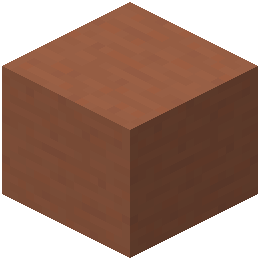 Terracotta, Wool, and Planks to see which textures best fit your maze design.
Andesite have been completely retextured specifically to fit liminal hallway construction. You can also experiment with altered Concrete, Terracotta, Wool, and Planks to see which textures best fit your maze design.