
Redstone Tweaks Overlaid Model Wiki

Redstone Tweaks Overlaid Model Wiki & Guide
wiki.9minecraft.net/redstone-tweaks-overlaid-model/
The community wiki and guide for Redstone Tweaks Overlaid Model — guides, recipes, items and mechanics.
What this pack changes
Every texture group the pack replaces, counted from the pack itself.
| Area | Textures replaced |
|---|---|
| Blocks | 82 |
Pack format 84–999 (Minecraft 1.21.9)82 texture files in total
Extra features
Custom block/item models
Guides
Step-by-step, in-game.
How to Layer Redstone Tweaks Overlaid Model Over Custom Texture PacksHow to Read Redstone States on Comparators, Dispensers, and Daylight DetectorsHow to Spot Ancient Debris More Easily in the NetherHow to Track Beehive and Bee Nest Honey Levels at a Glance
Blocks
 Bedrock
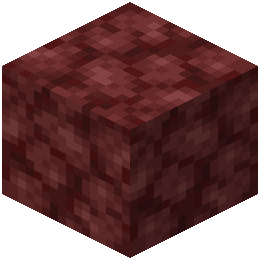 Netherrack
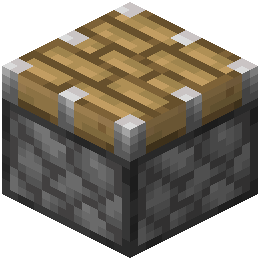 Piston
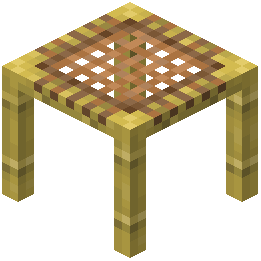 Scaffolding
Frequently asked questions
Why are my custom textures disappearing when I turn on Redstone Tweaks Overlaid Model?
This pack only adds 3D overlays and should not replace your base textures. Make sure Redstone Tweaks Overlaid Model is placed at the very top of your active resource packs list, with your main texture pack directly beneath it.
Why aren't the 3D redstone indicators showing up in game?
Another resource pack is likely overriding the block models. Open your resource pack menu and move Redstone Tweaks Overlaid Model to the top of the active list so its 3D overlays load last.
How do I tell how much honey is in a beehive or bee nest?
Look directly at the Beehive or wild Bee Nest to see visual markers that fill up as bees deposit honey. The overlay displays five distinct stages, from stage 01 to stage 05, letting you know exactly when it is full.
How can I tell if a dispenser or dropper is powered or which way it faces?
Dispensers and droppers feature custom directional cues on their sides, including a distinct model when placed vertically facing upwards or downwards. When powered by redstone, the front face model visibly changes to an active state.
How does the daylight detector indicator work?
The Daylight Detector has visual step indicators numbered 01 through 08 directly on the block model. As the sun moves across the sky, these markers update so you can read the daylight signal power at a glance.
What changes on the redstone comparator model?
The comparator uses 3D overlays to clearly show active signal states and mode changes. When you right-click the comparator, the front torch model physically changes to distinguish between normal comparison mode and subtract mode.
Does this pack change anything that isn't redstone or beehives?
Yes, it applies overlays to over one hundred block models in total. Notable non-redstone additions include custom 3D model tweaks that highlight Ancient Debris and clearer visual states for pressed buttons.
Can I use Redstone Tweaks Overlaid Model on a multiplayer server?
Yes, because it only modifies client-side block models and textures through the resource pack system. You can use all the visual indicators on any server without the server needing to install it.
How do I tell if a button is still pressed down from a distance?
The pack adds a custom 3D highlight tweak to buttons when they are activated. This makes the pressed state stand out clearly against the block it is attached to until the redstone pulse ends.
Does this help with finding Ancient Debris in the Nether?
Yes, Ancient Debris is given a custom 3D model tweak that highlights the block. This extra depth makes it stand out more clearly against surrounding Netherrack and other Nether blocks while mining.
Related mods
Other wikis you may find useful.