
How to Spot Ancient Debris More Easily in the Nether
Because Ancient Debris shares a muted brown palette with surrounding 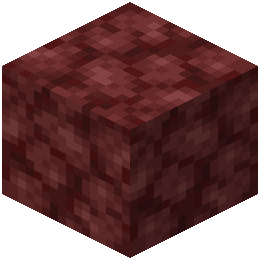 Netherrack and other Nether blocks, it is easy to walk past exposed veins while mining. Redstone Tweaks Overlaid Model applies a custom 3D model tweak to Ancient Debris to make it stand out visually.
Preparing for a Nether Mining Trip
1. Open your Resource Packs menu before entering the Nether and confirm that Redstone Tweaks Overlaid Model is active at the top of the right-hand column.
2. Travel to the lower depths of the Nether where Ancient Debris generates and begin mining using pickaxes, beds, or TNT.
3. As you clear away Netherrack, watch the exposed walls, floors, and ceilings for the custom 3D model highlight on any uncovered Ancient Debris blocks.
Why the 3D Highlight Helps
Even if you are using a dark or stylized base resource pack underneath, the 3D model tweak sits on top of the block's base texture. This altered geometry catches your eye against flat Netherrack surfaces and amidst lava pockets after an explosion, helping you spot leftover debris before moving on to the next blast site.