

What this pack changes
Every texture group the pack replaces, counted from the pack itself.
| Area | Textures replaced |
|---|---|
| Blocks | 1,108 |
| Items | 614 |
| GUI & menus | 478 |
| Mobs & entities | 242 |
| Particles | 241 |
| Status effects | 39 |
| Maps | 38 |
| Paintings | 27 |
| Models | 15 |
| Sky & weather | 6 |
| Misc | 5 |
| Font | 2 |
| Biome colours | 2 |
| Effect | 1 |
Pack format 55 (Minecraft 1.21.5)1 per-version overlays2,818 texture files in total
Extra features
Custom shaders
Custom font
Custom sounds
Custom block/item models
Reworked GUI
Guides
Step-by-step, in-game.
How to Build Cleaner Redstone Contraptions with 3D Dispensers, Droppers, and LeversHow to Decorate Builds with 3D Grass, Honey Blocks, Spore Blossoms, Fences, and TerracottaHow to Install and Activate Pixel-Tree Model Without OptiFineHow to Light Bases with Animated 3D Regular Fire and Soul FireHow to Troubleshoot Flat Models, Frozen Flames, and Resource Pack Load OrderHow to Upgrade Survival Workshops with 3D Looms, Lecterns, Stonecutters, and Beacons
Items
404 items · showing 24. Browse all →
 Acacia Boat
 Acacia Boat with Chest
 Acacia Door
 Acacia Hanging Sign
 Acacia Sign
 Allay Spawn Egg
 Amethyst Shard
 Angler Pottery Sherd
 Apple
 Archer Pottery Sherd
 Armadillo Scute
 Armor Stand
 Arms Up Pottery Sherd
 Arrow
 Axolotl Spawn Egg
 Baked Potato
 Bamboo
 Bamboo Door
 Bamboo Hanging Sign
 Bamboo Raft
 Bamboo Raft with Chest
 Bamboo Sign
 Banner Pattern (Flow)
 Banner Pattern (Creeper)
Blocks
416 blocks · showing 24. Browse all →
 Acacia Button
 Acacia Leaves
 Acacia Log
 Acacia Planks
 Acacia Sapling
 Acacia Trapdoor
 Activator Rail
 Allium
 Amethyst Cluster
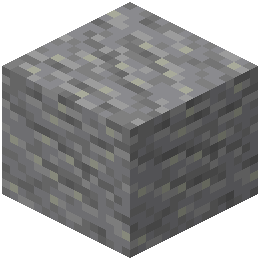 Andesite
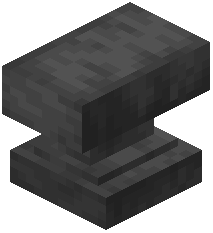 Anvil
 Attached Melon Stem
 Attached Pumpkin Stem
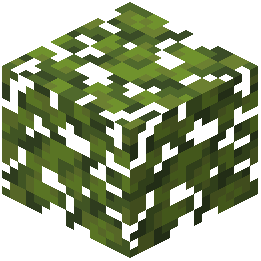 Azalea Leaves
 Azure Bluet
 Bamboo Button
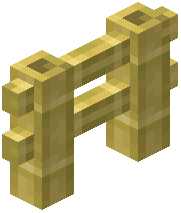 Bamboo Fence
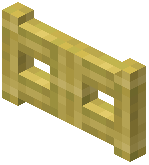 Bamboo Fence Gate
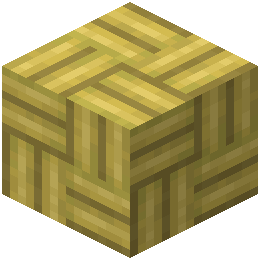 Bamboo Mosaic
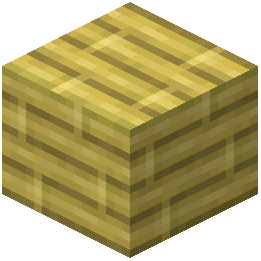 Bamboo Planks
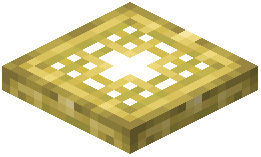 Bamboo Trapdoor
 Beacon
 Bedrock
 Big Dripleaf Stem
Frequently asked questions
What does Pixel-Tree Model change in Minecraft?
Pixel-Tree Model replaces standard vanilla visuals with 2,819 detailed 32×32 texture files, 40 custom 3D block models, and animated textures. It refreshes natural terrain, functional workshop stations, redstone blocks, ground flames, and everyday building blocks while running completely on normal vanilla setups without OptiFine. Your survival worlds gain cleaner 3D depth and crisp textures without changing any vanilla gameplay rules.
Do I need OptiFine or any extra mods to use Pixel-Tree Model?
No, Pixel-Tree Model runs completely on normal vanilla Minecraft setups without needing OptiFine or external model loaders. Simply place the intact zip archive directly inside your resourcepacks folder and enable it through the in-game Resource Packs menu. The only requirement is a Minecraft setup that supports animated textures with texture animations switched on in Video Settings.
How do I install and activate Pixel-Tree Model properly?
Open your Minecraft game folder and move the Pixel-Tree Model zip file straight into the resourcepacks directory without extracting its internal folders. Next, open Options, click Resource Packs, move Pixel-Tree Model into the Selected column above competing packs, and click Done to reload visuals. Walk onto a plains biome or place a stonecutter afterward to confirm the 32×32 textures and 3D models loaded cleanly.
How do Grass Blocks look different in Pixel-Tree Model?
Pixel-Tree Model spawns three different custom 3D surface models for Grass Blocks randomly across natural terrain instead of repeating a single flat top texture. Walk across any plains biome or landscaped yard to see how those three randomized 3D grass shapes break up wide fields naturally. Because every texture matches the crisp 32×32 resolution, outdoor areas blend cleanly with nearby trees and fences.
See all 16 Pixel Tree Model questions ›
Related mods
Other wikis you may find useful.