
What does Pixel-Tree Model change in Minecraft?
Pixel-Tree Model replaces standard vanilla visuals with 2,819 detailed 32×32 texture files, 40 custom 3D block models, and animated textures. It refreshes natural terrain, functional workshop stations, redstone blocks, ground flames, and everyday building blocks while running completely on normal vanilla setups without OptiFine. Your survival worlds gain cleaner 3D depth and crisp textures without changing any vanilla gameplay rules.
Do I need OptiFine or any extra mods to use Pixel-Tree Model?
No, Pixel-Tree Model runs completely on normal vanilla Minecraft setups without needing OptiFine or external model loaders. Simply place the intact zip archive directly inside your resourcepacks folder and enable it through the in-game Resource Packs menu. The only requirement is a Minecraft setup that supports animated textures with texture animations switched on in Video Settings.
How do I install and activate Pixel-Tree Model properly?
Open your Minecraft game folder and move the Pixel-Tree Model zip file straight into the resourcepacks directory without extracting its internal folders. Next, open Options, click Resource Packs, move Pixel-Tree Model into the Selected column above competing packs, and click Done to reload visuals. Walk onto a plains biome or place a stonecutter afterward to confirm the 32×32 textures and 3D models loaded cleanly.
How do Grass Blocks look different in Pixel-Tree Model?
Pixel-Tree Model spawns three different custom 3D surface models for Grass Blocks randomly across natural terrain instead of repeating a single flat top texture. Walk across any plains biome or landscaped yard to see how those three randomized 3D grass shapes break up wide fields naturally. Because every texture matches the crisp 32×32 resolution, outdoor areas blend cleanly with nearby trees and fences.
Which functional workshop stations receive dedicated 3D shapes?
Pixel-Tree Model provides dedicated 3D models with unique 3D working parts for four staple utility stations: the Loom, Lectern, Stonecutter, and 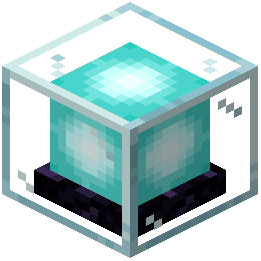 Beacon. Craft and place them in your crafting room, village trading hall, or courtyard to inspect their sculpted parts in crisp 32×32 detail. Leaving open sides around each station helps showcase their 3D profiles alongside
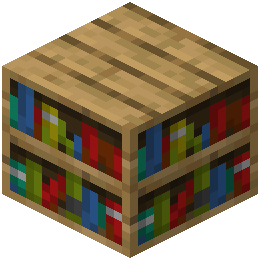 Bookshelf walls and Anvils.
Beacon. Craft and place them in your crafting room, village trading hall, or courtyard to inspect their sculpted parts in crisp 32×32 detail. Leaving open sides around each station helps showcase their 3D profiles alongside Bookshelf walls and Anvils.How are Dispensers, Droppers, and Levers upgraded for redstone builds?
Dispensers and Droppers each receive distinct horizontal and vertical 3D models, letting you tell sideways wall units apart from upward-facing floor setups at a glance. Levers also gain a custom 3D handle model that clearly shifts between off and on positions when placed on walls or floors and flipped. Place sideways and upward Droppers beside each other to compare both custom 3D orientations immediately.
How do I see the animated 3D regular fire and soul fire models?
Place a block of 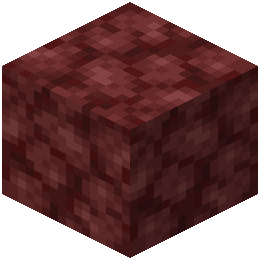 Netherrack inside a non-flammable stone frame and ignite it with
 Flint and Steel to watch the custom animated 3D regular fire burn on the ground. Do the same on a block of
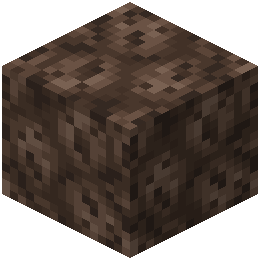 Soul Sand to preview the matching animated 3D soul fire model. Keep flammable wooden planks and fences clear of burning blocks, and verify texture animations are enabled in Video Settings.
Netherrack inside a non-flammable stone frame and ignite it with Flint and Steel to watch the custom animated 3D regular fire burn on the ground. Do the same on a block of Soul Sand to preview the matching animated 3D soul fire model. Keep flammable wooden planks and fences clear of burning blocks, and verify texture animations are enabled in Video Settings.What decorative blocks and 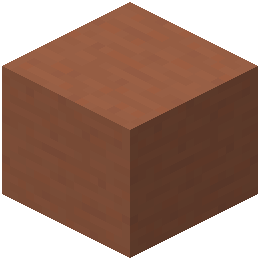 terracotta styles get custom shapes or textures?
Alongside terrain and redstone parts, Pixel-Tree Model adds custom 3D shapes for Honey Blocks, Spore Blossoms, Fence Posts, and Levers. It also provides custom 32×32 textures across rich terracotta styles including 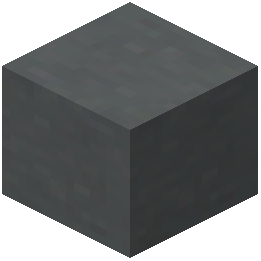 Cyan Terracotta,
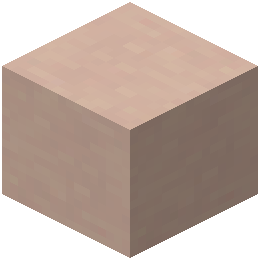 White Terracotta,
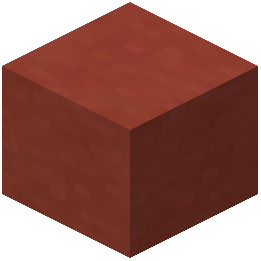 Red Terracotta, and
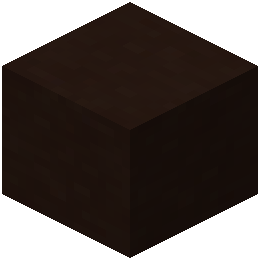 Black Terracotta, along with hundreds of everyday wood, concrete, wool, and stone blocks. Combining 3D Fence Posts and hanging Spore Blossoms with clean terracotta facades gives bases cohesive detail.
Cyan Terracotta, White Terracotta, Red Terracotta, and Black Terracotta, along with hundreds of everyday wood, concrete, wool, and stone blocks. Combining 3D Fence Posts and hanging Spore Blossoms with clean terracotta facades gives bases cohesive detail.Why do my utility stations, levers, or grass blocks still look flat after enabling the pack?
Flat blocks usually mean the zip file was extracted into nested subfolders inside resourcepacks, dropped into the mods folder by mistake, or overridden by another texture pack sitting higher in your Selected list. Open Options, select Resource Packs, drag Pixel-Tree Model to the very top of Selected, and click Done to reload models. Checking a Stonecutter or plains Grass Blocks confirms the fix right away.
Why are my 3D fire flames or animated surfaces not moving?
Pixel-Tree Model relies on Minecraft's animated textures support to bring motion to its 3D ground flames and animated surfaces. Open Options and inspect Video Settings to verify that texture animations were not turned off for a performance preset. Once texture animations are turned back on, ignite Netherrack or Soul Sand to confirm both regular fire and soul fire animate smoothly.
Netherrack or Soul Sand to confirm both regular fire and soul fire animate smoothly.Can I stack Pixel-Tree Model with other resource packs?
Yes, you can combine Pixel-Tree Model with companion resource packs such as sound or interface packs, provided Pixel-Tree Model stays above any pack that modifies block models or world textures. Stacking a competing block pack on top of Pixel-Tree Model can flatten its 40 custom 3D models or mix different pixel resolutions across your base. Always test a Loom,  Lever, and Grass Block after reordering active packs.
Does Pixel-Tree Model work with shaders?
Yes, you can pair Pixel-Tree Model with shader packs using a shader loader such as Iris or OptiFine, even though OptiFine is never required to run Pixel-Tree Model by itself. Dynamic lighting and shadows naturally highlight the 40 custom 3D shapes on Looms, Lecterns, Fence Posts, Honey Blocks, and 3D ground flames. If combining 32×32 textures with shaders lowers your frame rate, reduce shader shadow quality or render distance first.
Does Pixel-Tree Model need to be installed on a multiplayer server?
No, Pixel-Tree Model is a client-side resource pack that changes only how textures, 3D block models, and animated flames appear on your screen. Place it inside your local resourcepacks directory and use it freely on vanilla or modded multiplayer servers without installing anything on the server. Note that if a multiplayer server enforces its own required resource pack on login, matching server files may temporarily override local textures.
Will enabling 2,819 32×32 textures and 40 3D models hurt my frame rate?
On most modern computers, 32×32 textures and 40 clean custom 3D models run smoothly directly on vanilla Minecraft without heavy overhead. If you play on modest hardware or pair the pack with demanding shaders, trimming Render Distance or shader shadow settings keeps frame pacing steady without needing to disable Pixel-Tree Model. Keeping unnecessary overlapping texture packs turned off also frees memory during world loading.
Does Pixel-Tree Model alter redstone mechanics, hitboxes, or survival saves?
No, Pixel-Tree Model changes only block textures, animations, and visual 3D shapes while leaving vanilla hitboxes, redstone signals, and survival crafting rules completely untouched. Horizontal and vertical Dispensers, Droppers, Levers, and Honey Blocks behave identically to default Minecraft regardless of how detailed their 3D models appear. You can safely activate or remove the pack at any time through Resource Packs without affecting saved worlds.
What is the most common mistake beginners make when setting up Pixel-Tree Model?
Beginners often unzip the pack archive into nested folders inside resourcepacks or try lighting regular stone instead of Netherrack and Soul Sand when testing the animated 3D ground fire models. Another common mistake is stacking another block texture pack above Pixel-Tree Model, which quietly overrides the three randomized 3D Grass Block models and workshop stations. Keep the intact zip in resourcepacks at the top of your Selected list for full visuals.
Netherrack and Soul Sand when testing the animated 3D ground fire models. Another common mistake is stacking another block texture pack above Pixel-Tree Model, which quietly overrides the three randomized 3D Grass Block models and workshop stations. Keep the intact zip in resourcepacks at the top of your Selected list for full visuals.