

What this pack changes
Every texture group the pack replaces, counted from the pack itself.
| Area | Textures replaced |
|---|---|
| Blocks | 4,299 |
| Mobs & entities | 1,983 |
| Items | 948 |
| GUI & menus | 609 |
| Particles | 229 |
| Armor trims | 92 |
| Opti Vi Tul | 74 |
| Misc | 41 |
| Models | 14 |
| Status effects | 5 |
| Sky & weather | 4 |
| Biome colours | 2 |
| Font | 2 |
Pack format 15–99 (Minecraft 1.20–1.21.9)8,304 texture files in total
Extra features
Custom shaders
Custom font
Custom sounds
Sound overrides
Custom block/item models
Reworked GUI
Guides
Step-by-step, in-game.
How to Activate Atomic Delight Vanilla Model and Verify Custom ModelsHow to Build Detailed 3D Rail Networks with Raised Tracks and TiesHow to Pair Atomic Delight Vanilla Model with Shaders, Fresh Animations, and PvP SetupsHow to Troubleshoot Flat Models, Missing Animations, and Pack ConflictsHow to Upgrade Survival Farms with Stage-by-Stage 3D Crops and Hay BalesHow to Use 3D Ladders, Grass Blocks, and Animated Surfaces in Builds
Items
421 items · showing 24. Browse all →
 Acacia Boat
 Acacia Boat with Chest
 Acacia Door
 Allay Spawn Egg
 Amethyst Shard
 Angler Pottery Sherd
 Apple
 Archer Pottery Sherd
 Armadillo Scute
 Armadillo Spawn Egg
 Armor Stand
 Arms Up Pottery Sherd
 Arrow
 Axolotl Spawn Egg
 Baked Potato
 Bamboo
 Banner Pattern (Flow)
 Banner Pattern (Piglin)
 Banner Pattern (Skull)
 Banner Pattern (Globe)
 Banner Pattern (Mojang)
 Banner Pattern (Flower)
 Banner Pattern (Guster)
 Banner Pattern (Creeper)
Blocks
573 blocks · showing 24. Browse all →
 Acacia Hanging Sign
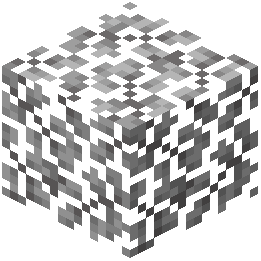 Acacia Leaves
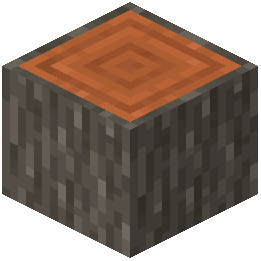 Acacia Log
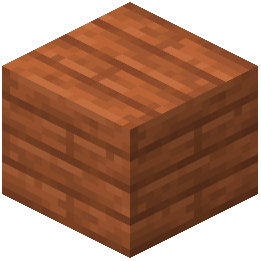 Acacia Planks
 Acacia Sapling
 Acacia Shelf
 Acacia Sign
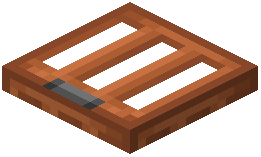 Acacia Trapdoor
 Activator Rail
 Allium
 Amethyst Cluster
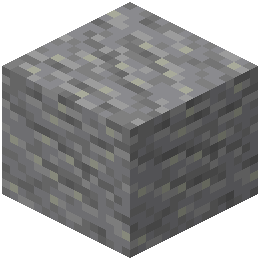 Andesite
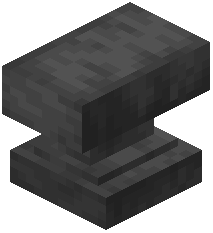 Anvil
 Attached Melon Stem
 Attached Pumpkin Stem
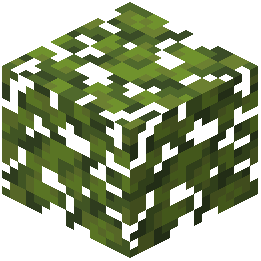 Azalea Leaves
 Azure Bluet
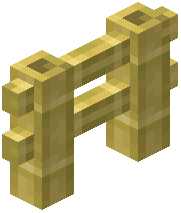 Bamboo Fence
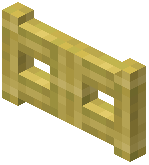 Bamboo Fence Gate
 Bamboo Hanging Sign
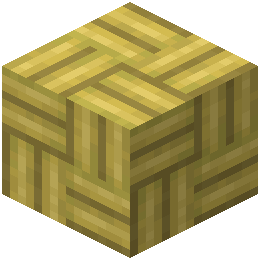 Bamboo Mosaic
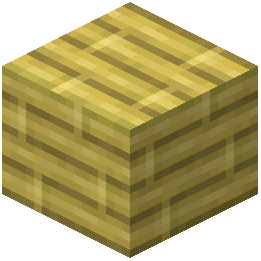 Bamboo Planks
 Bamboo Shelf
 Bamboo Sign
Frequently asked questions
What does Atomic Delight Vanilla Model change in Minecraft?
Atomic Delight Vanilla Model refreshes default Minecraft visuals by adding 36 custom 3D block models and animated textures to common survival blocks. Rather than redesigning the entire art style, it preserves the classic 16x vanilla resolution while giving blocks like rails, wooden ladders, crops,  grass blocks, and hay bales physical 3D depth. It is built to keep performance smooth across both survival worlds and fast-paced PvP matches.
How do I activate Atomic Delight Vanilla Model in my game?
Move the pack archive directly into your Minecraft resourcepacks folder without unpacking its internal files, then launch the game. Open Options, select Resource Packs, move Atomic Delight Vanilla Model from the Available list to the Selected list, and click Done to reload visuals. Make sure your game or mod loader setup supports custom block models and animated textures so every feature renders properly.
Which  rail types receive raised 3D tracks and ties?
Atomic Delight Vanilla Model updates regular rails, powered rails, detector rails, and activator rails with physical 3D rails and raised wooden ties. The custom geometry covers flat tracks, curved corners, and sloped inclines so complete  minecart networks look cohesive from start to finish. Lay down a short test track across flat ground and a hill to inspect every updated track angle immediately.
How are crops and farming blocks updated by this pack?
Farming staples including wheat,  sugar cane, melon stems, and pumpkin stems gain distinct stage-by-stage 3D growth models across eight growth stages. Planting
 wheat seeds,
 pumpkin seeds, or
 melon seeds on farmland lets you watch stems progress into tall wheat, attached melon stems, attached pumpkin stems, melons, and pumpkins. Hay bales also receive physical 3D layers, detailed 3D edges, and animated textures whether stacked horizontally or vertically.
sugar cane, melon stems, and pumpkin stems gain distinct stage-by-stage 3D growth models across eight growth stages. Planting wheat seeds, pumpkin seeds, or melon seeds on farmland lets you watch stems progress into tall wheat, attached melon stems, attached pumpkin stems, melons, and pumpkins. Hay bales also receive physical 3D layers, detailed 3D edges, and animated textures whether stacked horizontally or vertically.See all 16 Atomic Delight Vanilla Model questions ›
Related mods
Other wikis you may find useful.