

Guides
Step-by-step, in-game.
Recipes
Every recipe the mod adds, grouped by how it is made.
Crafting · 48wirelessautomate:tune_crystal · 10wirelessautomate:cut_crystal · 1minecraft:blasting · 1
Items
A
 Advanced Resonator Heart
 Advanced Upgrade Card
 Alloy Frame
 Allthemodium Resonator Heart
 Allthemodium Upgrade Card
B
 Basic Resonator Heart
C
 Charged Allthemodium Dust
 Charged Ultimate Dust
 Charged Unobtainium Dust
 Charged Vibranium Dust
 Chunk Loading Upgrade
 Condensed Core
 Configurator
 Cut Signal Crystal
E
 Elite Resonator Heart
 Elite Upgrade Card
 Emerald Resonator Heart
 Emerald Upgrade Card
F
 Field Stabilizer
 Filter Card
H
 Harmonic Lens
L
 Linker
N
 Network Tablet
P
 Phase Circuit
 Phase Matrix
R
 Range Upgrade
 Raw Signal Alloy
 Resonance Coil
 Resonance Dust
 Resonance Plate
 Resonance Wire
S
 Signal Alloy Ingot
 Signal Crystal
T
 Tuned Signal Crystal (Allthemodium)
 Tuned Signal Crystal (Elite)
 Tuned Signal Crystal (Emerald)
 Tuned Signal Crystal (Ultimate)
 Tuned Signal Crystal (Unobtainium)
 Tuned Signal Crystal (Vibranium)
U
 Ultimate Resonator Heart
 Ultimate Upgrade Card
 Unobtainium Resonator Heart
 Unobtainium Upgrade Card
V
 Vibranium Resonator Heart
 Vibranium Upgrade Card
W
 Wireless Automate Guide
Blocks
 Crystal Repairer
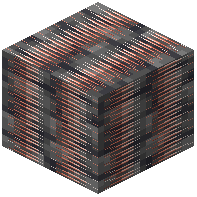 Deepslate Signal Quartz Ore
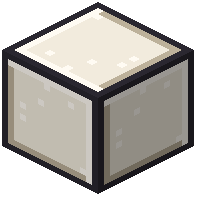 Porcelain Casing
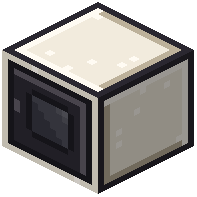 Resonance Core
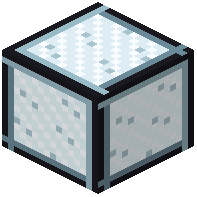 Resonance Glass
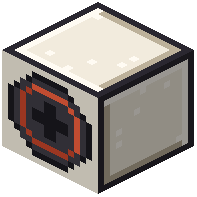 Resonator Crystal Port
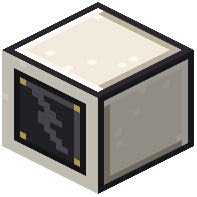 Resonator Energy Port
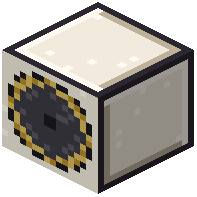 Resonator Tuner
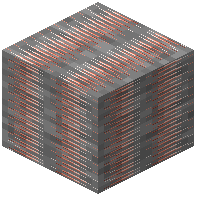 Signal Quartz Ore
 Signal Screen
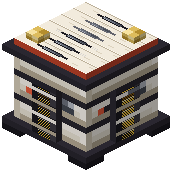 Wireless Battery
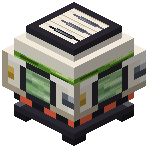 Wireless Chemical Tank
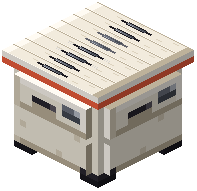 Wireless Chest
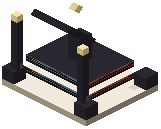 Wireless Router
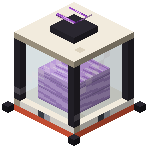 Wireless Source Tank
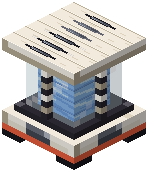 Wireless Tank
Frequently asked questions
Do I need pipes or cables to move resources between machines?
No. Wireless Routers attach to machine faces and join wireless networks that transfer items, fluids, energy, chemicals, and magic power without any physical connections.
How do I set up a basic wireless transfer?
Place a Wireless Router against a machine, right-click it to choose what each face does, and assign each active side to a network channel. Then place a second router on a storage block or generator and connect it to the matching channel.
What can each face of a router be set to do?
Each face can use one of four transfer modes: extract, insert, store, or ignore. This lets one machine pull raw ore on one side and export finished goods on another.
How far can routers transfer at each tier?
Basic routers reach 64 blocks and Advanced routers reach 512 blocks. Elite routers cover the same dimension, while Emerald and Ultimate routers work across dimensions.
Can I filter items by enchantments or durability?
Yes. Filter Cards can check tags, mods, remaining durability, or enchantment levels with no list limits, and property rules can also match damage percentages or potion types.
Do I have to break a router to upgrade it?
No. Upgrade cards can be applied directly to placed blocks without resetting their settings.