

 DownloadRefined Storage Mod
Get the files on 9Minecraft
Contents (3)
Pull items in with an 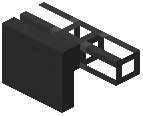 Importer
Place an Importer against the inventory you want to read from — a chest, furnace, or machine output. Connect the Importer to your network with 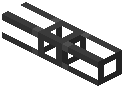 Cable. Open the Importer and set which items it should pull. The Importer moves matching items from that inventory onto the network's storage.
If you want the network to see a chest's contents without moving them, use 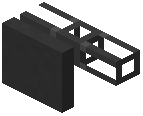 External Storage instead. Place it against the chest and cable it in; the
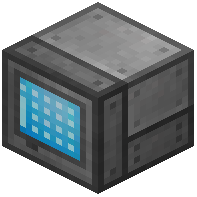 Grid will list the chest's items as if they were stored on a disk.
Push items out with an 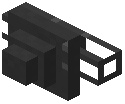 Exporter
Place an Exporter against the target inventory and cable it to the network. Configure the Exporter with the items it should send. The Exporter pulls those items from network storage and inserts them into the target.
Move items without a target block
Use a 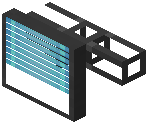 Constructor to place items into the world and a
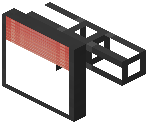 Destructor to break blocks and pull the drops onto the network. Both need Cable back to the
 Controller. A
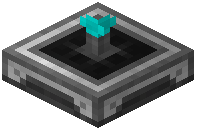 Detector reports when a block is present in front of it, which is useful for triggering automation.
Use a  Relay to extend a network's reach across a gap without running Cable the full distance. Every Importer, Exporter, Constructor, and Destructor must be cabled to the Controller to work.


