

 DownloadOpenBlocks Elevator Mod
Get the files on 9Minecraft
One Color, One Route
Elevator blocks only connect to other elevator  blocks of the same color. That single rule lets you build multiple independent vertical routes in one structure. Choose a color per route: a
 Green Elevator column for the mine shaft, a
 Purple Elevator column for the storage tower, a
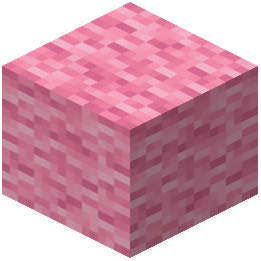 Pink Elevator column for the roof access.
Craft each column's blocks from the matching dye so the colors stay distinct. A Green Elevator will not carry you to a Purple Elevator even if they sit in the same vertical line.
Planning a Base
Map your floors first, then assign a color to each vertical path. If two routes share a floor, place both colors on that floor as separate blocks side by side. Standing on the Green Elevator takes you up the green route; stepping onto the Purple Elevator switches you to the purple route.
This keeps travel predictable. You always know which block to stand on for which destination, and you never accidentally ride past the floor you wanted. With all sixteen colors available — from  White Elevator and
 Black Elevator through every dye shade — you have enough distinct routes for a large multi-wing base.


