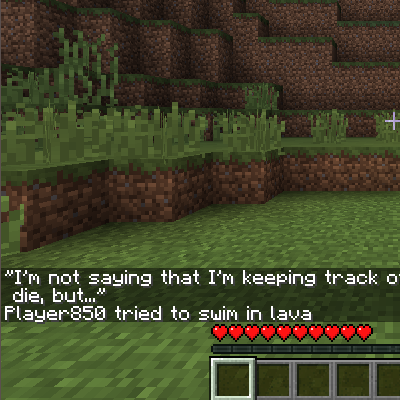
DownloadNo Death Animation Mod
Get the files on 9Minecraft
Understanding the value
The overlay duration is set in ticks, and the mod starts with a default value already configured. Any number you enter with /walksyredoverlayduration [num] replaces that default for your game.
Adjusting it
1. Type /walksyredoverlayduration [num] in chat with the number of ticks you want.
2. Press Enter and watch for a confirmation message.
3. Die to preview the result, then repeat with a different number if needed.
Getting back to a sensible baseline
If you have experimented and lost track of a comfortable value, work from the mod's built-in default as your reference point and nudge up or down from there. Because the unit is ticks, remember that 20 ticks equals one second — so a value around the default corresponds to a brief flash rather than a long fade.
Troubleshooting
- Command not recognized: Confirm the mod is loaded and that you have permission to run commands in the world (single-player with cheats, or operator status on a server).
- No visible change: Make sure you are testing by actually dying, since the overlay only appears on death.
- Value seems ignored: Another mod may be overriding the death screen; disable conflicting mods and try again.
Fine-tuning is purely personal preference — there is no wrong setting, only what feels right for how you play.