

 DownloadIntegrated Dynamics
Get the files on 9Minecraft
Contents (6)
Hide cables with Facades
Craft 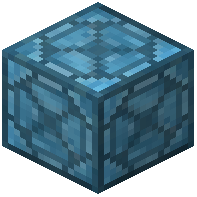 Facade and place it over a
 Logic Cable to make the cable look like another block. This keeps builds clean while the network still functions underneath. Use a
 Wrench to remove or rotate a facade.
Materialize items
The 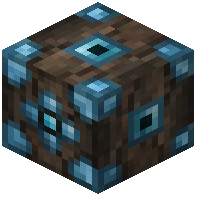 Materializer creates items from a stored pattern. Feed it the required inputs and it produces the output. This is useful for automating crafting-style production inside a logic network.
Label your parts
Place a  Labeller to attach a name or label to a block or part. Labels help you identify parts in large networks when you have many
 Part Inventory Reader,
 Part Inventory Writer, or
 Part Redstone Writer blocks in the same area.
Read and write around the base
 Part Block Reader reads block states.
 Part World Reader reads world data.
 Part Entity Reader reads entities.
 Part Audio Reader and
 Part Audio Writer handle sounds.
 Part Effect Writer applies effects.
 Part Extradimensional Reader reads across dimensions.
Keep the network tidy
Use  Part Connector Mono Directional to enforce one-way flow. Use
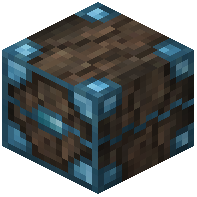 Delayer to sequence actions. Use
 Variable Store to persist values. Use Wrench to adjust connections without breaking the network.
Documentation in-game
Craft  On the Dynamics of Integration for an in-game reference while you build. Carry a
 Portable Logic Programmer to edit
 Variable Cards on the move.


