
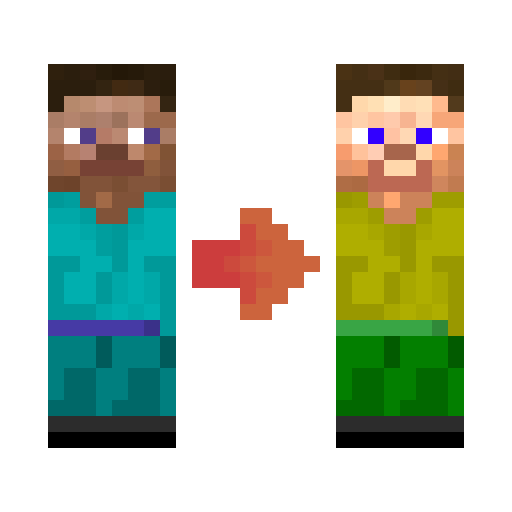
 DownloadFabric Tailor Mod
Get the files on 9Minecraft
The Three Scenarios
Fabric Tailor behaves differently depending on who has the mod installed.
Server only: The server runs the mod but clients do not. Everyone sees vanilla skins and capes, but all players can still change their skins through the server-side features.
Server plus some clients: Only modded clients see HD skins and capes. Unmodded players see the vanilla-resolution version of whatever skin is applied.
Server plus all clients: Everyone sees HD skins and capes, since every client can render the higher-resolution textures.
What This Means for You
If you are on a public server and want your skin to look right to everyone, stick to standard-resolution textures. HD skins will only render correctly for other modded players. If you are running a private server where everyone has the mod, you can freely use HD skins and custom capes.
Checking Your Setup
Ask other players whether they see your skin correctly. If only some do, that confirms a mixed-client server. You can then decide whether to switch to a vanilla-resolution skin for broader compatibility.
Singleplayer
In singleplayer, you are both server and client, so HD skins and capes always render as intended. Per-world assignments work fully here.


