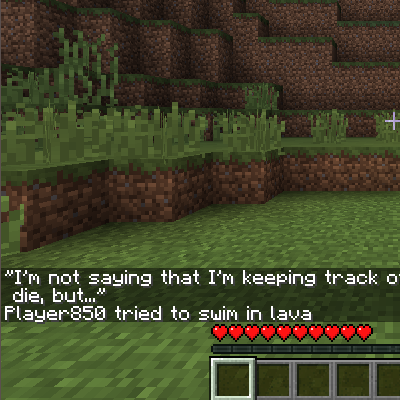
DownloadDeath Sound Mod
Get the files on 9Minecraft
Access the Settings Menu
Open the Death Sound Mod menu and locate the audio adjustment panel. Here you can fine-tune how the death warning sounds and behaves.
Modify Audio Properties
Volume: Increase or decrease how loud the death sound plays. Use this if the warning is too quiet to hear during combat or too jarring when you're focused on building.
Pitch: Raise or lower the tone of the sound. A higher pitch makes the warning more urgent; a lower pitch makes it less intrusive.
Timing: Adjust when the sound triggers relative to the death event. Some players prefer immediate feedback, while others want a slight delay.
Save and Test
Apply your changes and have a nearby player die to hear the result. If the settings still don't feel right, return to the menu and make further adjustments. There's no penalty for experimenting — find what works best for your playstyle and hearing preferences.