DownloadDeath Coordinates BC Mod
Get the files on 9Minecraft
Contents (3)
Using the Chat Command
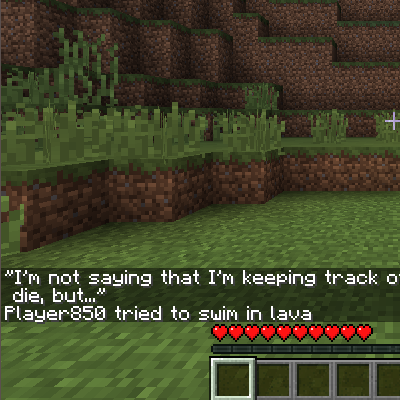
While Death Coordinates BC Mod automatically displays your death location on screen when you die, you can also retrieve this information via chat command for easier reference or to share with other players.
Steps
1. Open the chat window (default: T key)
2. Type the death coordinates command (typically /deathcoords or similar)
3. Press Enter
4. Your most recent death coordinates will appear in chat
Why Use Chat Display
Chat commands are useful when you want to:
- Reference coordinates without taking a screenshot
- Copy coordinates to share with teammates
- Keep a chat log of multiple death locations
- Review death coordinates after the on-screen message has disappeared
If the command doesn't work, check your mod configuration file to ensure the chat command feature is enabled. Some server administrators may disable this feature for gameplay reasons.
More guides for this mod
Configure Death Coordinates Display SettingsNavigate Back to Your Death LocationTrack Multiple Deaths and Find Patterns