

Finding Animated Blocks
The 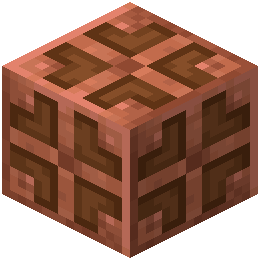 Copper Bulb is the primary animated block in this pack. Place one in your world to watch it work.
Copper Bulb Animation
The Copper Bulb displays a working animation that makes it appear active and functional. This animation plays whether the bulb is powered or not, adding visual interest to redstone contraptions and decorative builds.
Placement Tips
- Place Copper Bulbs in visible locations where you'll notice the movement
- Use them in redstone builds, farms, or decorative lighting setups
- Combine multiple bulbs to create a more dynamic visual effect
- The animation works in both Survival and Creative modes
Combining with Items
While holding animated items like redstone or copper ingots, stand near your placed Copper Bulb to see how the animations complement each other. This creates a cohesive, living aesthetic throughout your builds.