
Use Animated Items in Builds and Displays
Showcasing Animated Items
Create displays that highlight the pack's animations. Use item frames, armor stands, or simply hold items in scenic locations to appreciate the movement.
Building with Animated Blocks
The 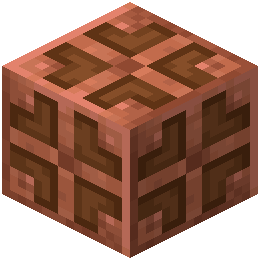 Copper Bulb works well in:
- Redstone contraption control panels
- Decorative lighting arrangements
- Tech-themed builds where visual feedback matters
- Farms and automation setups
Combining Animations
Hold animated items (redstone, ingots, buckets) while standing near Copper Bulbs to create a cohesive animated aesthetic. The subtle movements work together to make your builds feel more alive.
Photography and Sharing
Take screenshots of your animated items in interesting locations — mountains, valleys, or custom builds. The movement is most noticeable when items are held in your hand or displayed in frames.
Performance
Animations are lightweight and won't impact performance. You can safely use many animated items and blocks without lag, making this pack ideal for both casual and heavily-modded worlds.