

Contents (4)
Verify Cable Connections
Check that your power cables are properly connected to both the input and output sides of the 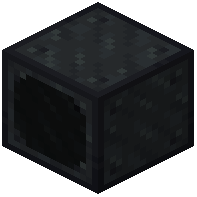 Energy Meter. Look for visual indicators on the block showing active connections. If cables appear disconnected, break and replace them.
Check Side Configuration
Open the Energy Meter's interface and confirm you've assigned an input side and at least one output side. If all sides are set to "none," energy cannot flow. Make sure the input matches where your power source connects and outputs point toward your machines.
Confirm Compatibility
Verify your power cables use a compatible energy system like Forge Energy or Redstone Flux. Some older or specialized power systems may not work with the meter. Test with standard cables from your mod pack first.
Test with a Simple Setup
Create a basic test: power source → meter → single machine. If energy flows in this simple configuration, your complex setup has a configuration issue rather than a compatibility problem.