

Basic Tube Connection
Pneumatic tubes form the backbone of item transport. Start by placing pneumatic tubes between two inventories—a chest and a machine, for example. Tubes will automatically connect when placed adjacent to each other and to compatible blocks.
Adding an Extractor
To pull items from a source inventory, attach a pneumatic extractor to the container. The extractor will begin pulling items into the connected tube network. You can configure which items it pulls using Create item filters—right-click the extractor to open its menu and set filters if needed.
For inserting items into a destination, place another extractor on the target block and configure it to push mode.
Testing Flow
Once your line is complete, trigger the extractor with a redstone signal or configure it to pull continuously. Items will travel through the tubes toward the destination. If items move slowly, you'll need to add an 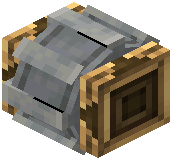 item pump powered by your kinetic network to speed them up.
Tube junctions can split or merge lines—open the junction menu to configure which ports accept or output items.